Start with two test projects
Smartsheet’s November 3 product update highlights a practical workflow for teams that want to standardize project intake, launch work from templates, and bring live project data into portfolio reporting. The release notes also point to updates around publishing across projects, Linked Summary fields, Portfolio Summary sheet reporting, provisioning from templates, and duplicating portfolios. For teams evaluating the feature set, the safest approach is to test a small live rollup before you scale it across more work.
The official materials indicate availability for Commercial US, EU, and AU customers, as well as Enterprise and Advanced Work Management plans. That does not mean every environment will see the same behavior at the same time, so check your entitlement and access before planning a rollout. Do not assume that a feature visible in one workspace, region, or plan will be enabled everywhere else.
Change one value and trace it
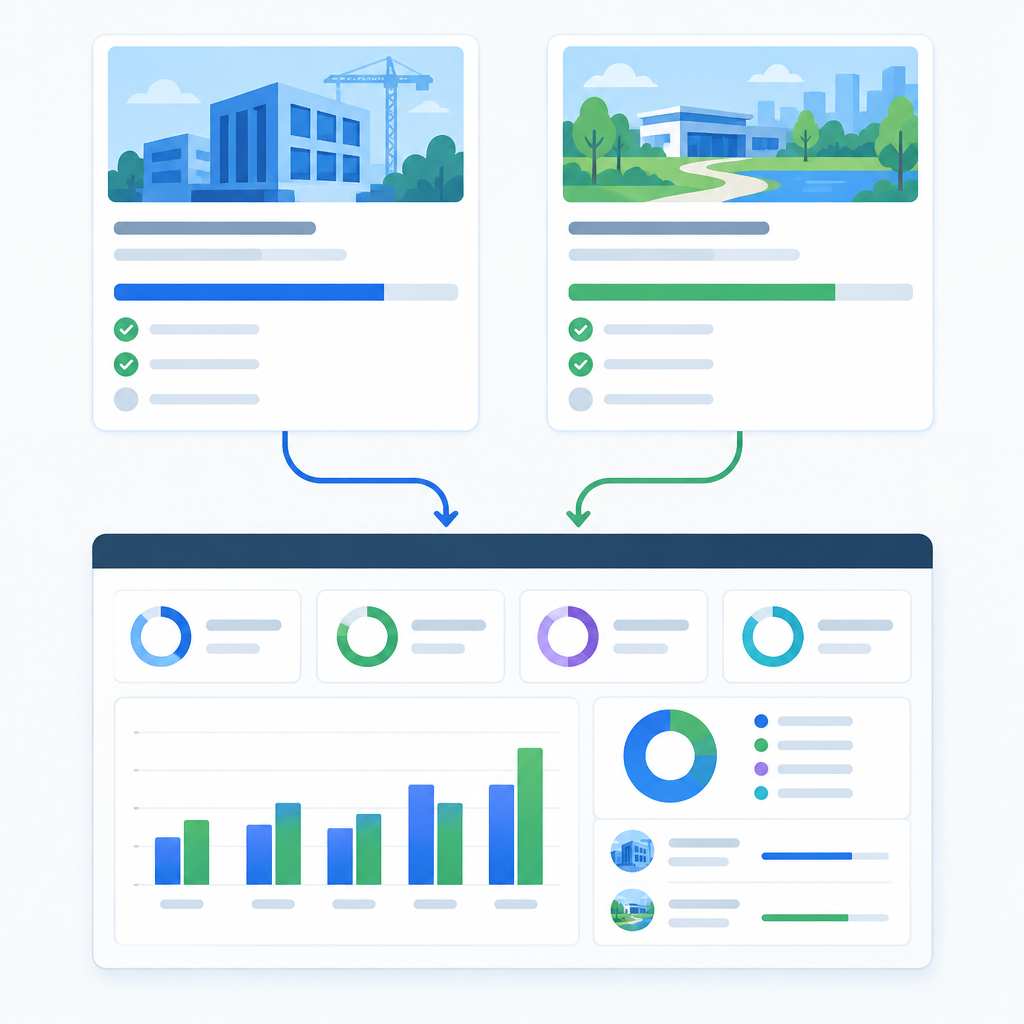
A simple fictional example helps illustrate the workflow. Imagine an internal marketing portfolio with two template-based test projects: one for campaign planning and one for launch execution. Both projects are created from the same template so the team can compare how live project updates appear in the portfolio view without introducing unrelated differences.
Next, edit a milestone or status on one of the projects. Then confirm that the portfolio summary reflects both records and identify which fields changed. This is the key point of the test: you are validating that live project data is surfacing in portfolio reporting as expected, not assuming every field updates in the same way or on the same schedule.
Check missing values and access boundaries
Test publishing updates across projects as a separate step. In the test portfolio, apply a harmless change and check which project items receive it. Creating a project from a template, updating existing projects, and reading linked summary fields are three different operations; record the outcome of each.
It is also worth checking what a project-wide update actually touches. Some changes may affect the project record, while others may be reflected in the linked reporting layer. Keep those two layers separate in your evaluation: template provisioning creates the projects, while linked reporting surfaces the live values you want to monitor.
Use the official release notes as your reference
For implementation details and the latest scope of the release, start with Smartsheet’s official product pages and release notes.
Smartsheet: Standardize, track, and launch projects with Advanced Portfolios
If your test portfolio behaves as expected, you can expand the pattern to more projects with greater confidence. If something does not appear in the summary, treat that as a signal to verify access, plan entitlement, and the specific reporting configuration before scaling further.