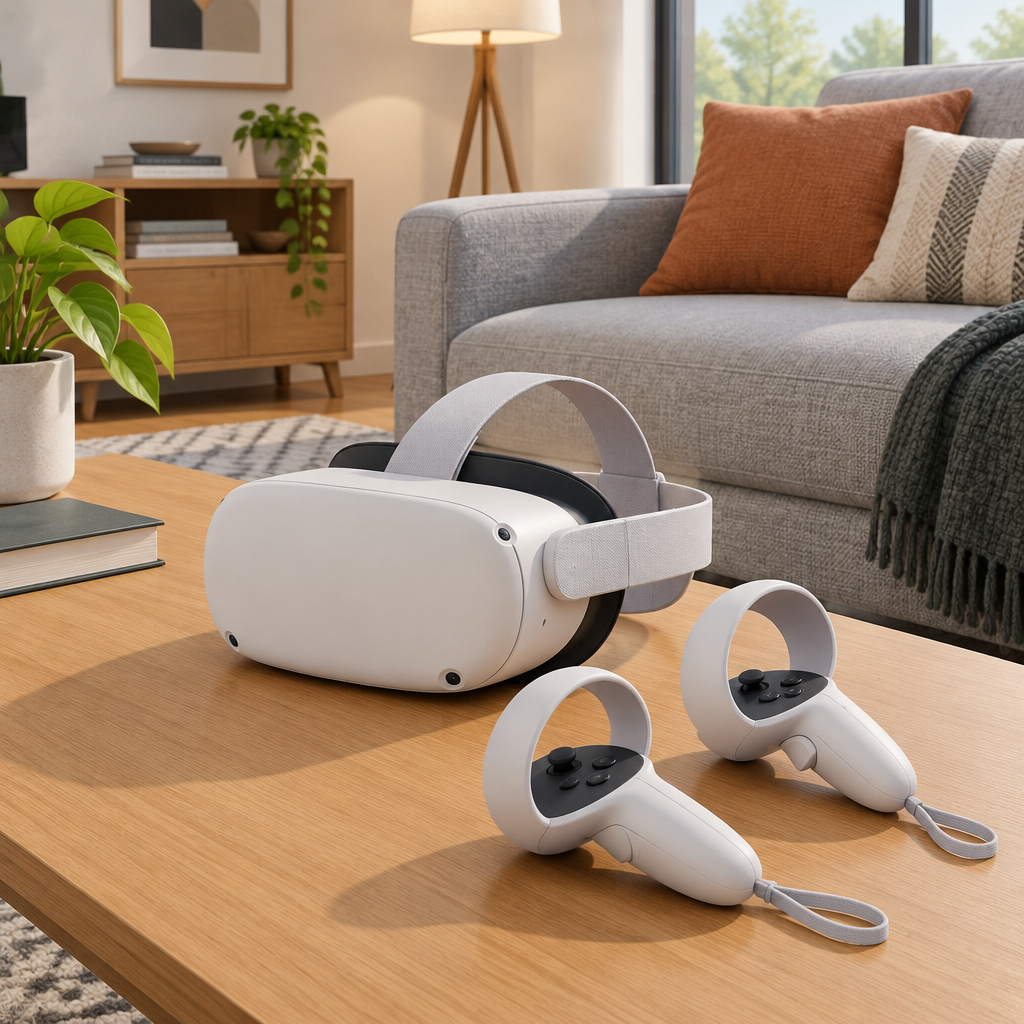
Where Disney+ 3D is available
On November 10, 2026, Disney and Meta announced that Disney+ subscribers in select countries can stream certain movies in 3D on Quest 3 and Quest 3S. Disney says availability varies by country, subscription plan, and title. Meta announced more than 60 movies for the rollout; the catalog you see may be smaller.
Start with the headset, then the app, then the title
The most practical check is straightforward: first confirm that you are using a supported headset model, specifically Quest 3 or Quest 3S as named in the announcement. Next, open the current Disney+ app from the Meta Horizon Store. Then use your existing Disney+ subscription in your normal region and look at a specific title to see whether an explicit 3D option or 3D label appears. That label is stronger evidence than simply judging depth by eye, because some playback experiences may still look ordinary at first glance.
If a 3D browse area appears, treat it as a starting point rather than proof that every title in that section will be available in your country or plan. The safest approach is to open one title and verify the label on that title directly.
What counts as a real 3D check
- Best signal: the app clearly labels a specific title or version as 3D before playback.
- Secondary signal: after starting that version, depth is visibly discernible in the headset.
- Weak signal: the title looks more dimensional but has no visible 3D label; that alone does not confirm 3D availability.
If one movie is offered only in 2D but another has a 3D option, you have confirmed a difference between those two titles on your account. If you see no 3D option on any title you check, the app has not confirmed 3D availability for your setup. That alone does not identify whether the limit is the region, plan, or catalog.
A simple title-level comparison
Here is a useful fictional example: a Quest 3S plays Title A from a virtual room in 2D, while Title B shows a 3D option. That contrast tells you something about the titles, not about every film, every plan, or every country. It is a title-level check, not proof that all other titles or versions will behave the same way.
This is also why it helps to compare more than one title if you are unsure. If one item shows only 2D, try another title that appears labeled 3D in the app. The difference between those two results is often more useful than trying to infer support from one playback screen alone.
What is separate from stereoscopic 3D
Disney and Meta describe other viewing features separately from stereoscopic playback. An immersive themed room and a large 2D virtual screen are not the same thing as 3D. Likewise, Dolby Vision or Dolby Atmos eligibility, where offered, is separate from whether a title plays in stereoscopic 3D. Do not assume that one feature automatically means the others are included.
The November announcement names Quest 3 and Quest 3S for 3D playback. The ability to open Disney+ on an older headset does not establish 3D support.
What to do if you are still unsure
If the app does not clearly show 3D, keep a short note of your headset model, Disney+ plan, country, and the exact title you checked. That gives you a clean record to use if you contact Disney support. It is the best way to separate a title-specific result from a broader account or region question.
Disney announcement: Disney+ 3D viewing on Meta Quest VR glasses
Meta announcement: Disney+ 3D content, immersive environments, and launch details