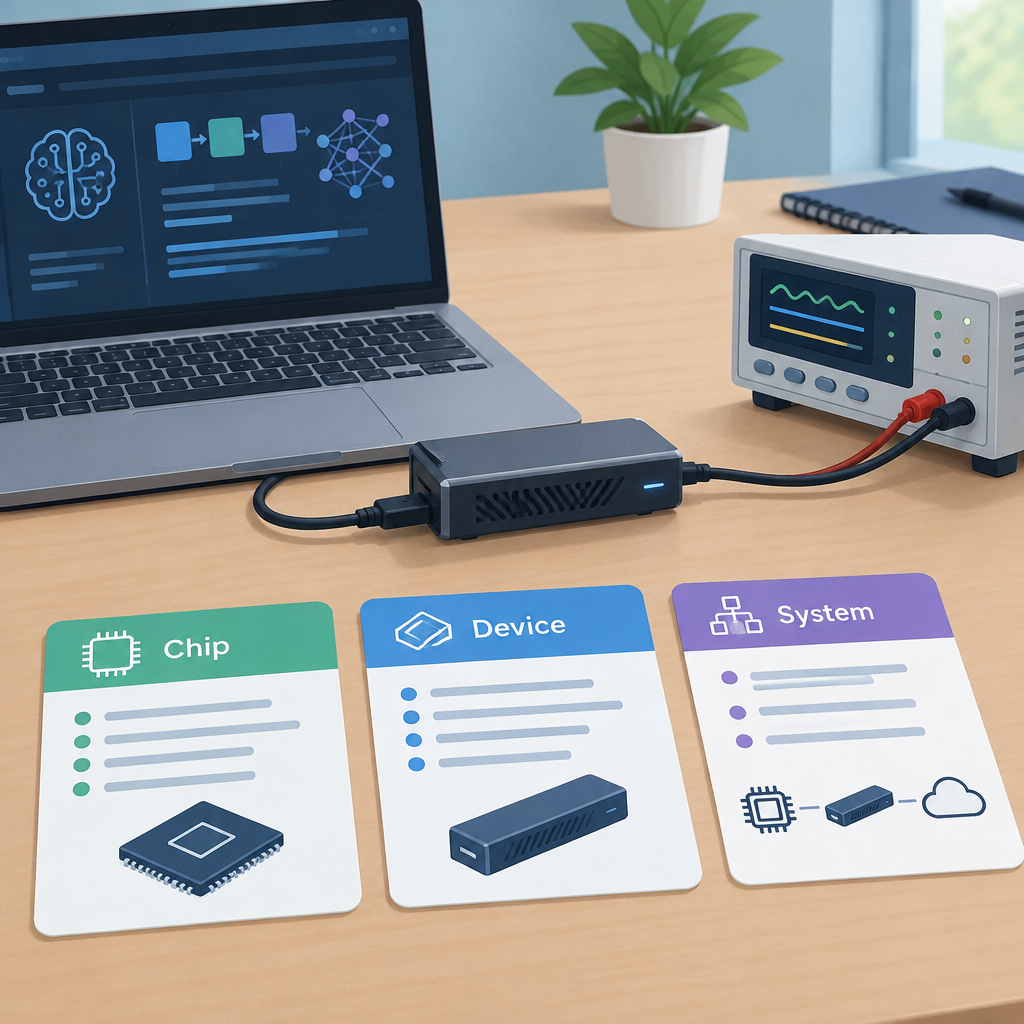
Ceva’s November 2, 2026 announcement says Mobilint’s REGULUS edge-AI chip delivers 10 TOPS at under 3W. It also says the REGULUS-based MLD-R1 USB accelerator is shipping. For a team adding AI to an existing computer, keep the chip specification, USB-device figure and complete-system budget in separate rows.
Ceva’s November 2 REGULUS announcement
Record the product page and its measurement scope
On November 2, Mobilint’s /products/regulus/mld-r1-ai-usb page listed approximately 4W power consumption. Its separate /regulus/mld-r1 page displayed 2.4W. Both describe MLD-R1. These retrieved pages do not establish which figure applies to a particular unit, configuration or workload. Ask Mobilint for a dated specification for the exact product being evaluated.
MLD-R1 product page listing approximately 4W
Separate MLD-R1 page displaying 2.4W when checked
Do not average the two figures or silently substitute either for the chip claim. Request the applicable hardware revision, memory option, operating conditions and measurement boundary. Ask whether a quoted number describes typical consumption, a maximum or a thermal-design rating. Retain the supplier’s answer with the source URL and date.
Add the host to a worked example
Imagine a fictional inspection station whose host and other equipment average 12W, excluding its USB accelerator. Assume another 4W for the accelerator solely for this exercise. The combined assumed load is 16W. Running continuously for 24 hours would use 16 × 24 ÷ 1,000 = 0.384kWh.
Those are invented planning inputs, not measured MLD-R1 results. If measuring the complete station at its power input, use that whole-station reading for the total; do not add a separately measured USB figure again. Record where each reading was taken so the worksheet does not count the same consumption twice.
Evaluate the intended workload
- Identify the exact host, accelerator configuration, model, software version and input rate.
- Use the supplier’s supported setup and confirm the power budget for the intended USB connection.
- Record idle and sustained workload readings at a clearly named measurement point.
- Keep latency, output quality and temperature observations beside the power result.
- Repeat the intended duty cycle before using an average in an energy or battery-life estimate.
A useful trial answers an ordinary operational question, such as whether a fixed sample of inspection images is processed within an agreed time and quality target. Define that target before comparing configurations. The announced TOPS figure does not supply the result of that trial. No chip, USB unit, power meter or application benchmark was tested for this article.