GPT-6.1 Terra: Verify the Saved File After a Desktop Task
A desktop task is complete when its saved output meets the instructions. A convincing screen and a confident completion message are useful observations, but a business workflow needs a result that another person can open, inspect and use. That is a practical starting point for evaluating GPT-6.1 Terra.
What OpenAI has announced
OpenAI’s new GPT-6.1 Terra announcement emphasizes visual reasoning, computer use and writing. It describes availability in ChatGPT Work, Codex and the API, and reports results on benchmarks including Agents’ Last Exam and OSWorld 2.1. Those are provider-reported evaluations. They do not establish that your particular desktop workflow has been tested or that every run will succeed.
OpenAI: GPT-6.1 Terra announcement and reported evaluations
Before a trial, confirm that your chosen product exposes the model and the application access your task needs. Model availability, a connected application and permission to make a particular change are separate things. This article does not confirm the configuration of any reader’s account.
Define the output before starting
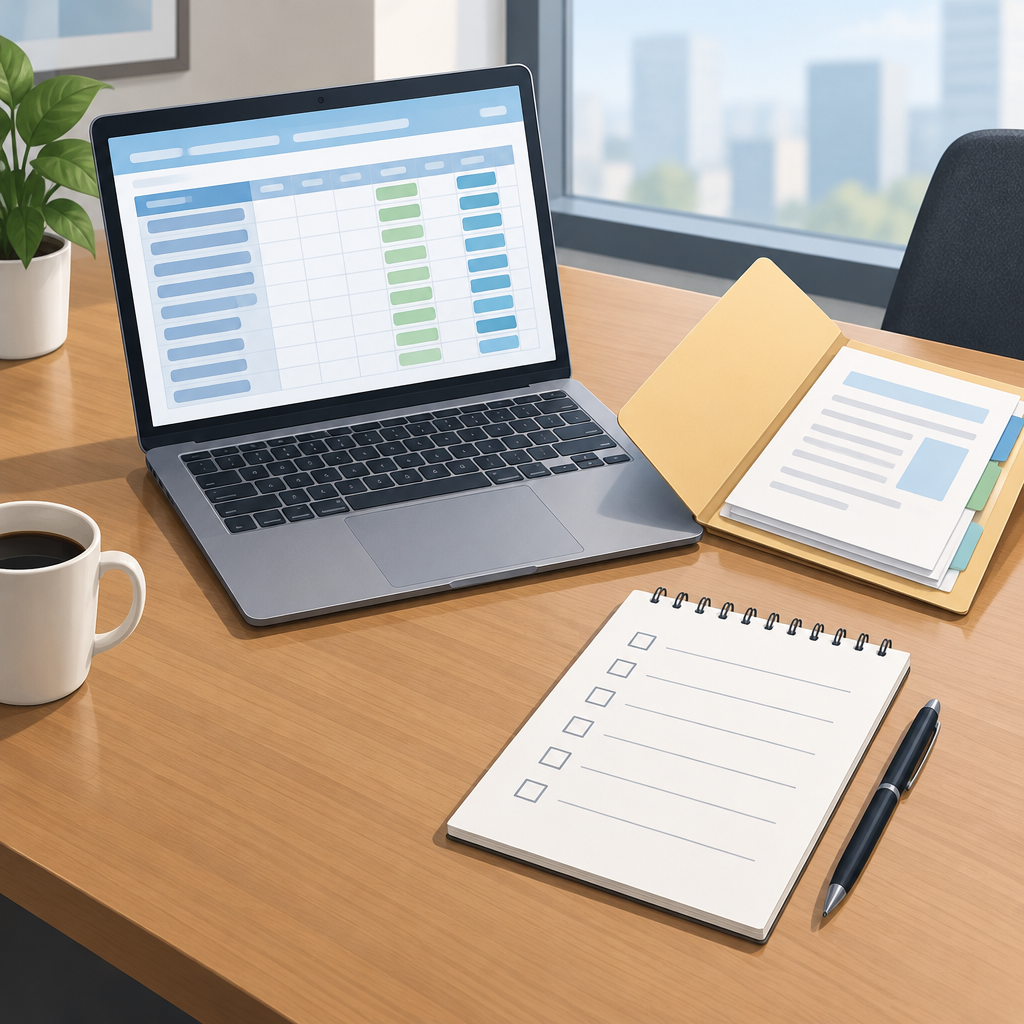
Choose one bounded, reversible workflow. For a hypothetical first trial, give the assistant a synthetic order sheet and ask it to create a draft spreadsheet containing the item descriptions and quantities. Specify the output filename, destination, required columns and how missing values should be represented. Keep the source sheet as the reference.
Write the acceptance conditions in terms another reviewer could apply. For example: each source item has one row; quantities match the source; the headers are present; no extra item is invented; and the saved file opens successfully. These are suggested criteria for this example, not claims about a test performed for this article.
Inspect the saved artifact
- Open the saved file from its stated destination and confirm that it is the intended file, rather than an earlier version.
- Compare the contents against the source and the written acceptance conditions.
- Check that required formatting and data types survived saving and reopening.
- Record omissions, duplicate rows and incorrect values separately from display or formatting problems.
- Keep the completion message alongside the result so you can identify cases where the reported outcome differs from the saved output.
If the task includes a calculation, verify the relevant cells and expected result independently. If it produces a document, check the complete exported file, including pages that were not visible at the end of the run. Match the inspection to the deliverable you requested.
Use repeatable cases to assess reliability
OpenAI’s evaluation guidance recommends task-specific tests, explicit success criteria, representative examples and human judgment alongside metrics. It also recommends evaluating continuously as a system changes. You can apply those principles to a desktop pilot without treating a single successful demonstration as a reliability estimate.
OpenAI: task-specific evaluation design and acceptance criteria
Repeat the same defined task with a small set of different synthetic inputs. Include a normal case and cases with a missing value or an unusual layout. Keep the instructions and scoring rules fixed during a comparison. Record which outputs pass, what needed correction and how much review the task required.
When a case fails, preserve its source, instructions and output. Diagnose whether the difficulty involved reading the input, operating the application, saving the file or checking the result. Change one part of the setup and rerun the relevant cases so that any improvement has a traceable explanation.
Decide how far to expand
Expand the pilot when the saved outputs repeatedly meet your criteria and the remaining review work is acceptable. Keep uncertain cases visible and give the assistant a clear stopping point when the requested output cannot be verified. A model benchmark is a reason to investigate; your own reviewed deliverables provide the evidence for your workflow decision.
No desktop tasks, model comparisons or saved-output trials were independently executed for this article. The sample order workflow is illustrative, and no success rate, time saving or business return is claimed.