GitHub made Copilot Fusion generally available on October 28, 2026. It chooses models and execution patterns for a task. One detail in its documentation deserves attention before your next coding session: discarding an intermediate draft does not automatically undo file changes that draft already made.
GitHub Docs: Copilot Fusion behavior and limitations
Review the workspace as well as the answer
GitHub documents Single, Cascade and Critique patterns. A task may involve a direct solution, a draft judged for possible escalation, or a draft reviewed before revision. The response you see is the final response; intermediate drafts may be revised or discarded.
That creates a practical distinction. A discarded proposal in the conversation and an unchanged working directory are different things. GitHub explicitly tells users to review changes before committing. This is documented behavior, not evidence that Fusion damaged a particular project.
For a developer, the immediate question is therefore concrete: which files changed, and do those changes satisfy the request? A confident completion message cannot answer that on its own.
Try a deliberately small change first
Here is an original, fictional evaluation exercise. It is a proposed workflow, not a measured test of Fusion. Use a disposable copy or a separate branch of a small project. Record the starting commit and inspect the working tree before asking for changes, so you can distinguish existing work from the trial.
Suppose the project formats dates for a report. Ask for one bounded change: display a missing date as “Not supplied,” preserve the existing format for valid dates, and add a relevant regression check. Specify which files may change and ask the assistant to explain any additional edits.
Choose a Fusion effort level available in your client and record it. GitHub’s launch announcement describes Standard, High and Max and explains that administrators control the eligible model pool. The trial should record the client and account conditions rather than assume everyone receives the same execution path.
GitHub’s October 28 launch announcement
Check three kinds of evidence
First, compare the final explanation with the request. Did it address both the missing-date case and the existing valid-date behavior? Write down any claim that needs confirmation.
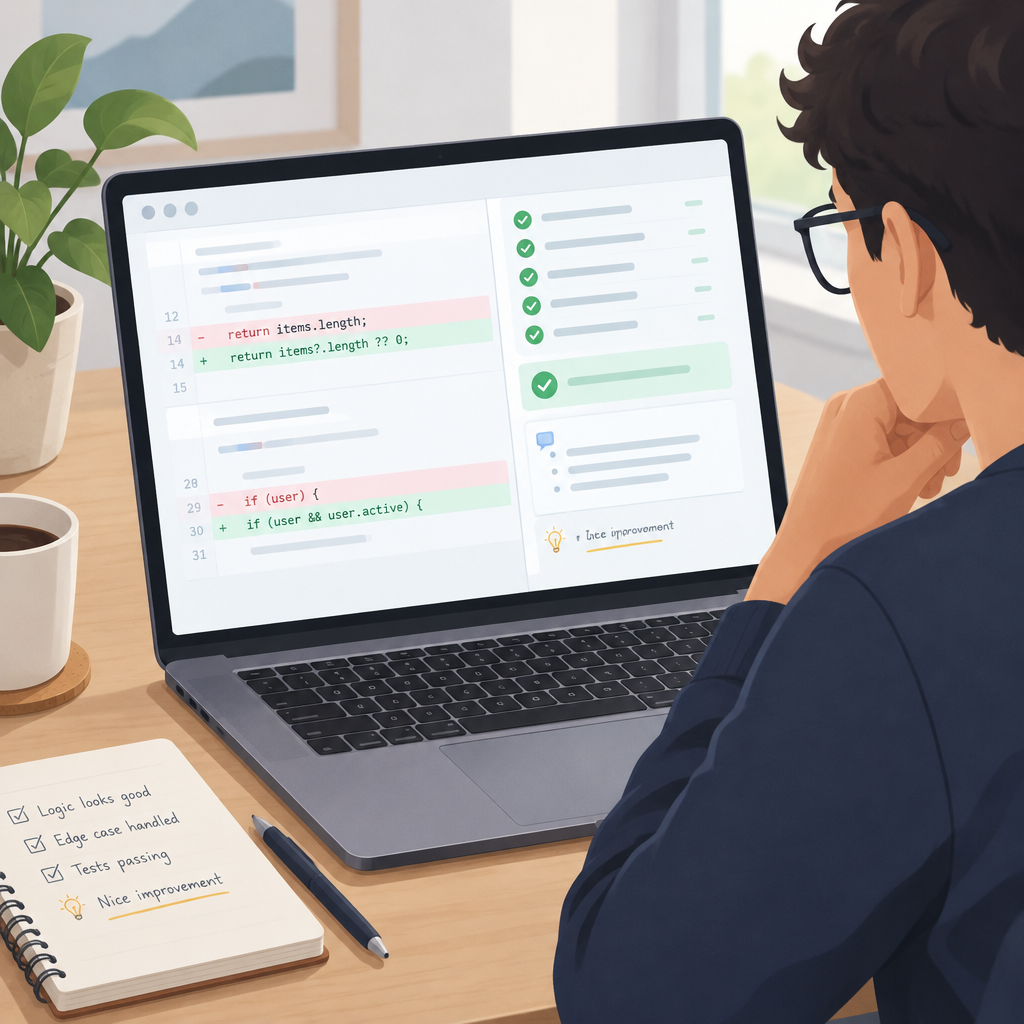
Second, inspect the full working-tree diff and any new files. In a Git repository, commands such as git status --short and git diff can help establish what changed. Also inspect untracked files: they do not appear as ordinary tracked-file changes. Look for edits outside the intended area, unfinished alternatives and changes that the explanation never mentions.
Third, run the project’s appropriate checks. For this fictional example, exercise a missing date, a valid date and an invalid input according to the project’s existing rules. Inspect the test assertions too. Passing a test that merely repeats the newly written implementation is weaker evidence than checking the behavior the user actually requested.
Record uncertainty instead of reconstructing an invisible history
You may not have enough visible information to attribute a particular edit to a discarded draft. Do not infer that history from an unexpected diff alone. Record the observed file, the change and why it appears outside scope. Ask for an explanation or remove it only after reviewing its relationship to the intended fix.
If another trial is useful, start from the same clean baseline and change one condition at a time. Keep the prompt and acceptance checks consistent when comparing effort levels. A single successful attempt supports a narrow observation about that exercise; it does not establish a general reliability ranking.
Commit only the change you can explain
Separate intended edits from unresolved ones before making a commit. Preserve unrelated work, review the selected patch and keep a record of the checks that passed. If an unexpected edit cannot be justified, keep the trial isolated while investigating it.
Fusion changes how models collaborate on a response. Your acceptance decision still depends on the actual workspace and application behavior. Treat the final answer, saved files and test outcomes as separate evidence, then approve the specific change they support.
Check your Fusion workspace review