WaitWell’s Service Platform: Test One Booking and One Walk-In Before Rollout
WaitWell announced a new service operations platform on Nov. 9 that expands its existing queue and appointment offering. The update also adds inventory and point-of-sale capabilities, along with expanded staff scheduling tools. For service desk teams, the most practical way to validate a rollout is to test a simple real-world path: one booked visit and one walk-in at the same service counter, using approved test contacts only.
What to test at a single demo service counter
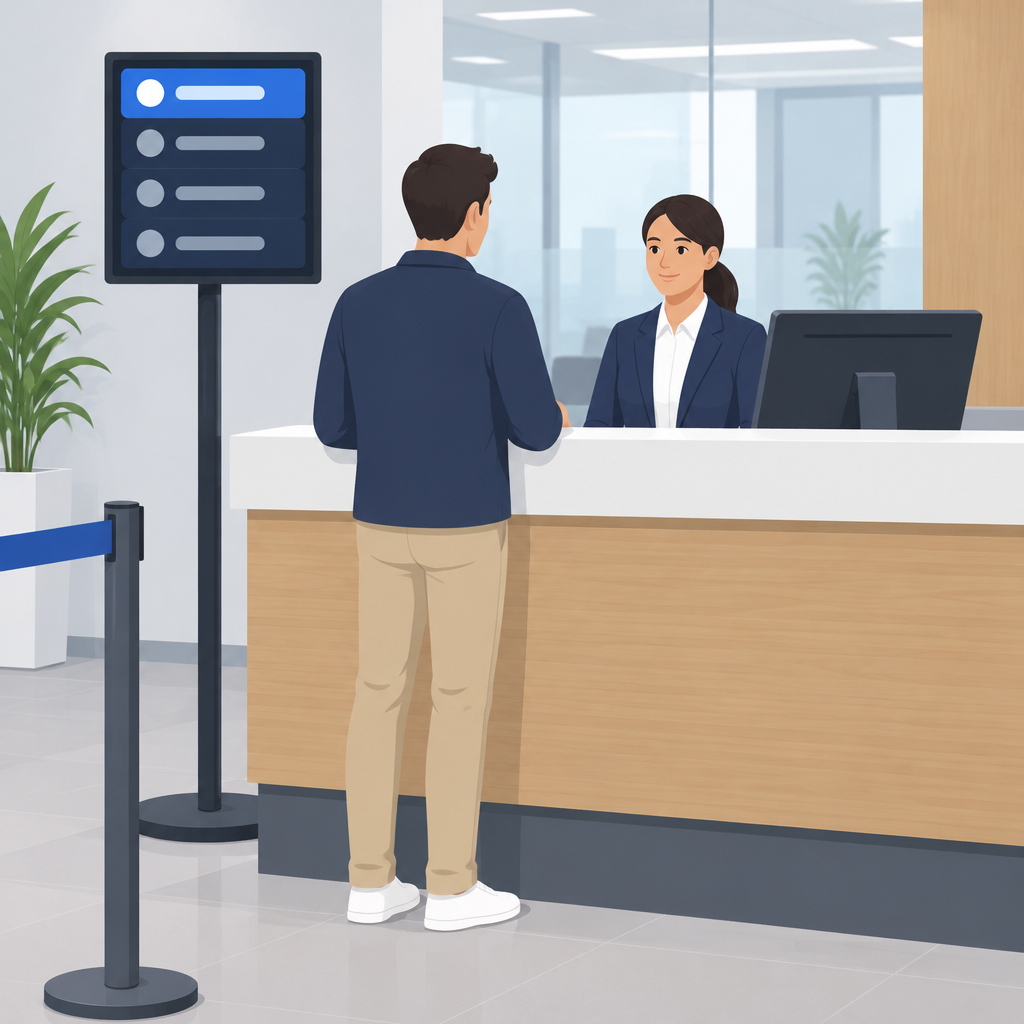
Use one fictional service counter and one service type, such as "License Renewal Desk" or "Customer Support Desk," with approved test names and test contact details only. Create two entries for the same service: one booked visit and one walk-in. The goal is to compare how each entry appears in the system and how the visit is handled at the counter.
- Booked visit: a scheduled appointment created with a test visitor identity and a chosen time slot.
- Walk-in: a same-day arrival entered through the queue flow for the same service counter.
- Service counter: one location only, so queue assignment and location handling can be checked without extra variables.
- Check-in review: confirm whether each entry is marked as checked in, waiting, or otherwise held in the system.
- Duplicate review: look for accidental duplicate entries, repeated check-ins, or an incorrect queue assignment.
What staff should see
Staff should be able to identify which visitor is booked and which visitor arrived without a booking. They should also see the assigned queue or counter location for each entry and confirm whether the visit has been checked in correctly. If the system shows the wrong queue, the wrong service location, or a duplicate record, that should be treated as a hold condition until corrected.
Because workflow rules can vary by organization, do not assume a universal ordering rule, notification setup, or default service configuration. The test should verify the actual setup in use at the site rather than assuming the platform will behave the same way everywhere.
What the test visitor should see
The test visitor should see a clear confirmation of the booking or walk-in status, plus the service location they are assigned to. If the visitor-facing view shows the wrong queue name, an unexpected counter, or no visible status change after check-in, the visit should be paused for review.
Pass or hold criteria
- Pass: the booked visit and the walk-in both appear correctly for the same service counter, with the expected status and assigned location visible to staff and test visitor.
- Pass: the system does not create an unintended duplicate entry when the walk-in is added alongside the booked visit.
- Hold: the visit is assigned to the wrong queue or location, or a duplicate record appears.
- Hold: staff and test visitor see mismatched status, missing check-in details, or unclear routing for the same service counter.
A clean test does not require payments, actual service delivery, or customer data. It simply confirms whether the platform can support a controlled first-day workflow for a single service desk scenario before broader rollout.
Related WaitWell links
WaitWell appointment management overview
WaitWell government service overview