Texas Instruments announced expanded AI capabilities for its Code Composer Studio ecosystem on November 10, with CCStudio positioned as part of a broader embedded development workflow. TI’s own materials describe CCStudio as an integrated development environment for developing, debugging, and optimizing embedded applications, and the company also showed an example involving AM13E. Those two items are useful context, but they are not the same as a blanket promise that every migration will work unchanged on every board. For that reason, the safest way to use an AI migration assistant is to treat it like a review tool: ask it to inspect one peripheral, one assumption, and one clocking path at a time before moving the project.
Separate the announcement, the demo, and the bench check
It helps to keep three layers distinct. First is TI’s announcement about agentic AI support in the CCStudio ecosystem, where TI says the agent can help analyze a project, update peripherals or APIs, and iterate on builds. Second is TI’s demonstration content, including the AM13E example, which should be read as a specific example rather than proof of universal compatibility. Third is the bench check you run with your own code, board, and tools. A clean compile in that third layer is encouraging, but it is not proof that the migrated design behaves correctly.
A benign example: migrating a simple LED timer
Consider a fictional, low-risk example: a project that drives one LED on a low-voltage development board using a timer interrupt. Before any migration, capture how the old board behaves. The observable behavior is simple: the LED toggles once every 500 ms, which means two edges per second and one full on/off cycle per second. Record whether the LED is active-high or active-low, and document the exact board revision, SDK version, and compiler version in use. Those details matter because a migration can preserve the source code and still change the runtime behavior through pin mux, clocking, startup, or peripheral defaults.
What to ask the migration assistant first
Before approving any code changes, ask for a migration plan rather than a direct rewrite. A useful plan should identify the timer peripheral in use, the new device’s pin mux options, any timer clock source changes, and prescaler assumptions that may no longer hold. If the assistant proposes API updates, those should be reviewed in the context of the board support package and SDK version. The goal is not to let the tool guess. The goal is to force the migration to explain where behavior could change.
Build with warnings reviewed, then test only a spare board
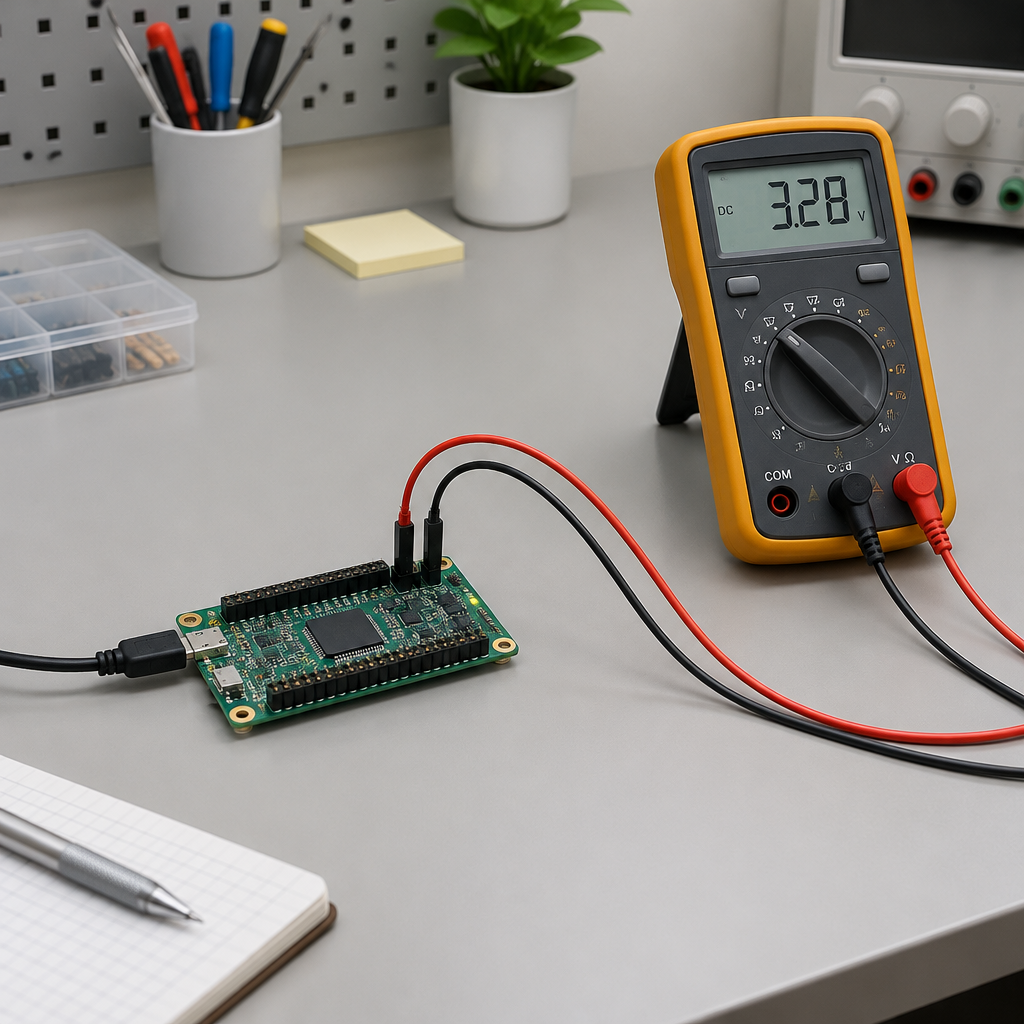
Review build warnings after applying the approved changes. If the build passes, flash a spare supported development board on an isolated low-voltage bench. Measure the interval between consecutive edges with a logic analyzer or oscilloscope. The multimeter in the illustration shows a voltage reading; it is not the timer measurement.
Worked example: compile succeeds, timing fails
For this fictional example, agree on a 500 ms edge interval with a tolerance of ±25 ms before testing. The build succeeds, but the measured interval on the spare board is 650 ms, outside the 475–525 ms range. Stop the migration and check the timer source clock, prescaler and startup configuration before proceeding. The timing mismatch alone does not identify which setting caused it.
Check startup behavior separately
Startup deserves its own check because it can mask peripheral problems. If the LED blinks correctly only after the first few seconds, or begins in the opposite state from the old board, that is a useful clue. Verify the initial pin state, timer enable sequence, and whether the board brings up clocks in the same order as the source design. Compare the observed startup behavior with the pre-migration notes, not just the steady-state blink rate.
Practical takeaway
AI-assisted migration can save time when it is used as a disciplined reviewer rather than an automatic porter. For embedded work, one peripheral at a time is a good rule because it makes hidden assumptions visible. If the assistant can explain the pin mux, clock, prescaler, and API changes clearly, and if the board still matches the original timing after a careful human review, then the migration is on solid ground. If not, stop and correct the mismatch before expanding to the rest of the project.
- TI’s CCStudio ecosystem can be useful for migration support, but each board still needs its own validation.
- A clean compile does not prove functional correctness.
- Record the original timing, polarity, board revision, SDK version, and compiler version before making changes.
- Review pin mux, timer clock, and prescaler assumptions before approving the migration.
- Use a spare supported test board and verify both steady-state timing and startup behavior separately.
Source links
TI announcement on agentic AI in the CCStudio ecosystem