Tana announced Bring Your Own Agent on November 3, 2026, describing a way to use existing AI accounts during meetings. Its announcement says agents receive live meeting context and suggest work for someone to approve. For a team trying the product, a useful first question is where an agent’s draft becomes visible.
Tana’s November 3 company announcement
Read the chat tabs before sharing
The company’s October 26 changelog already documented the core external-agent workflow for Claude and ChatGPT. It says the agent can follow the transcript, meeting chat and shared screen. That earlier documentation matters: the practical behavior described here predates the November 3 announcement.
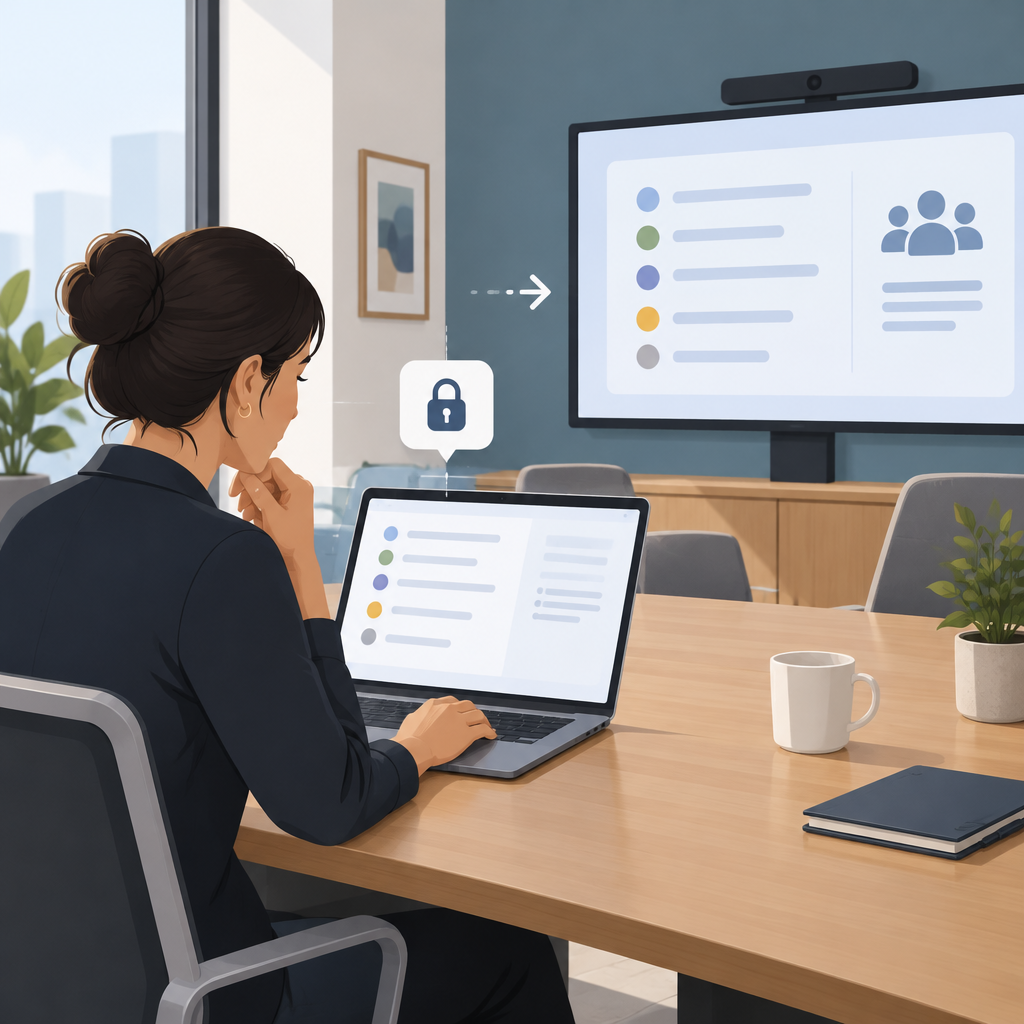
Tana describes Agents as a private tab for your agent answers and suggestions. Meeting is shared with everyone in the call and includes the timeline and screenshots. Work stays private to you until you share it into the meeting; Docs holds documents you pin, find or create.
Tana’s October 26 changelog: external agents and chat tabs
These descriptions concern the meeting interface. They do not establish the permissions of every connected external service. Review any proposed action in its own context, especially when it would change a document, send a message or create a task.
Rehearse with a fictional planning decision
Consider an original evaluation exercise using invented information. A small team is planning an online workshop. The facilitator asks the agent to draft an agenda from three agreed topics, propose a running order and list unresolved questions. Use a meeting created for this exercise and tell participants what you intend to capture.
Give the exercise a clear acceptance rule: the agenda must preserve all three topics, label suggested timings as proposals and leave the workshop date undecided. This makes review concrete. A polished agenda that invents a confirmed date would fail the exercise even if its layout looks ready to share.
Read the draft in the private agent area first. Compare it with the agreed topics and correct any unsupported commitment. Then choose what the participants need to see. Share the reviewed agenda into the meeting deliberately, and ask another participant to confirm what is visible from their view.
Keep an observation record
Record the prompt, the draft’s location, the changes you requested and the version shared. Ask participants whether the date remains visibly unresolved. If the team makes a decision afterward, record that decision separately so a suggested agenda does not become an accidental record of agreement.
This is a proposed exercise, not a hands-on test result or a claim about automatic approval controls. A successful rehearsal would support a narrow observation about your account and meeting setup. It would not establish that all agents, connectors or future meetings behave identically.
The useful outcome is a repeatable team habit: inspect the draft, choose its audience and make the final decision explicit. That gives meeting participants a clearer basis for acting on AI-assisted work.