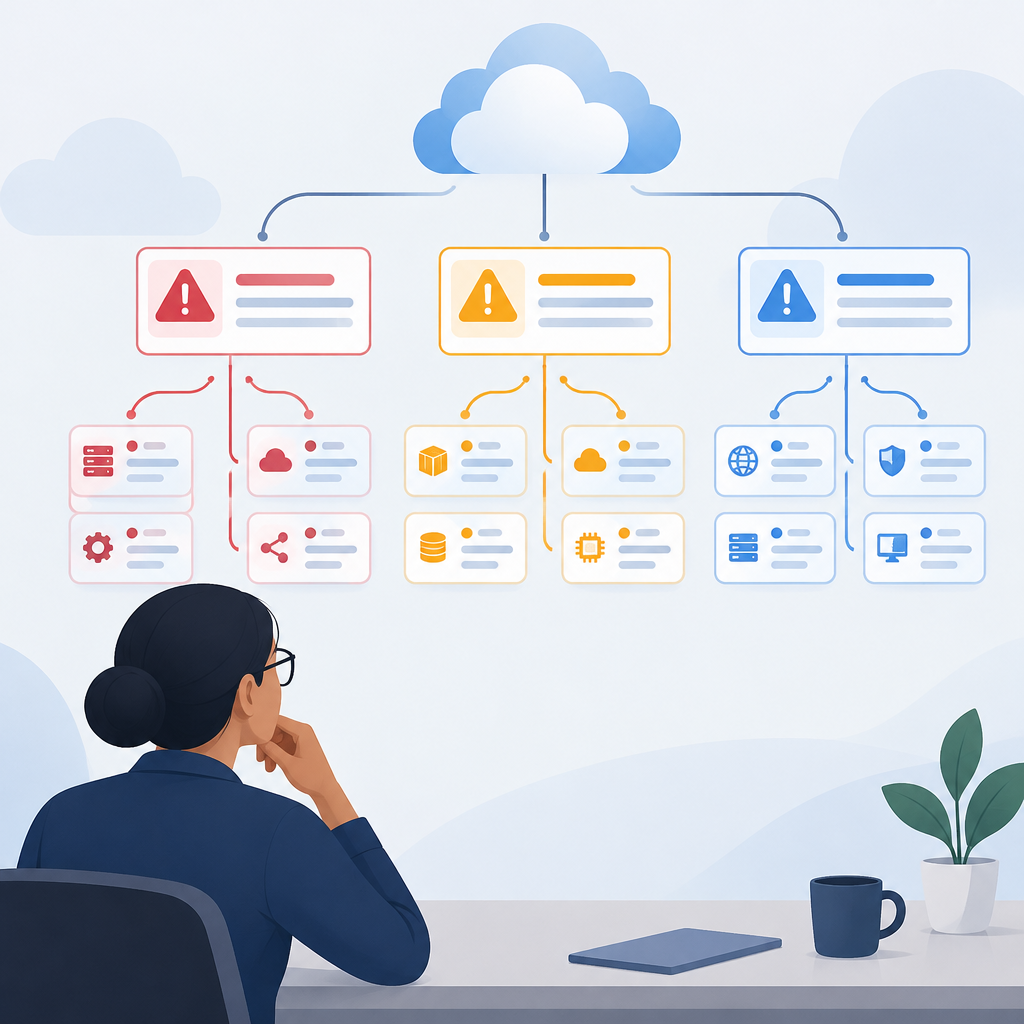
Spacelift’s October 29, 2026 announcement expands its infrastructure-orchestration message into day 2 operations: the work of maintaining and troubleshooting systems after deployment. It describes execution trails, status visibility and workflow replay. For a team evaluating Flows, a practical starting question is what the activity counters actually measure.
Spacelift’s October 29 company announcement
This is not the product’s first availability notice. Spacelift’s own changelog says Flows was live on September 8, 2026. Keep that earlier milestone separate from the October announcement when describing the release history.
Spacelift’s September 8 Flows changelog
An invocation groups the work from a trigger
The official documentation defines an invocation as a run grouping the events descended from a trigger. One trigger can therefore produce many events. Invocations and events are separate measures; events are the unit used for event limits. Re-emitting an output event starts a fresh invocation, whereas retrying a failed event can make its existing terminal invocation active again.
Official guide to invocation boundaries, statuses and history
Work through a fictional incident flow
Imagine a training flow with an incoming alert, a transformation, a condition and a notification. For this invented exercise, record four events for each alert as it moves through those steps. Three alerts would produce three invocations and twelve events. The event count describes more processing records than the invocation count, but it does not mean twelve separate incidents occurred.
Now imagine that one alert opens a ticket and also notifies a colleague. Those two actions still relate to the same incident. Give the incident its own reference in your training record, then write the run reference and event references alongside it. This lets a reviewer ask separately how many business incidents arrived, how many runs processed them and which actions occurred.
The example is a proposed teaching exercise, not a report of a live Spacelift test. Real flows can branch, emit different numbers of events and include blocks with additional invocation-boundary rules. Read the documented rules for the blocks you actually use before turning a simple example into a production counting model.
Read the whole status before closing the incident
Spacelift documents Failed in progress as an invocation with at least one failed block and at least one block still processing. Its Failed status means all blocks have finished and at least one failed. A handled error still counts toward failure. These labels describe execution state, rather than whether a business incident has been resolved.
In your fictional exercise, let ticket creation fail while a separate notification remains underway. Record both observations. Do not mark every action finished because one branch failed, and do not mark the incident resolved merely because the notification later arrives. Ask the incident owner which business outcome remains outstanding.
Keep a small reconciliation record
For a short evaluation, keep the alert reference, run reference, relevant event references, observed status and the outcome checked in the receiving system. Compare that record with the flow history after each training case. If the counts differ from your expectation, identify the trigger or branch responsible before describing the difference as missing work.
Use this exercise to prepare questions for the platform team about your actual flows and account terms. An invocation counter, an event counter and an incident total answer different questions. State which one you are presenting whenever you summarize an automation’s workload.
Read the flow counters