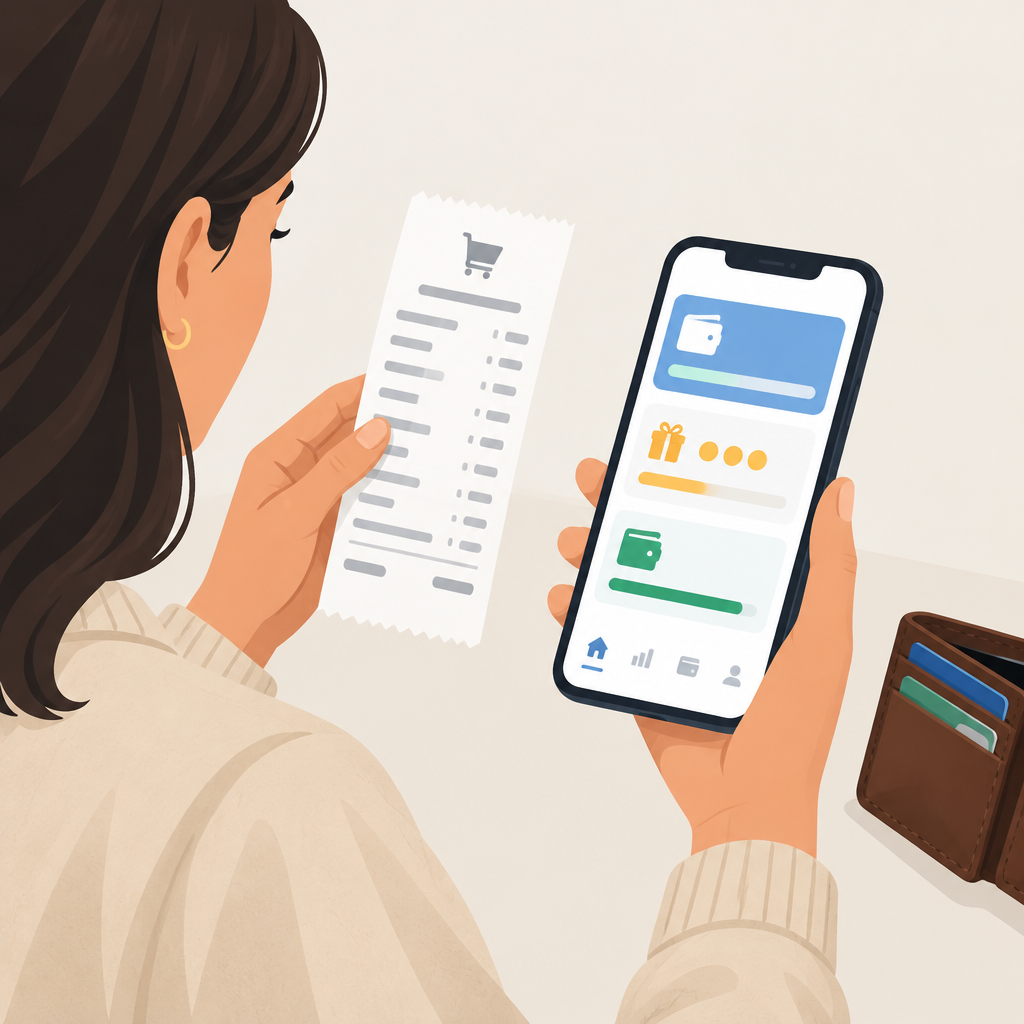
Samsung announced its Rakuten-powered Wallet Perks experience for eligible U.S. Galaxy users on October 28, 2026. The rollout brings online, store and dining offers together with redemption to Samsung Cash. The practical question is when a displayed reward becomes usable money.
Samsung’s October 28 rollout announcement
Track the purchase and the reward separately
Samsung’s current Cash Back FAQ distinguishes processing, pending and confirmed rewards. Processing typically takes 24–48 hours. Online and in-store confirmation can take 3–17 weeks; dining usually takes 3–5 days. These are typical periods, not guaranteed deadlines.
For your own budget, keep the amount paid today separate from a reward expected later. A tracked purchase is useful evidence, but it should not be treated as cash already received. This distinction matters most when you are comparing two offers with different checkout prices.
Samsung support: current Cash Back setup, status and redemption FAQ
Compare the checkout price before the headline percentage
Consider this fictional shopping comparison, not a live Samsung or Rakuten offer. Shop A charges $120 and advertises a possible $12 reward. Shop B charges $112 with no reward. Assume identical delivery charges, tax treatment and products solely for this exercise.
Shop A requires $8 more at checkout. If the full $12 is eventually received, its effective cost becomes $108, which is $4 below Shop B. If the reward is not received, the cost stays $120. Write down both outcomes before choosing. A percentage can make an offer look attractive while concealing the larger payment required today.
In a real comparison, replace those simplified amounts with the actual delivered prices. Check product variants, shipping and return arrangements as well. Do not add a reward to the calculation until you have established which part of the purchase qualifies and what the displayed offer promises.
Use the right purchase route
Samsung’s FAQ says online shoppers should start from the Perks offer and complete the purchase in the same session. Nearby store offers require activation before purchase and payment with the linked card; dining offers are added automatically after card linking.
Before paying, save a dated record of the offer you intend to use and the matching order receipt. Note the merchant, product, purchase route and expected reward. This is a suggested recordkeeping method, not a guarantee of eligibility or payment.
Check the payout destination
The FAQ requires an active Samsung Cash account and more than $5 available for manual or quarterly automatic transfers. It also says changing the Rakuten payout method away from Samsung Cash prevents continued earning through Wallet Perks until you switch back.
For a fictional balance of $20 pending and $6 available, make your immediate spending plan around the available portion and the actual transfer result. Keep the pending amount in a separate column. Record the transfer date and amount received so the comparison ends with an observed outcome rather than an estimate.
Samsung says availability, offers and eligibility can vary during the U.S. rollout. Check the experience and terms shown in your own account. For readers in India, this announcement does not establish an Indian launch.
A small check before your next purchase
Ask yourself three questions: would the checkout price still be acceptable without the reward, have I followed this offer’s purchase route, and can I explain how the money reaches me? If any answer is unclear, resolve that point before treating the advertised savings as part of your budget.
Check your cash-back plan