Premio announced its AIO-200-ASL-2L industrial touchscreen computer series on November 5, 2026. The US announcement describes three screen sizes and a choice of side I/O: two serial COM interfaces or two additional USB 2.0 ports. For a machine builder, that choice belongs in the requested configuration before the quote is approved.
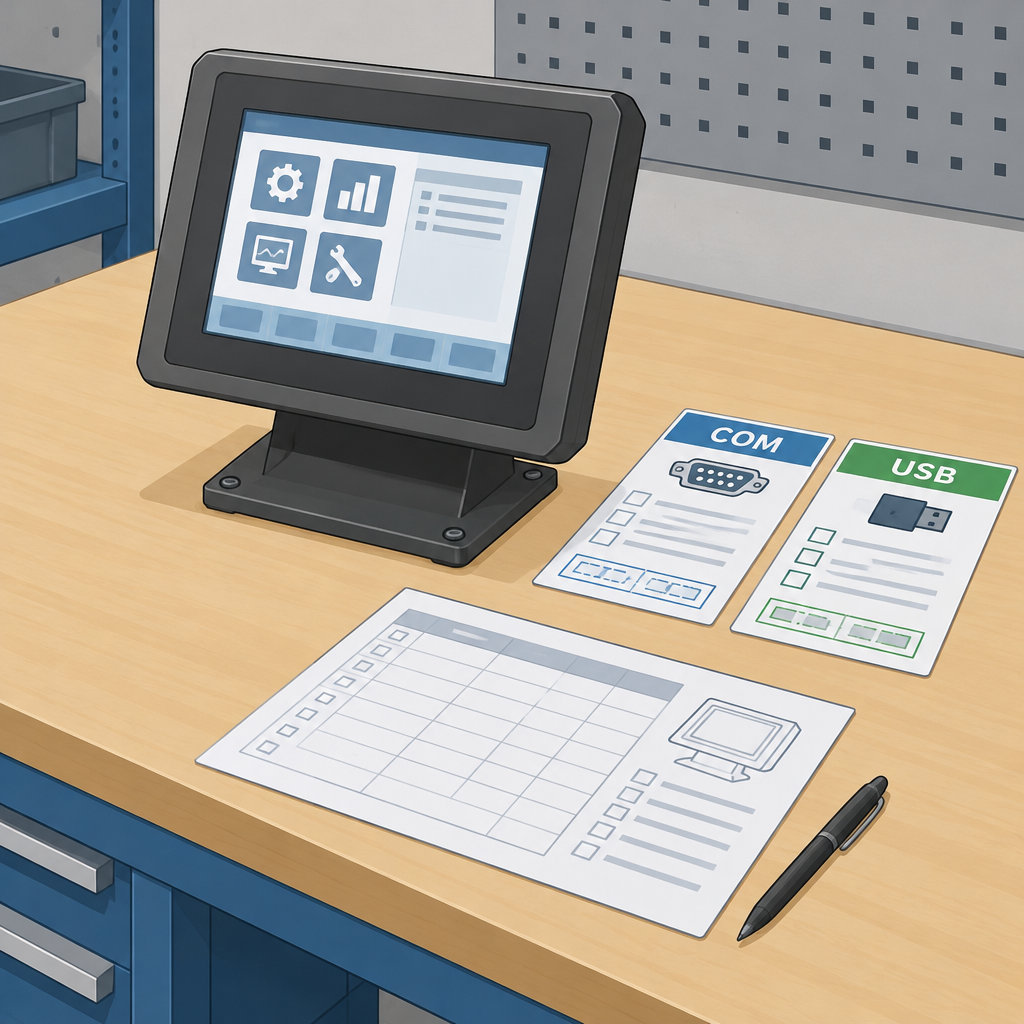
Count the standard ports and the alternative separately
Premio’s current AIO-W210-ASL-2L specification lists four standard USB connections: three Type-A and one Type-C. It describes the default serial configuration as one RS232/422/485 port plus one RS232 port, shared with two optional USB 2.0 ports. The family FAQ likewise describes the side bracket as a choice between extra USB and a COM configuration.
Read the six-USB possibility as the USB configuration. Do not add the alternative side COM pair to the same assumed port inventory. Ask the supplier to confirm the exact model and option on the written quote.
Build a peripheral list before choosing
A useful purchase worksheet starts with the devices you intend to connect, rather than a single total of available ports. For each peripheral, record its interface, connector, cable and any driver requirement. Give each device a proposed connection on the quoted unit. These are suggested planning steps, not an integration test performed on this product.
- List every simultaneously connected device, including temporary maintenance accessories.
- Record whether a serial device needs RS232, RS422 or RS485; a count of two COM ports does not describe both ports identically.
- Mark which devices use the four standard USB ports and which would need the optional pair.
- Put the chosen side configuration, model number and peripheral list on the acceptance worksheet.
Walk through one realistic setup
Consider a hypothetical workstation with four USB peripherals and a serial instrument. Its worksheet should preserve a suitable serial connection when choosing the side option. If a revised requirement adds two more USB devices while retaining the instrument, send the revised list back for a confirmed connection plan. The extra requirement is a reason to reassess the configuration.
Before approving a wider order, try the proposed peripherals together on a representative configured unit. Check that the application recognizes the intended devices, that the cables reach in the planned mounting position, and that the setup still works after a restart. Record the tested configuration so a later order can be compared with it. This proposed acceptance exercise makes no claim about measured Premio performance.
Check your configuration understanding
COM or extra USB?
Sources
Premio’s November 5 launch announcement (company-issued release)