Open WebUI 0.13.2: How to Verify the LAN Chat Spinner Fix
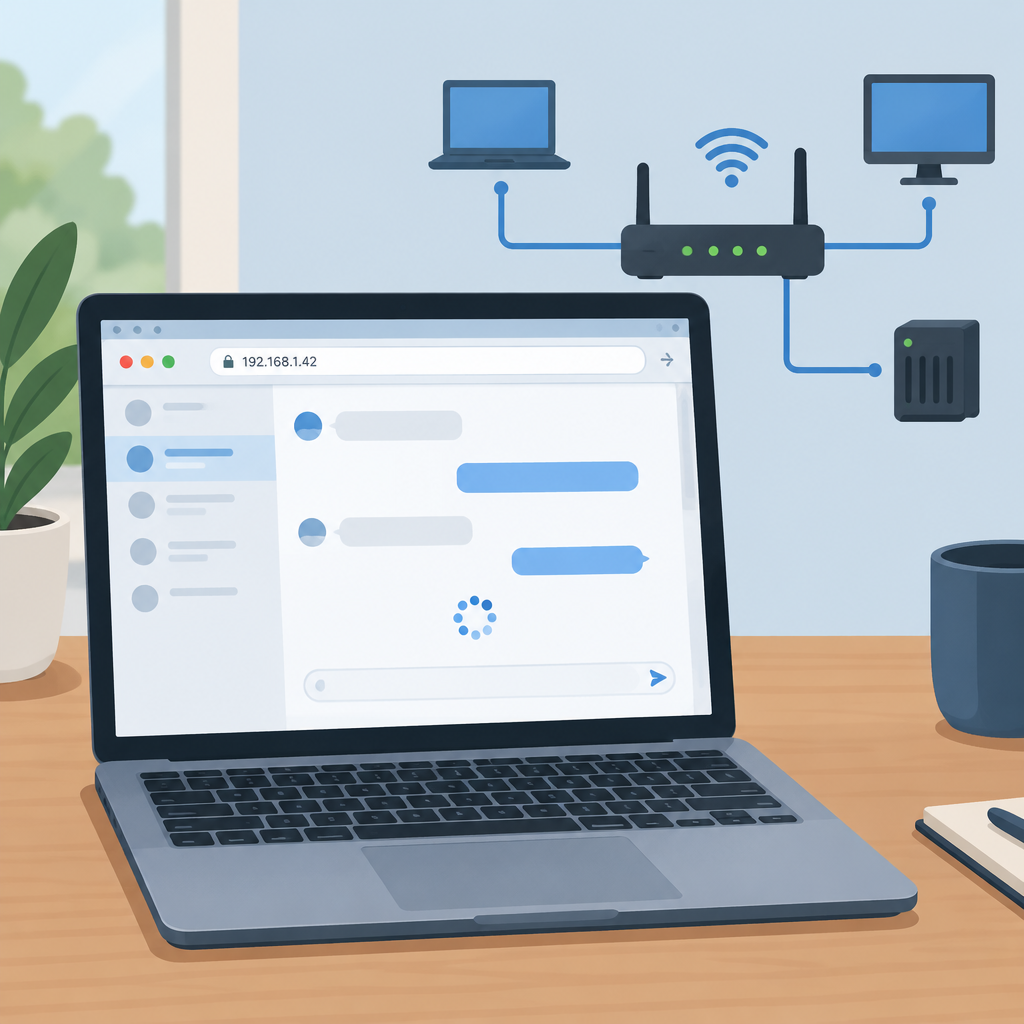
Open WebUI 0.13.2, released on November 8, 2026, includes an upstream fix for a browser-side issue reported when opening chats over plain HTTP on a LAN or Docker address. According to the release notes, the affected symptom could hang with the error "crypto.randomUUID is not a function," and the update is described as fixing loading for both new and existing chats. This article focuses on how to verify that specific browser symptom in staging, and how to tell it apart from unrelated model or backend timeouts.
What this fix is and is not
The reported issue is about chat loading in the browser when the app is accessed over plain HTTP on a local network or Docker URL. It is not the same as a model being slow, a backend becoming unavailable, or a request timing out after a prompt is sent. A successful verification should therefore check two things separately: whether the chat screen loads, and whether inference works after the interface is already open.
This release does not make plain HTTP secure, and it does not change the fact that production use should follow your normal security posture. Do not treat the fix as a reason to downgrade from HTTPS in public environments or to expose plain HTTP to the internet.
Before you test in production
- Back up the Open WebUI data you rely on before making changes.
- Follow the upstream updating guidance and your own version-pinning process if you manage releases conservatively.
- Prefer a staging or test environment that matches the private LAN or Docker path used by users, rather than testing directly on production.
- Avoid destructive commands during verification; this check only needs login access, a test account, and a browser.
Staging setup for a clean verification
Use one browser profile, one private test URL, and one test account so the result is easy to interpret. The key is to keep the browser, address, and session consistent between the two checks below. Use fictional content only, so nothing sensitive is involved.
If you want a simple test script, create or use a saved test chat with harmless placeholder text such as a short greeting or a dummy note. Then keep that same chat available for the reopen test and use the same browser profile for the new-chat test.
Case 1: Open an existing saved test chat
- Open the private test URL over the same browser profile you will use for the new-chat test.
- Sign in with the test account only.
- Open a previously saved test chat that already exists in the workspace.
- Watch for the chat screen to appear normally instead of hanging on a spinner or blank-loading state.
- Open the browser developer console and note whether the exact browser-side error appears, especially any mention of "crypto.randomUUID is not a function."
For this case, the key evidence is whether the interface itself loads. Do not confuse a fully opened chat that later fails to answer a prompt with the specific loading bug. If the chat screen opens but a message generation request later stalls, that points to a different layer of the stack.
Case 2: Start a new chat at the same URL and in the same browser profile
- Without changing browser profile or URL scheme, start a new chat from the same private test address.
- Use the same test account and the same browser session context.
- Confirm whether the new chat screen loads promptly or instead hangs while the UI is trying to initialize.
- Check the browser console again and compare the result with the existing-chat case.
- If the interface loads, send a short fictional prompt only after the page is already stable, so you can separate loading behavior from inference behavior.
This second case helps show whether the problem affects new chat creation, existing chat reopening, or both. The release notes indicate both paths were addressed, so confirming each path separately is more useful than running one broad check.
How to separate chat loading from successful inference
- Loading test: does the chat page render and become usable without a persistent spinner or blank state?
- Inference test: after the page is already open, does a prompt submit and receive a normal response path?
- If the page never loads, investigate the browser console. A stalled page alone does not identify this UUID issue; record the exact error and check other possible causes.
- If the page loads but the message never completes, treat it as a backend, model, network, or provider issue rather than the spinner bug.
Keeping those two phases distinct prevents false conclusions. A page that loads successfully does not prove inference is healthy, and a failed response after typing does not by itself prove the LAN spinner issue remains.
What to capture if the issue persists
If the problem still appears after upgrading, capture only practical diagnostic details and avoid collecting secrets. Useful evidence includes the installed Open WebUI tag, the browser name and version, the exact private URL used, whether it was plain HTTP, and the exact console error text. Do not include passwords, tokens, session cookies, or other credentials. Please redact private hostnames and IPs before sharing a report.
- Installed tag or build version, such as v0.13.2.
- Browser name and version.
- Exact URL scheme and address used, such as http:// on a LAN or Docker host.
- Whether the problem affected an existing chat, a new chat, or both.
- Exact console error text, including the "crypto.randomUUID is not a function" message if it appears.
- A brief description of what the screen did: spinner, blank page, partial render, or normal load.
Sources
Open WebUI v0.13.2 release notes