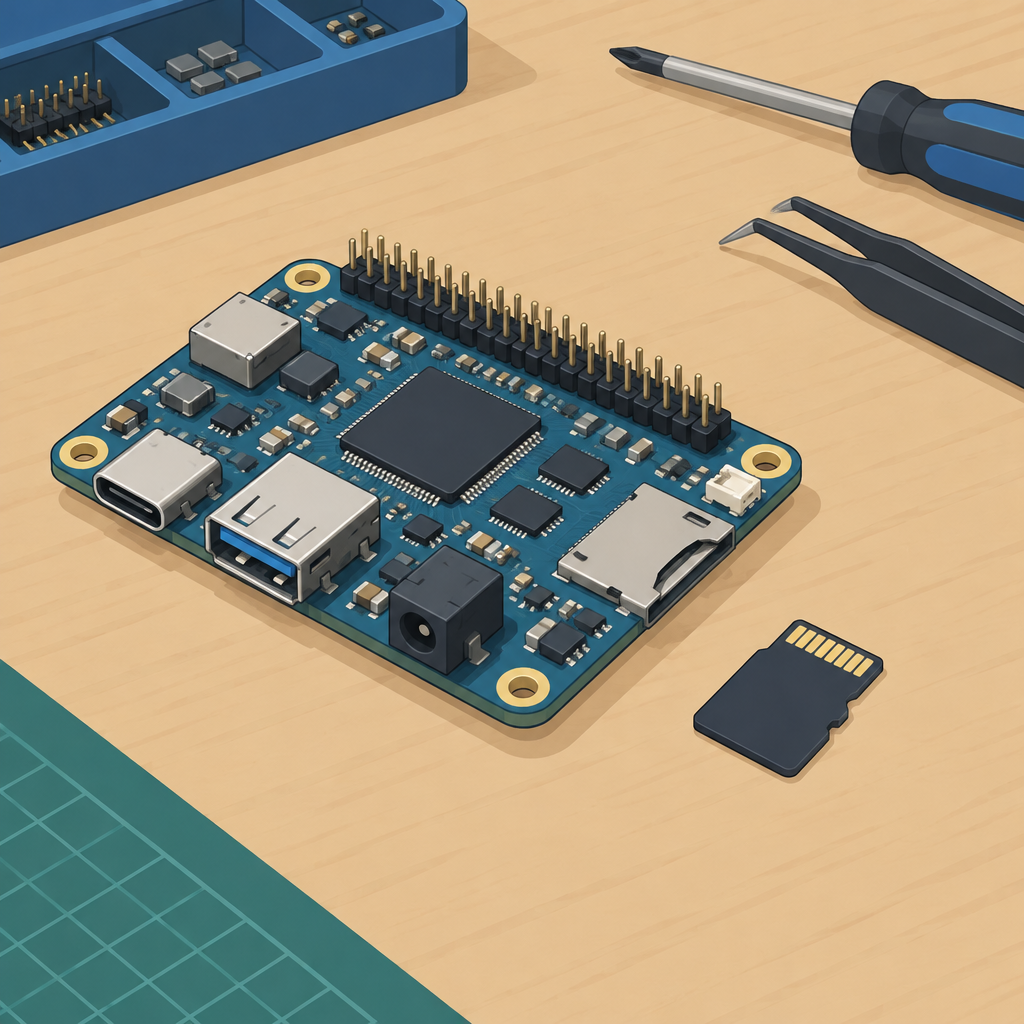
Why this first boot matters now
NXP’s Nov. 9, 2026 robotics announcement frames the Robotics SDK as a modular software stack for drones, AMRs, and humanoid robots. That is the right context for a NavQ95 bench check, but it does not mean every reference design is broadly available in the same way, and it does not prove flight or motor readiness. For a first bench boot, treat the goal as simple and strict: confirm the exact board and revision, use the matching documented software release and boot medium, preserve fallback media, and record proof that the board booted with the expected build identity.
Start with the exact board and revision
Read the model and revision from the board or its packaging and match them to the NXP board page and setup notes. NXP announced availability of the Robotics SDK and its first drone reference designs on November 9; the SDK page separately labels NavQ95 as preproduction. Check the documentation for the hardware you actually have before choosing a software image.
NXP’s NavQ95 manifest documents two distinct paths: removable SD media and onboard eMMC. Record which one your setup notes call for, along with the matching release or manifest revision. If you cannot match the board, the release and the boot medium, resolve the mismatch before proceeding.
Use the release that matches the board, not a nearby one
Use the Robotics SDK page to find the platform documentation and the NavQ95 manifest to identify the build for your board. In your notes, pair the manifest or release identifier with the actual image filename. A board can boot successfully while still loading a different build than the one you meant to test.
Do not skip over the boot medium decision. If the documentation calls for one storage path and the manifest or setup notes name another, treat that as a mismatch to resolve, not as a minor detail. For this first pass, the correct response to ambiguity is to stop before connecting any peripherals or attempting actuation.
Preserve fallback media before you test anything
If you are using removable boot media, keep an untouched fallback copy available. If your setup uses onboard storage as the documented target, keep a recovery path documented and ready before you start. The aim is to avoid turning a first boot into a one-way change that is hard to undo. This is especially important when working with a preproduction-tagged board or an unfamiliar revision, because a failed first boot can consume time and obscure whether the issue is software selection, media preparation, or board identity.
What to record during the bench boot
- Exact board name and revision as read from the board and documentation
- The source page or repository used to select the release
- The boot medium chosen, clearly noted as SD or eMMC when documented
- A visible boot indication from the board’s documented behavior
- The software or build identifier shown by the system, if available
- The date and any deviation from the documented path, if one occurred
A documented boot indication plus the recorded version and matching board/boot medium is a valid checkpoint for first validation. It is not certification of the hardware, not proof of flight readiness, and not proof that motors, radios, or peripherals can be used safely. For this article’s scope, the goal is only a non-actuating bench boot.
Pass/stop checklist for first bench validation
- PASS: exact board and revision are identified and match the chosen documentation
- PASS: the release and manifest correspond to that board path
- PASS: the boot medium matches the documented path, and any fallback copy is preserved
- PASS: the board shows a documented boot indication
- PASS: a software or build ID is captured and tied to the exact media used
- STOP: the board revision is unknown or conflicting
- STOP: the documentation and manifest disagree and you cannot reconcile them
- STOP: the boot medium path is unclear or appears mismatched
- STOP: the board boots, but you cannot verify the build ID or version
- STOP: any step requires guessing before connecting peripherals or moving toward actuation
Bottom line
For a first NavQ95 bench boot, the most useful habit is disciplined verification. Match the exact board revision to the right documented release, use the correct boot medium, preserve a fallback path, and capture evidence of the boot and software identity. If anything is mismatched or unknown, stop there and resolve the documentation before attaching peripherals or thinking about motors, propellers, or flight.