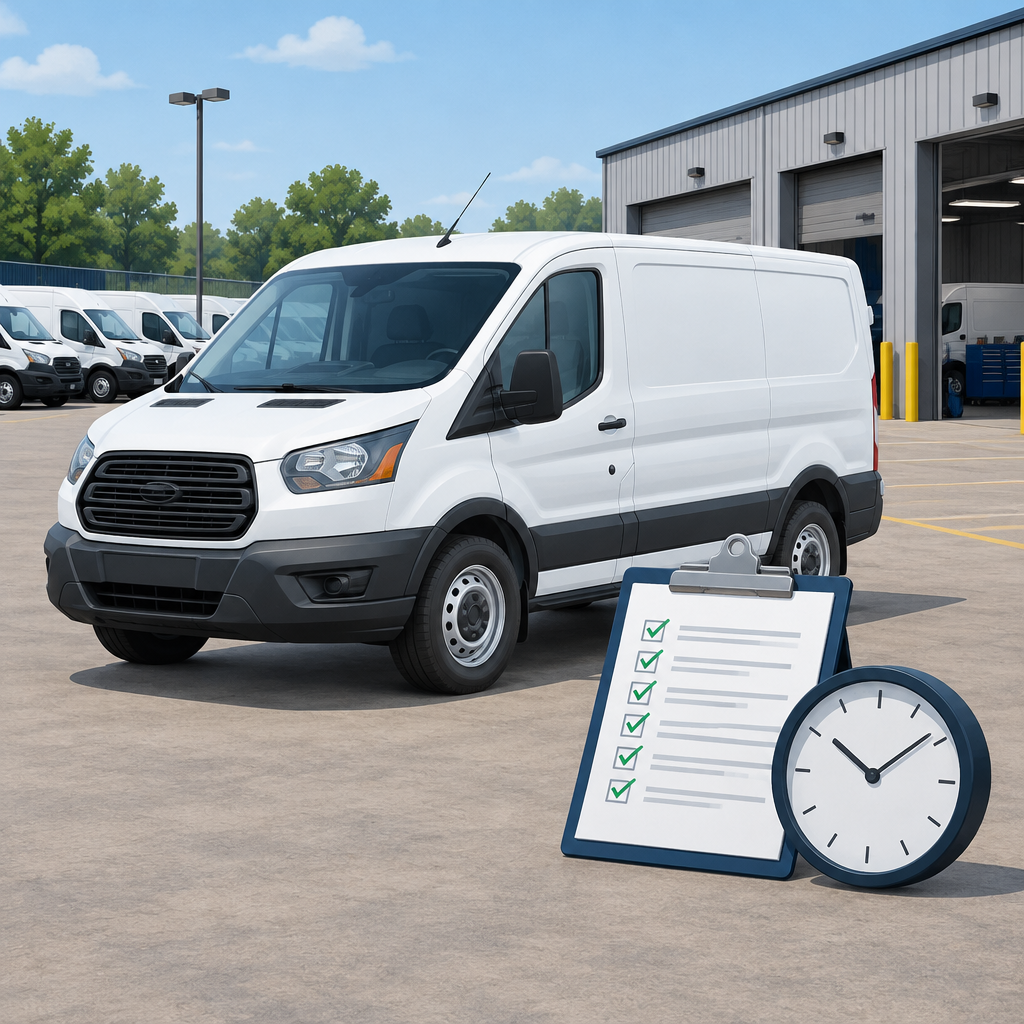
Motive Field Service Agents: Verify One Idling Alert Before Rollout
Motive’s Nov. 9 announcement says AI agents for field service teams are available to Motive customers and can help flag excessive idling through AI Dashcam Plus. That is a useful signal for operations teams, but it should be treated as a prompt to review—not as proof that a notice was delivered, not as a guarantee that every account is supported, and not as a reason to automate punitive action.
Before any rollout, teams should verify one idling case end to end: the announcement, the Idling Events dashboard or report evidence, the vehicle’s operating context, and the approved operational reason for idling if one exists. Motive support should confirm which hardware, alert settings, geofences, dashboards, and templates are actually available in a given account.
What the announcement says, and what it does not say
The press announcement describes AI agents for field services that are available to Motive customers and can help surface issues such as excessive idling. That is a product and rollout statement. It is not the same thing as a verified field event record.
The Idling Events help-center material is the evidence layer. It is where teams should review whether an idling event was recorded, when it occurred, how long it lasted, and any context shown in the dashboard or report. If estimated cost appears in the report, treat it as a rough operational estimate rather than a savings claim or a final accounting figure.
Do not assume that every vehicle, camera, template, or threshold is enabled in every account. Do not assume the dashboard alone proves that an AI prompt was delivered. And do not assume an alert should trigger any automatic action without human review.
A simple verification approach before rollout
- Confirm with Motive which plans, devices, and AI Dashcam Plus capabilities are enabled in the account.
- Review the Idling Events dashboard or report for one selected event and note the unit, timestamp, duration, and time zone.
- Check whether geofence details or temperature context are available for that event in the report.
- If prompt delivery matters, check separate authorized evidence for that vehicle and time. If none is available, record delivery as unverified.
- Compare the event record with dispatch notes, service tickets, or depot records to determine whether the vehicle was parked for a legitimate operational reason.
- Have an authorized operator or supervisor confirm whether engine and safety decisions were appropriate in that situation.
- Document false positives for human review and exclude employee scoring, punitive action, and auto-triggered discipline during the pilot.
Fictional worked example: one approved parked vehicle record
This fictional example shows how a supervisor can compare an idling event with a service record.
- Unit: Service Van 12 (fictional).
- Time zone: Central Time.
- Timestamp: 2026-07-15, 2:14 p.m.
- Duration: 18 minutes.
- Geofence: North Depot service bay, inside approved work zone.
- Temperature: 96°F outside; cargo area held temperature-sensitive supplies.
- Operational reason: powered equipment used during a scheduled repair; authorized operator kept the engine on to support the job and temperature/safety needs.
In this example, the Idling Events report might show a parked vehicle with an extended engine-on period in an approved work area. That would be enough to warrant review, but not enough to assume misuse. The operational reason matters, and the final judgment should stay with the authorized operator and supervisor, not with an automated score.
What to check in the report
- Does the event show the correct unit and time zone?
- Does the timestamp line up with a scheduled service call, depot activity, or geofence entry?
- Is the duration long enough to merit a review, but not automatically a violation?
- If available, does temperature or geofence context explain why the vehicle remained on?
- Is there a documented reason such as powered equipment, HVAC for sensitive materials, or another authorized operational need?
What not to claim during a pilot
- Do not claim the report proves the AI prompt was delivered.
- Do not claim estimated idling cost equals verified savings.
- Do not turn a pilot into employee scoring or disciplinary automation.
- Do not collect identity data beyond what is needed for legitimate fleet operations and review.
- Do not treat one alert as confirmation that all vehicles or accounts are configured the same way.
A modest rollout checklist
- Start with a small, clearly defined pilot group.
- Verify hardware and software prerequisites with Motive first.
- Review one event manually before expanding the workflow.
- Keep a human approval step for false positives and exceptions.
- Document the operational reason when idling is valid.
- Use the dashboard as evidence, not as the sole source of truth.
For field service operations, the safest path is also the most practical one: verify the alert, verify the vehicle context, and verify the business reason. If the event is legitimate, record it as such. If it is not, escalate through the normal operational process. Either way, the goal is better visibility—not automatic blame.
Primary source: Motive announcement
Primary source: Idling Events help center