Melissa announced an Address Suggestions beta for Global Address Verification on November 3, 2026. The company describes a way to offer alternative addresses when the original cannot be fully verified, aimed at individual, live form submissions. For a checkout team, the practical question is what happens between showing a suggestion and saving a shipping address.
Melissa’s November 3 company announcement
Read the beta’s boundaries
Melissa’s implementation guidance says to enable Suggestion:ON; multi-record requests are unsupported. Candidates are not guaranteed, and their ranking is not guaranteed either. The current coverage list includes the United States and India, but beta coverage can change. SG01 signals generated suggestions, SG02 signals none, and SG99 identifies an internal processing issue. The documentation recommends optional replacements and warns that extra processing may add response time.
Melissa’s beta usage, result-code and coverage guidance
Walk through an invented suite-number example
Suppose a fictional customer types a building address with suite label SAMPLE-2. A mock response offers SAMPLE-20 and SAMPLE-21. These labels are deliberately invented: they are not real postal addresses, Melissa output or evidence of an API test. The exercise concerns the shop’s selection behavior, not which suite exists.
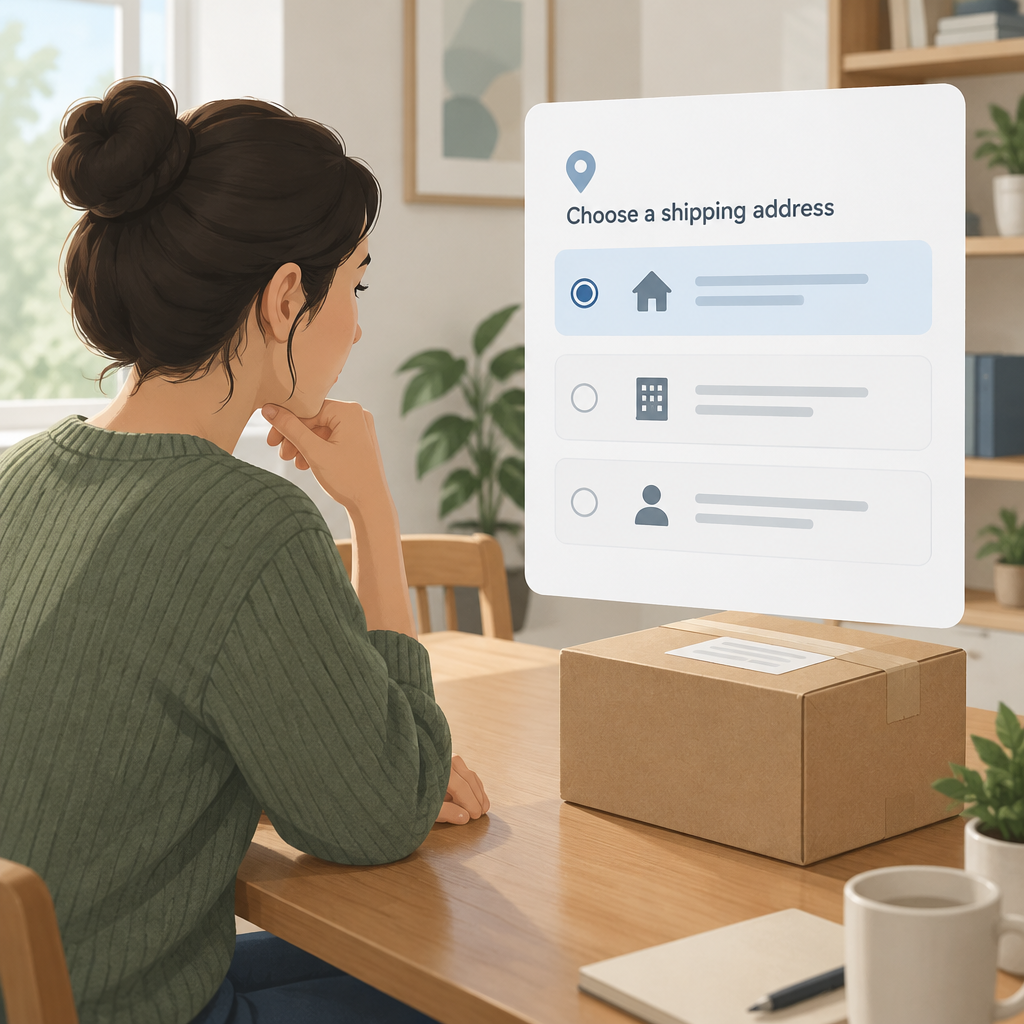
Prepare three separate displays in a test worksheet: the original entry, the offered alternatives and the value currently designated for shipping. Before any choice, mark the selected replacement as empty. Ask a reviewer to identify exactly which action would change the shipping value. If that answer depends on an invisible default, revise the form design before testing with customer data.
Next, have the reviewer choose SAMPLE-21. Inspect the confirmation screen and the record passed to the shop’s order system. Both should reflect the choice the reviewer made. Then return to the form and change the entry manually. Check whether the old choice still appears as selected; an earlier selection should not silently become the answer to a newly edited input. These are proposed application checks, not documented defects in Melissa.
Give the empty-list path equal attention
Repeat the mock exercise with no alternatives. Write down what the customer sees, how they can edit their entry and where unresolved entries go in your existing workflow. Decide that handling with the team responsible for fulfillment. An empty list should not be presented as evidence that a customer has chosen a corrected destination.
For a small evaluation, keep counts for suggestions displayed, alternatives accepted, entries edited and submissions completed. Define each event before measuring it. A displayed alternative and a completed order answer different questions. Compare like-for-like test conditions if you later evaluate response time or completion; this article supplies no measured conversion improvement.
Before a rollout, capture the current country coverage, API configuration and the application’s intended selection behavior in the same review record. Re-run the exercise after changing the form or beta integration. No live request, postal deliverability, checkout implementation or delivery outcome was tested for this article.