Start with the exact 14-inch configuration
Apple announced its 14-inch MacBook Pro with M6 on October 27, 2026. US preorders begin October 28, with announced availability November 6 and a starting price of $1,999.
For the 14-inch M6 model, Apple lists 16GB unified memory at 153GB/s of memory bandwidth, while 24GB and 32GB configurations are listed at 170GB/s. The same spec page shows three Thunderbolt 4 ports on the M6 column, and up to two external displays with Apple-defined resolution and refresh-rate limits. Battery figures are listed as up to 24 hours of video streaming or up to 16 hours of wireless web, which are Apple’s figures rather than independent test results.
Apple 14-inch MacBook Pro specs
Build a port map before you buy a dock
Map every connection before choosing a dock. Record the exact display model, intended dock, cable, supported interface and power requirements. Check the complete chain against each vendor’s requirements for the mode you want. A connector’s shape alone leaves important compatibility questions unanswered.
- Question 1: What are the exact monitor models, and what input do they actually support?
- Question 2: Does the dock expose the right display outputs and the right upstream interface version?
- Question 3: Does the cable match the required speed class and connector type?
- Question 4: Will the dock also deliver enough power for your charging needs?
- Question 5: Do any parts of the chain require a firmware update before they behave as expected?
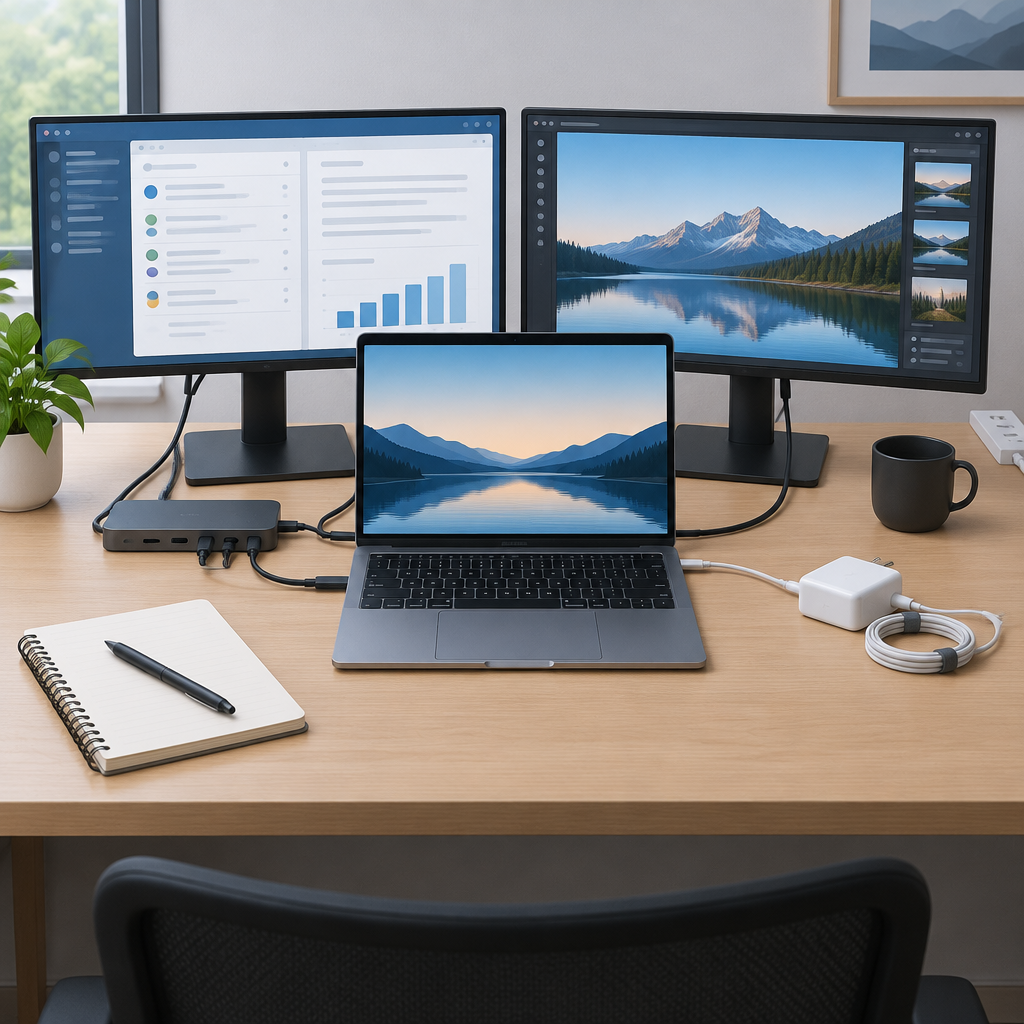
For a hypothetical desk with two monitors, an external project drive and one charger, make four entries: monitor A’s target mode and proposed path; monitor B’s target mode and proposed path; the drive’s interface and available data connection; and the charging source with its power rating. Leave each proposed path marked unverified until you have checked the laptop, dock and peripheral documentation together. This example is a planning exercise, not a tested compatible setup.
Use bandwidth and battery numbers as planning inputs, not guarantees
The 153GB/s and 170GB/s memory-bandwidth figures may help you choose between memory configurations, but they do not by themselves describe real app speed in your workflow. If your work is sensitive to large files, multitasking, or repeated exports, timing an actual import/export task on the same app, project type, and settings is the more useful comparison once credible measurements are available. Treat Apple’s battery categories the same way: translate them into your own day, such as a mix of documents, browser tabs, video calls, and screen brightness, instead of assuming a full workday will match the longest listed figure.
If you need to quote the configuration for a purchase review, keep it specific: 14-inch MacBook Pro, M6 column, chosen unified-memory tier, your regional price, and any adapters or dongles you expect to use. For the US, Apple’s starting price is $1,999. Do not reuse prices or availability from another country, and do not assume an India launch or India pricing if it has not been confirmed.
- What memory tier and bandwidth are listed for the configuration you want?
- How many external displays do you actually need, and at what exact mode?
- Which dock and cable combination satisfies the monitors, drive, and charger?
- What battery use case matters most: streaming, web, calls, or mixed work?
- What real task will you time later to compare settings fairly?