Google announced on November 3 that Guided Learning is available globally in Google Classroom. A teacher can attach an activity to an assignment and give students a Gemini chat that uses class material to help them work through the task. Before assigning it to a whole class, try one short exercise and check what appears on both sides of the assignment.
Start with one source and one learning goal
Google’s teacher guide says your administrator must enable access to the Gemini app for you to create a Guided Learning activity and review its Insights. In Classroom, start a new assignment from Classwork and add a Guided Learning activity. Google recommends starting with one source, although you can add up to five.
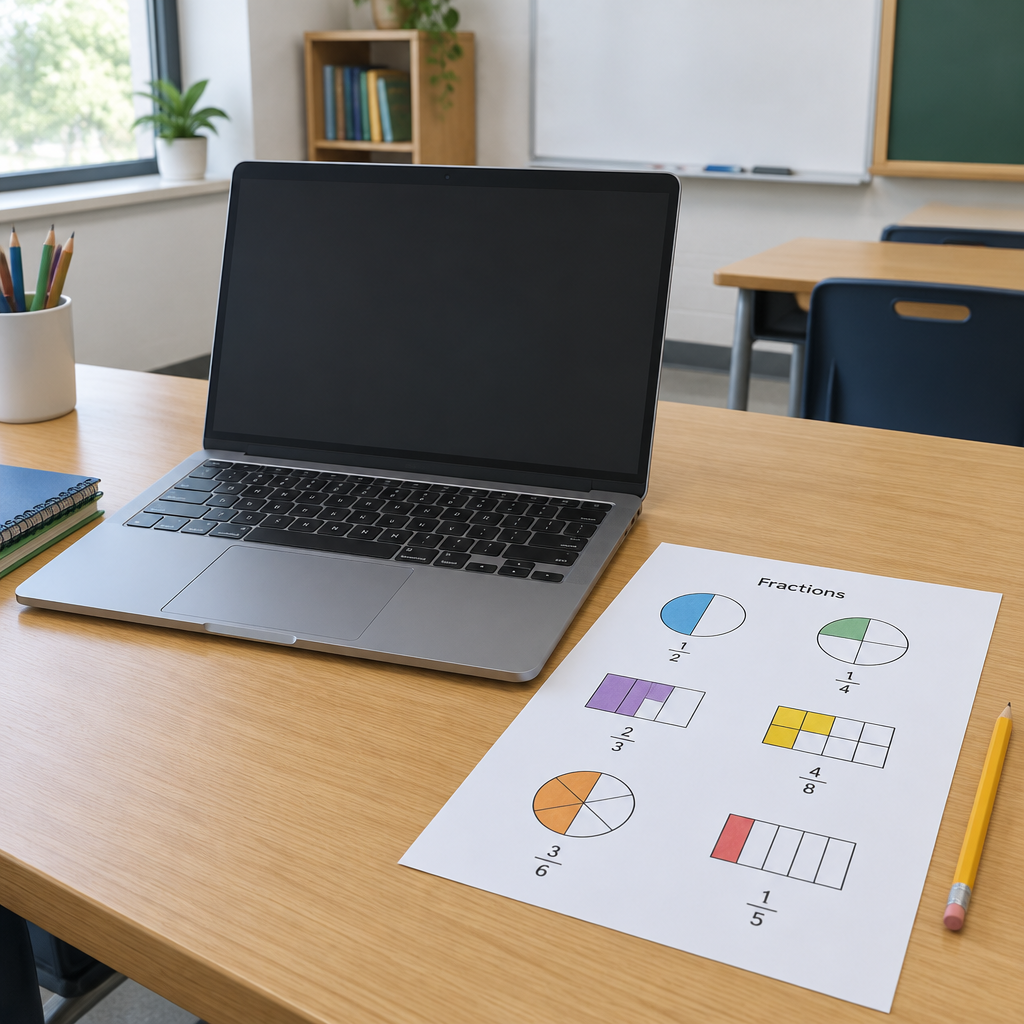
For example, attach a short handout on equivalent fractions and ask students to explain why two fractions represent the same amount. Give them a clear instruction: try a visual explanation before asking for another hint. Review the activity before assigning it. Afterward, compare the hints with the handout and check whether the student still had to explain the reasoning in their own words.
Check what the assignment makes visible
Students open the Guided Learning attachment from the Classroom assignment. Google says teachers can review Insights and chat transcripts for the Guided Learning activity they assigned. A separate Gemini chat the student started independently is outside that teacher view. Explain that distinction before students begin, so they know which conversation their teacher may read.
Use the Insights summary to decide what to look at next. If it flags confusion about denominators, read the relevant assigned conversation and compare it with the student’s explanation. The summary can miss context or make mistakes. Google advises against using it for assessment or placement. If student chat deletion is allowed and a student deletes the activity conversation, Google says that conversation will no longer appear in the teacher’s transcript view.
Keep the Classroom launch separate from Search
Google’s announcement distinguishes the Classroom release from a Search pilot planned for select U.S. schools later in November. It also describes future changes to default access for K–12 student accounts, with more rollout details to come. A school can check its current Classroom setup without assuming the Search pilot or the future access changes are already in place.
Check your classroom setup
Sources
Google’s November 3 education announcement
Google Classroom Help: create and manage Guided Learning activities