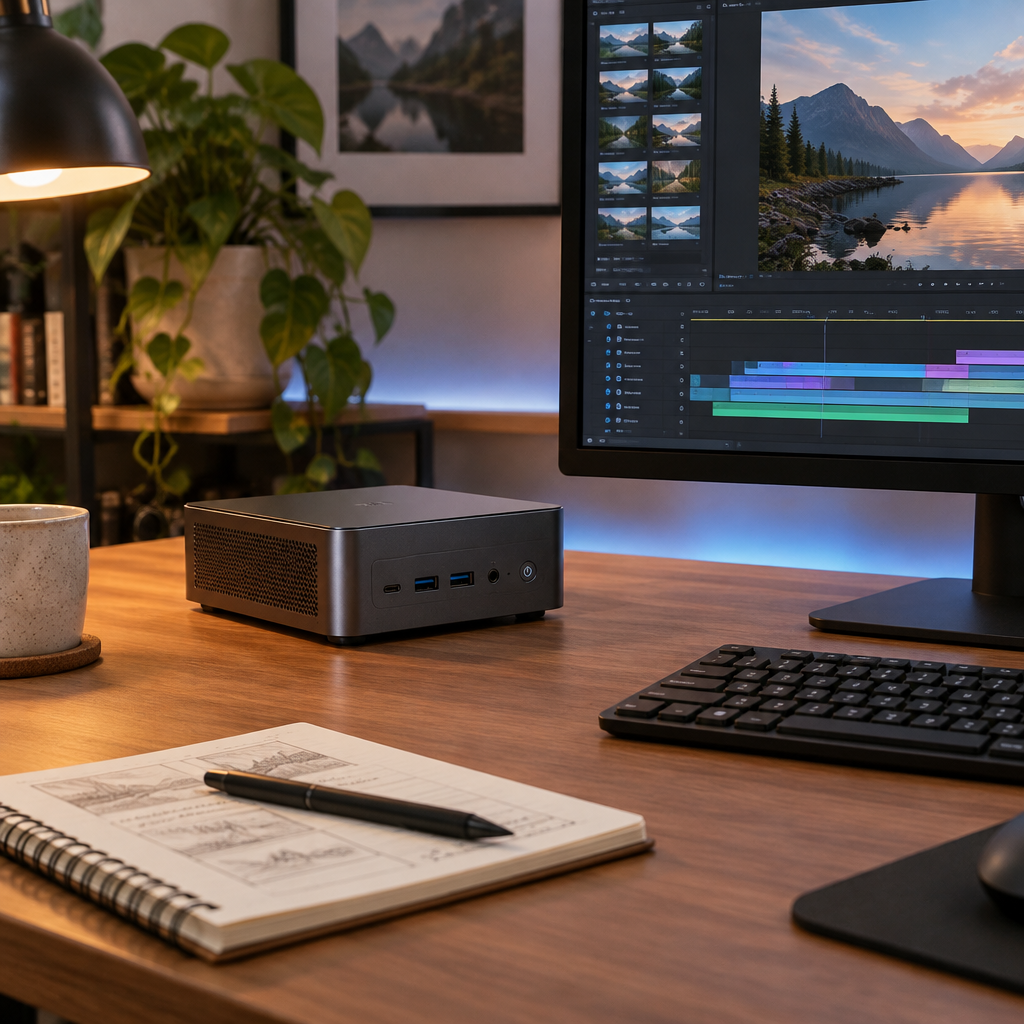
Gigabyte AI TOP AERO and the memory question
Gigabyte announced the AI TOP AERO desktop on November 10, 2026, positioning it as a Windows 11 system for local AI workflows with the RTX Spark N1X and up to 128 GB of shared system memory. As with many regional PC launches, configuration details, price, and availability can vary by market, so buyers should confirm the exact SKU in their region before comparing it with other machines.
The headline number, 128 GB, is important for capacity planning, but it does not tell you whether your specific Windows on Arm app will run correctly, whether a required driver exists, whether a plugin is available, or whether your chosen acceleration path is supported. Those are separate compatibility questions, and they can succeed or fail independently of memory size.
Why memory capacity is not a compatibility test
A system can have plenty of memory and still fail to run a workflow if the software stack is not ready for Windows on Arm. An application may need a native Arm build, a compatible runtime, a specific framework version, or a plugin compiled for the same architecture. If any one of those layers is missing, the app may not launch, may run in emulation with reduced performance, or may lose critical features.
Drivers and accelerators add another layer. Local AI tools often depend on a GPU backend, a model runtime, or vendor-specific acceleration support. If a driver is unavailable for the target platform, or if the software only supports a backend that your configuration cannot use, extra memory will not fix that mismatch.
The CPU and GPU share system memory. Ask how much remains available when your editor and model runner are open together, especially if you plan to run longer prompts.
How to check one workflow before buying
- Pick a task you already run, such as summarizing a long document. Write down the app and runtime versions, the model and quantization, and the context length.
- Confirm that those versions and any required drivers or plugins support Windows on Arm. Check which GPU backend the model runner can use on this configuration.
- Ask for a demo with a synthetic document at your usual context length. Record whether the run completes, which backend it uses, and how much system memory it uses with your other apps open.
- If the app opens but the model runs only on the CPU, you have verified that it launches. The accelerated workflow still needs its own test.
What to compare once the workflow runs
If you are evaluating AI TOP AERO or any similar local AI desktop, treat memory as one part of the decision, not the decision itself. Start with software compatibility, then runtime support, then acceleration support, and only then compare capacity, thermals, and price.
For product details and platform guidance, see the manufacturer announcement and NVIDIA’s RTX Spark porting overview below.
Gigabyte press release: AI TOP AERO launch details
NVIDIA RTX Spark porting guide overview