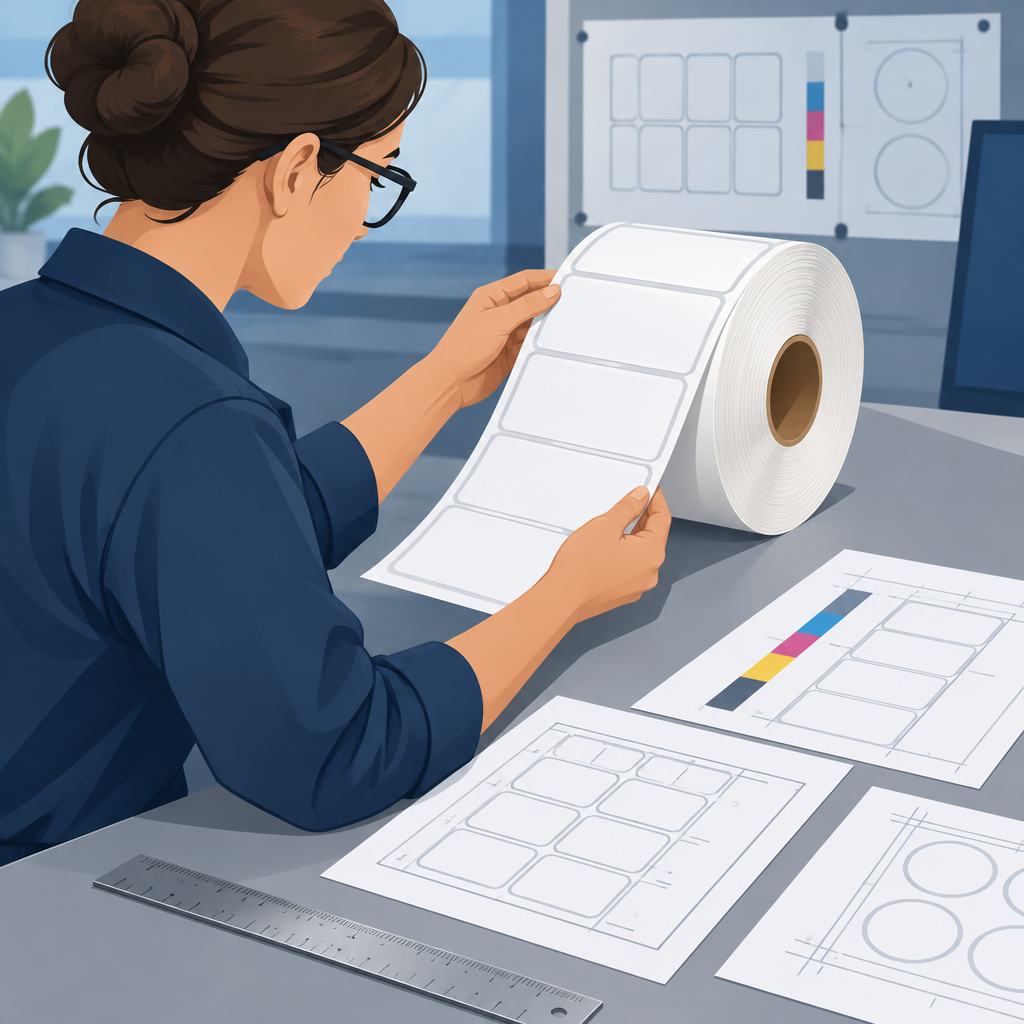
Gallus and HEIDELBERG introduced the India-assembled Flexomaster at LOUPE India on October 29, 2026. Its launch announcement describes a 440 mm printing width. The current HEIDELBERG India product table adds a distinction worth carrying into a quotation: machine web width, printing width and converting web width are separate rows.
HEIDELBERG’s October 29 Flexomaster launch announcement
Keep the table headings with the figures
Under Machine data, the table lists a maximum web width of 445 mm. Under Print, maximum printing width is 440 mm. Under Converting, maximum web width is 440 mm. The overview also uses 440 mm web-width wording. Ask for the configuration-specific drawing rather than assuming that one headline width describes the entire production path.
HEIDELBERG India: Flexomaster technical data and configuration caveat
The page calls its technical values approximate and says they may vary with configuration, job, web width, consumables, substrate and other factors. These published maxima are starting points for a supplier discussion.
Try a fictional cross-web layout
Imagine a planning worksheet for four labels across a material roll. For this arithmetic exercise only, assign each label a width of 100 mm, each of the three internal gaps a width of 5 mm, and reserve another 20 mm in total for the layout’s outside allowances. Those allowances are invented; they are not Gallus recommendations.
The total envelope is 4 × 100 + 3 × 5 + 20 = 435 mm. As a preliminary numerical comparison, that is below 440 mm. It does not prove that the layout can run: the required print zone, marks, bleed, tooling and material still need their own confirmed drawing.
Now change each label to 102 mm while keeping the other fictional assumptions fixed. The envelope becomes 4 × 10² + 3 × 5 + 20 = 443 mm. That is below 445 mm but above 440 mm. Checking only the machine-data web-width figure would miss the narrower printed-width comparison.
Neither version is a production-ready job. In particular, the example does not establish whether every reserved millimetre needs ink, how the design is positioned, or what converting arrangement is proposed. It shows why a spreadsheet needs separate fields for material width and the envelope being compared with each process limit.
Write down the missing dimensions
For a quotation request, attach a dimensioned artwork drawing and identify the intended material. Mark the total roll width, outermost printed marks, finished-label boundaries, internal gaps and any intended finishing operations separately. Label an unconfirmed dimension as unknown instead of copying a convenient machine maximum into the field.
Ask the supplier to identify which limits apply at each proposed stage and to return the drawing with the usable zones marked. If a finishing stage uses another arrangement, record that arrangement explicitly. A reply about the press’s maximum material width alone does not close the layout question.
Keep a simple review record
Save the product-page date, quoted configuration, drawing revision and supplier response together. Before artwork approval, compare the latest drawing with the version used in the quote. If the label width changes, rerun the entire cross-web calculation, including gaps and allowances.
In the fictional exercise, adding only 2 mm to each of four labels increases the total by 8 mm. Small changes repeated across a row can cross a limit even when one label looks almost unchanged. Confirm the complete layout before committing material or tooling.
Check the fictional layout