Setup checklist: start with the controls, not the assumptions
Amazon describes Echo Time as camera-free. In the same product description, it says sleep sensing is optional and uses temperature, presence, and ultrasound, with settings that can be changed in the Alexa app. Amazon also says the microphone mute control turns sensing off, and that some features require Alexa+, which Amazon says is included with Prime. Checked date: October 29, 2026. This article is a setup checklist based on Amazon’s description, not a device review or measured sleep result.
Amazon's Echo Time description and sensing controls
Three questions to separate before setup
- Is there a camera?
- Is sensing enabled?
- Are microphones enabled? One answer does not settle the others.
A camera-free device can still include other sensing options. Before setup, write down your intended outcome: a standard fixed alarm, or an optional sensing-based wake-up. Then read the device’s actual controls before choosing anything. Do not enable optional sensing simply because the device has no camera.
Household and guest checks
If the device will sit in a shared bedroom, everyone who uses the room should know which optional features are enabled. Review preferences before guest use, and revisit them if the room’s purpose changes. Treat this as a shared settings conversation, not a one-time assumption.
A simple worksheet for one change at a time
- Record the current setting you can actually see.
- Make one deliberate change only.
- Recheck the displayed state or indicator after the change. A spoken acknowledgment is not a substitute for checking.
For a practical test, choose a time when you are awake and present. Change one control at a time, then inspect which desired functions remain available. Do not assume alarms still work when microphones are muted or when the device is offline; verify the behavior on the actual device before relying on it.
If the options look different than expected
If the menus or options differ from the announcement you read, consult the current device help. Don’t guess menu paths, and don’t assume the same account, region, or entitlement applies everywhere. If a feature appears unavailable, verify the current state directly rather than filling in the blanks from memory.
Example: Alex plans a fixed alarm only
Alex wants a simple morning alarm and does not want optional sensing. Instead of assuming camera-free means all sensing is off, Alex checks the settings, confirms what is currently enabled, and runs an awake test. That sequence answers the real question: what is set now, and what still works after one change?
Short final checklist
- Confirmed product description: Amazon says the design has no camera. Separately record the sensing and microphone settings you actually verified.
- Untested behavior: any sensing, microphone, or alarm behavior you have not personally checked on the device.
- Missing information: current menu labels, account or region entitlements, and any feature details not stated in the source.
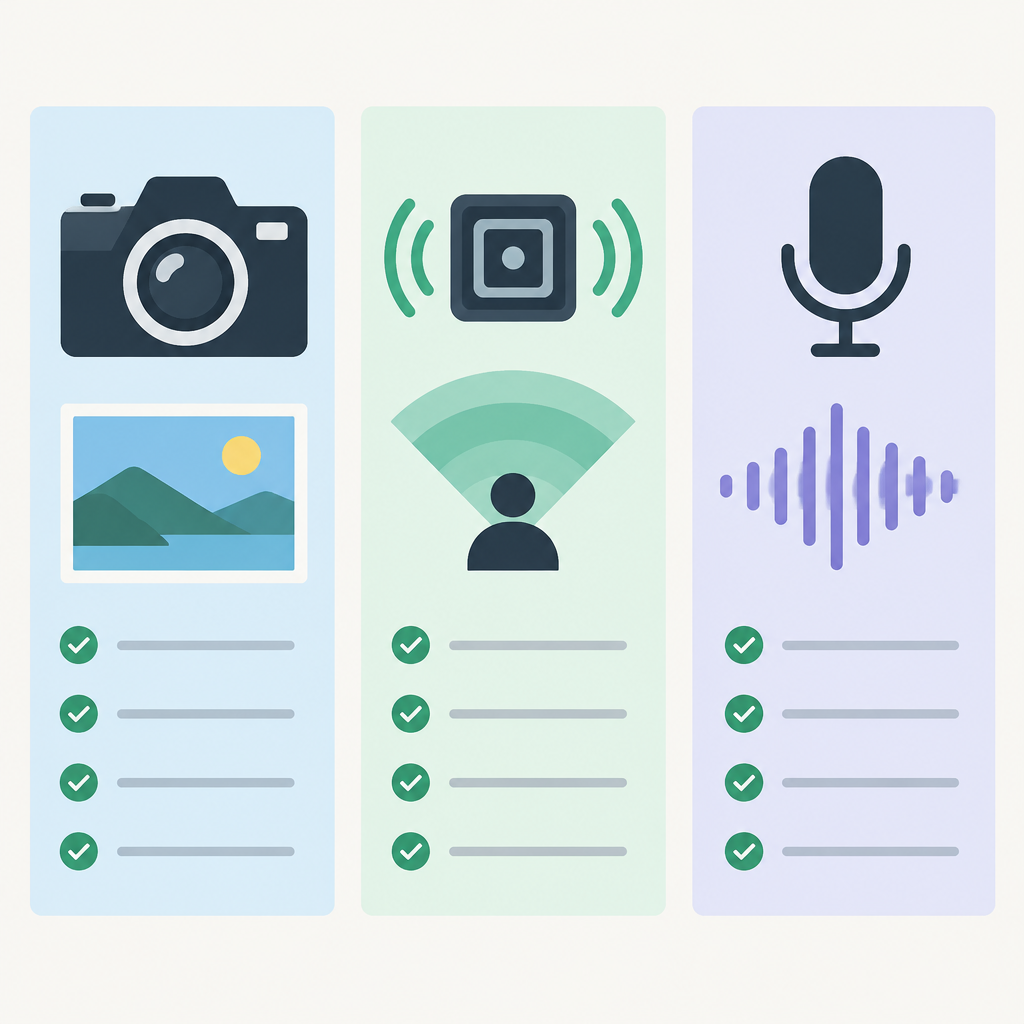
Illustrations: the bedside clock is generic, not an Echo Time product photograph. The camera, sensing and microphone symbols are a conceptual checklist; their check marks do not show this device's capabilities or your current settings.