Google announced on November 3, 2026 that Dreambeans, its experimental app for personalized daily story collections, was expanding to people aged 18 and over in India. It is available on Android and iOS. The app builds stories using information from the Google apps you choose to connect. If you are curious about the result, start with one source and decide whether the first collection is useful before adding more.
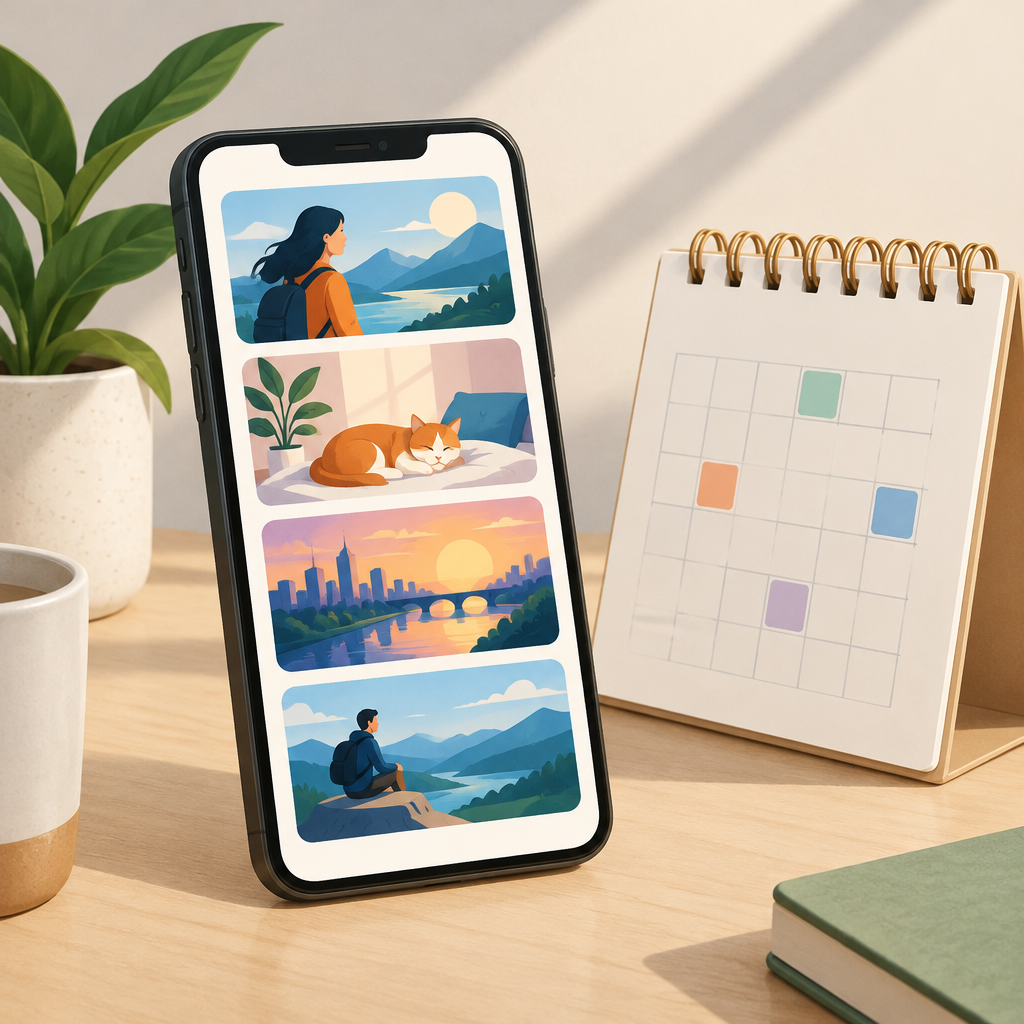
Pick one source for a reason
Google’s Dreambeans FAQ says at least one connected app is required. Options include Calendar, Gemini, Gmail, Google Photos, Search and YouTube. For example, someone interested in reminders about upcoming activities might start with Calendar. Someone who prefers ideas based on viewing interests might start with YouTube. These are ways to choose a starting point, not promises about the stories that will appear.
Review the first collection before expanding access
Google says it may take up to a day to prepare the first collection. When it arrives, check whether the topics are relevant and whether recommendations or details are accurate. If a story suggests visiting a venue, confirm its opening hours on the venue’s own page. Google says you can use the app’s tuning tools or thumbs-down control to give feedback on a story.
Use the Dreambeans profile to change sources
Google’s FAQ says the profile menu lets you change connected apps, review feedback history or delete Dreambeans data. Changing those choices does not change the settings in Gemini Apps or AI Mode. If you only want to stop using one source in Dreambeans, look at the connected apps list; if you want to delete your Dreambeans data, use the separate deletion option described in the FAQ.