AWS EC2 Capacity Blocks: Separate Upfront Charges From Usage Cost
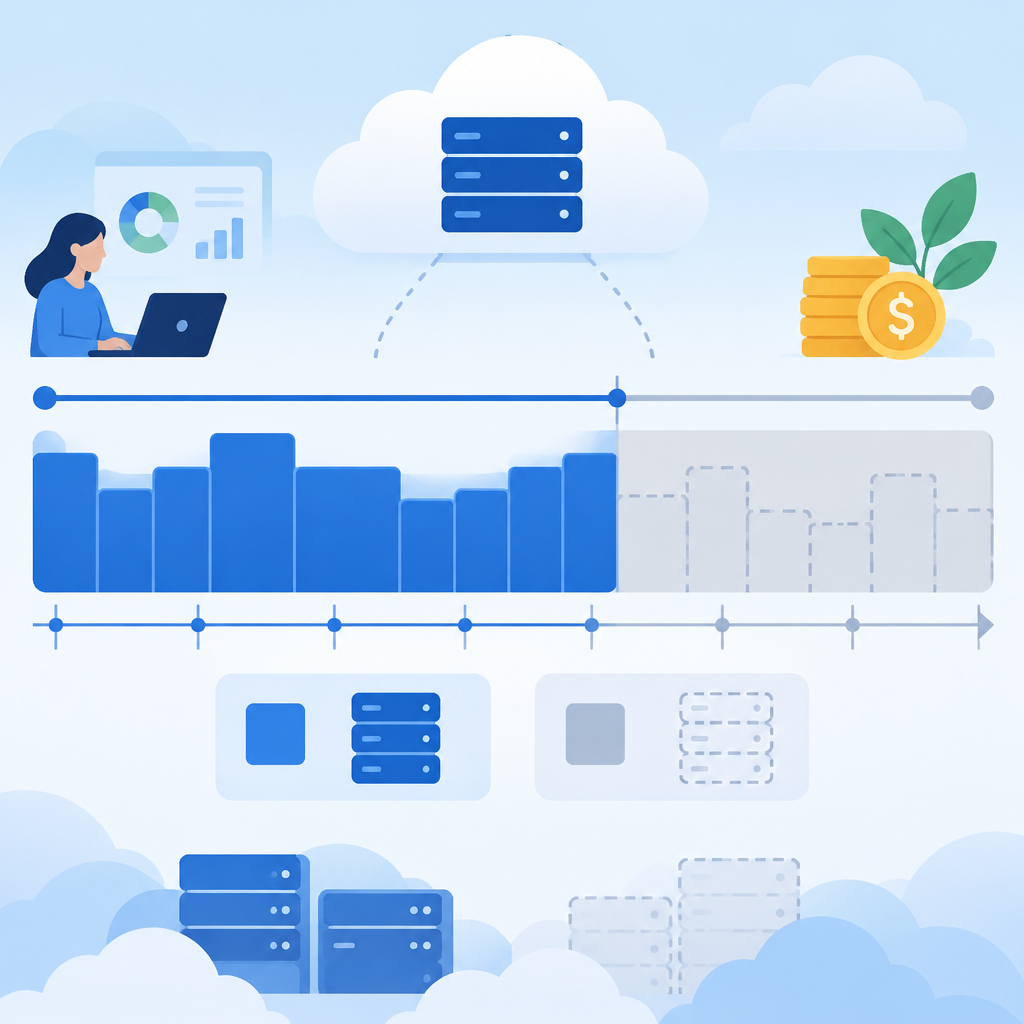
AWS announced on November 6, 2026, that EC2 Capacity Blocks for ML are reflected in Cost Explorer and CUR 2.0, with reporting intended to help you see cost allocation more clearly. The practical point is simple: separate the upfront fee you paid at purchase from the way AWS spreads that fee across the reservation duration for reporting. Also separate capacity allocated to instances launched into the block from capacity that remains unused.
What this reporting does and does not mean
This reporting does not change when you pay, and it does not create a refund. It also does not measure whether your application or GPU was utilized well. It is a cost reporting view, not an operational performance metric.
AWS also states there is no additional charge for this reporting feature, and that it excludes AWS GovCloud (US) and China Regions. For pricing, procurement, tax, or accounting questions, rely on your own policy and professional guidance rather than assumptions from the report.
How to read the reservation in Cost Explorer
In Cost Explorer, choose the amortized cost view. That view is the practical check for seeing the reservation cost distributed over time instead of only at the purchase moment. If you compare views, you should expect the upfront payment to appear differently in raw cash timing versus amortized reporting allocation.
For a single reservation, first identify the upfront fee at purchase. Then look at how AWS allocates that fee across the reservation term. Next, distinguish the portion allocated to instances launched into the block from the portion associated with unused capacity. Those are different reporting questions, and they should not be collapsed into one number.
CUR 2.0 fields to read separately
In CUR 2.0, AWS names specific fields for this reporting. Read them separately rather than adding them together as if they were independent costs that all mean the same thing.
- reservation_amortized_upfront_fee_for_billing_period: the upfront reservation fee amortized into the billing period for reporting.
- reservation_effective_cost: the effective cost field for the reservation.
- reservation_net_effective_cost: the reservation field AWS describes as after discounts in the November 6 announcement.
A useful rule: do not invent new meanings for these fields, and do not sum alternative reporting fields together unless AWS documentation explicitly tells you to do so for that exact context. Treat each field as AWS-defined reporting output, not as a standalone business conclusion.
Short reconciliation checklist
- Confirm the reservation purchase date and the total upfront fee paid.
- Open Cost Explorer in amortized cost view before comparing totals.
- Check that the reporting period matches the reservation duration you are reviewing.
- Separate used capacity allocated to launched instances from unused capacity.
- Use CUR 2.0 field names exactly as AWS defines them and avoid mixing fields that answer different questions.
- Verify whether your account and Region are in scope, since AWS excludes GovCloud (US) and China Regions for this feature.
Reference links