Apple TV 4K: Check Your HomePod Pairs Before Setup
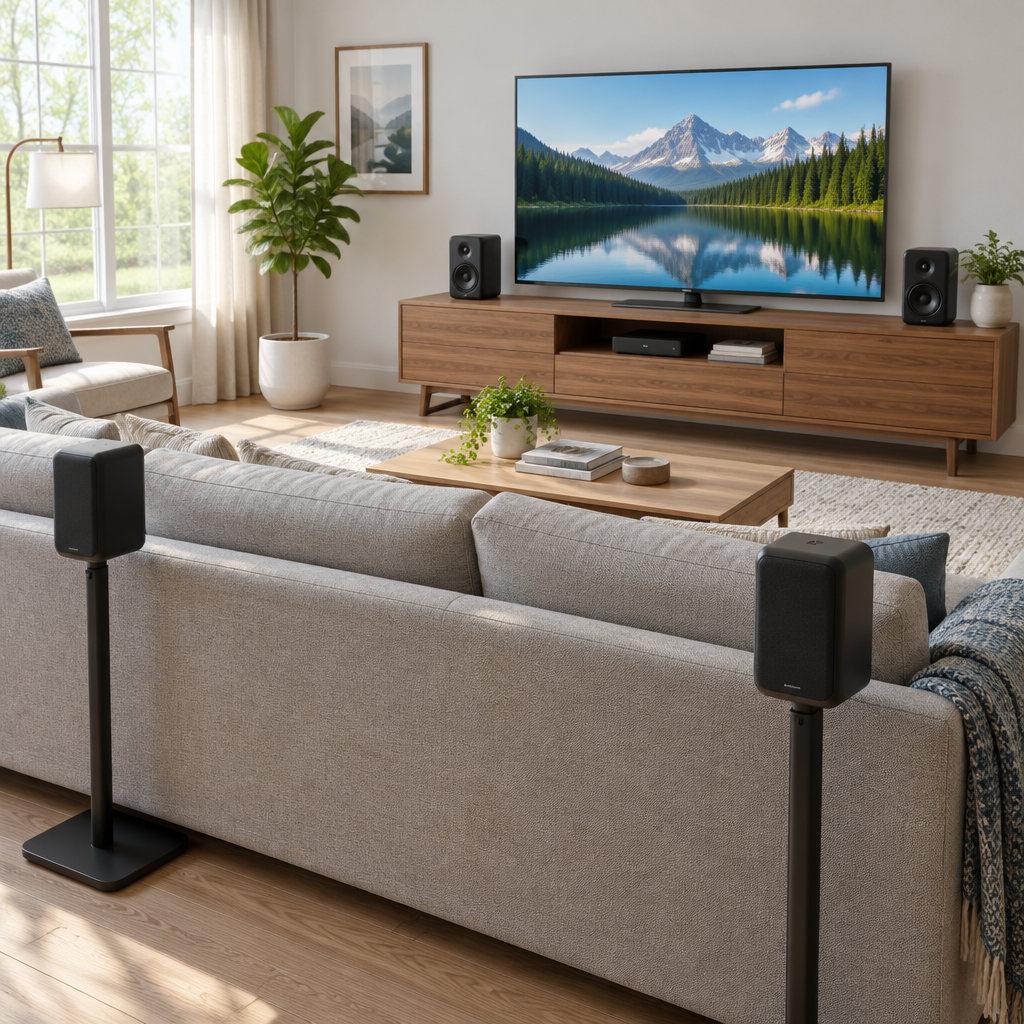
Apple’s October 13 announcement for the new Apple TV 4K says it will be available in U.S. stores on November 13, 2026. The announcement also includes a footnote that matters before you begin setup: the new four-speaker home theater surround mode calls for Apple TV 4K fourth generation running the latest operating system software, plus four HomePod second generation or HomePod mini 2 speakers arranged in matching front and rear pairs. That wording is specific, so it is worth checking what you already own before you plan around this mode.
What to verify before you set anything up
- Apple TV 4K fourth generation is the model tied to the four-speaker home theater surround mode described in Apple’s announcement.
- The Apple TV 4K must be updated to the latest operating system software before you rely on that mode.
- You need four compatible speakers in the configuration Apple specifies: HomePod second generation or HomePod mini 2, in matching front and rear pairs.
- Check that your television is ready for the Apple TV 4K connection you want to use.
- Confirm you already have the HDMI cable you plan to use; Apple’s store notes that a Dolby Vision compatible cable is needed for 4K HDR, and the HDMI cable is sold separately.
- Make sure your home network and any other equipment you expect to use are already in place.
- The included items mentioned by Apple are the remote and the power cord.
- The USB-C charging cable is sold separately.
A simple example of why two speakers are not enough for this mode
For example, if you own two HomePod second generation speakers and place them as a front pair, that still does not satisfy this specific four-speaker surround mode. Apple’s footnote calls for four speakers total, with matching front and rear pairs, so two speakers alone do not meet the requirement for this mode.
That does not mean two speakers are useless for everything Apple TV can do. It only means they do not satisfy this particular four-speaker home theater surround mode as Apple describes it.
Keep the scope narrow when you check compatibility
Apple’s wording should be read carefully. Do not assume mixed-model front and rear pairing unless Apple explicitly confirms it. Do not treat this four-speaker requirement as a blanket rule for all Apple TV audio or stereo use. And do not count on hands-on behavior beyond what Apple has stated in its announcement and product pages.
Useful links from Apple
Apple Newsroom announcement: Apple unveils the new Apple TV 4K
Before you press setup, confirm this checklist
- Apple TV 4K fourth generation
- Latest OS software installed
- Four supported speakers, arranged as front and rear pairs
- Television ready for connection
- Dolby Vision compatible HDMI cable if you are aiming for 4K HDR; the HDMI cable is sold separately
- Network access
- Any other equipment you already own and plan to use
- Remote included
- Power cord included
- USB-C charging cable purchased separately if needed