Why small files can slow a job
Amazon FSx for Lustre is built for high-performance storage, but not every workload stresses the same part of the file system. Some jobs move large files in long sequential reads and writes. Others spend much of their time creating directories, opening many small files, or scanning metadata before the real computation starts. That difference matters because metadata and file contents are not the same thing: metadata is the file system’s bookkeeping, while file contents are the data inside the files.
On November 5, 2026, AWS announced that new Amazon FSx for Lustre Intelligent-Tiering systems can provision up to 192,000 metadata IOPS, compared with a previous maximum of 12,000. That 16x figure is a comparison of ceilings, not a promise of 16x faster applications, and it does not describe file data throughput. In practical terms, the higher limit is most relevant when the workload is dominated by metadata activity rather than bulk data movement.
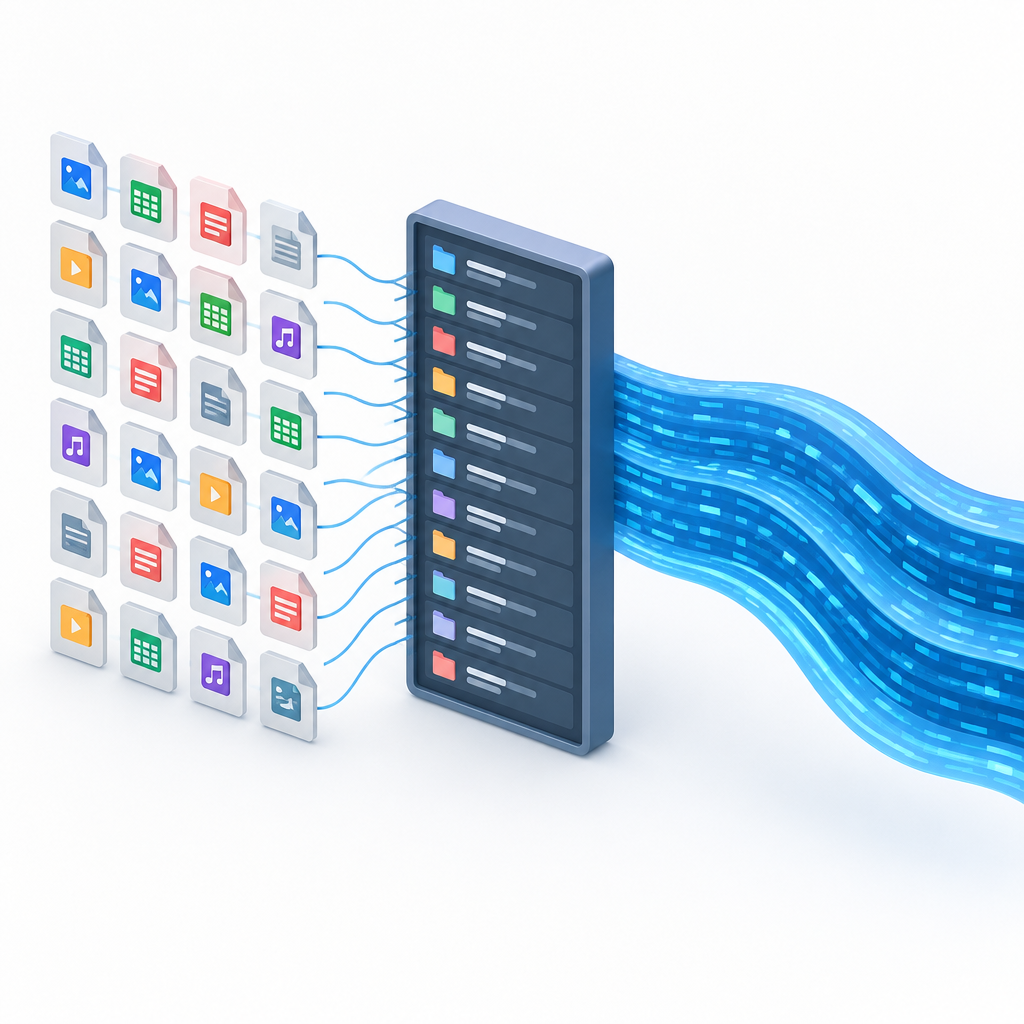
What the limit is—and what it is not
The AWS User Guide says Intelligent-Tiering file systems created before November 5, 2026 support only User-provisioned metadata performance at 6,000 or 12,000, while a restored backup inherits the supported metadata modes and limits of the file system it came from. It also notes that automatic mode on Intelligent-Tiering is based on throughput capacity. Those details matter for planning, because the metadata setting and the data path solve different problems.
In plain language, metadata answers questions like: What is in this directory? Who owns this file? When was it modified? File contents are the bytes you read when training starts or when a simulation loads its inputs. A system can be excellent at moving bytes yet still feel slow if the job first has to examine thousands of tiny files one by one.
How to design a fair trial
A useful benchmark should keep the workload shape fixed as much as possible. For a small-file training dataset trial, keep the file count, file-size distribution, number of clients, and access pattern stable across runs. Compare that against a large sequential-read test that uses the same clients and similar runtime conditions, but reads fewer, larger files. Measure directory listing time, file-open latency, and elapsed startup time separately from byte throughput so you can tell whether the bottleneck is metadata or data movement.
- Hold the dataset layout constant across runs when possible.
- Measure directory listings, file opens, and startup elapsed time as separate metrics.
- Track byte throughput independently; do not use it as a proxy for metadata performance.
- Watch for cache effects, because repeated runs may look faster after metadata or data is already warm.
- Record the exact client count and workload scripts so the comparison stays representative.
If the small-file run improves after increasing metadata IOPS, that suggests the job was metadata-heavy. If only large sequential reads are involved, the metadata ceiling may matter much less than throughput capacity and client-side behavior. Either way, the safest interpretation is empirical: report the measurements you actually collected, avoid assuming causation from the ceiling alone, and remember that a higher limit does not automatically mean faster end-to-end training.
For the most current service details, see the AWS announcement and the FSx for Lustre metadata performance guide.
AWS announcement: Amazon FSx for Lustre Intelligent-Tiering now supports 16x higher metadata IOPS
Amazon FSx for Lustre User Guide: Managing metadata performance