What is confirmed, and what is not?
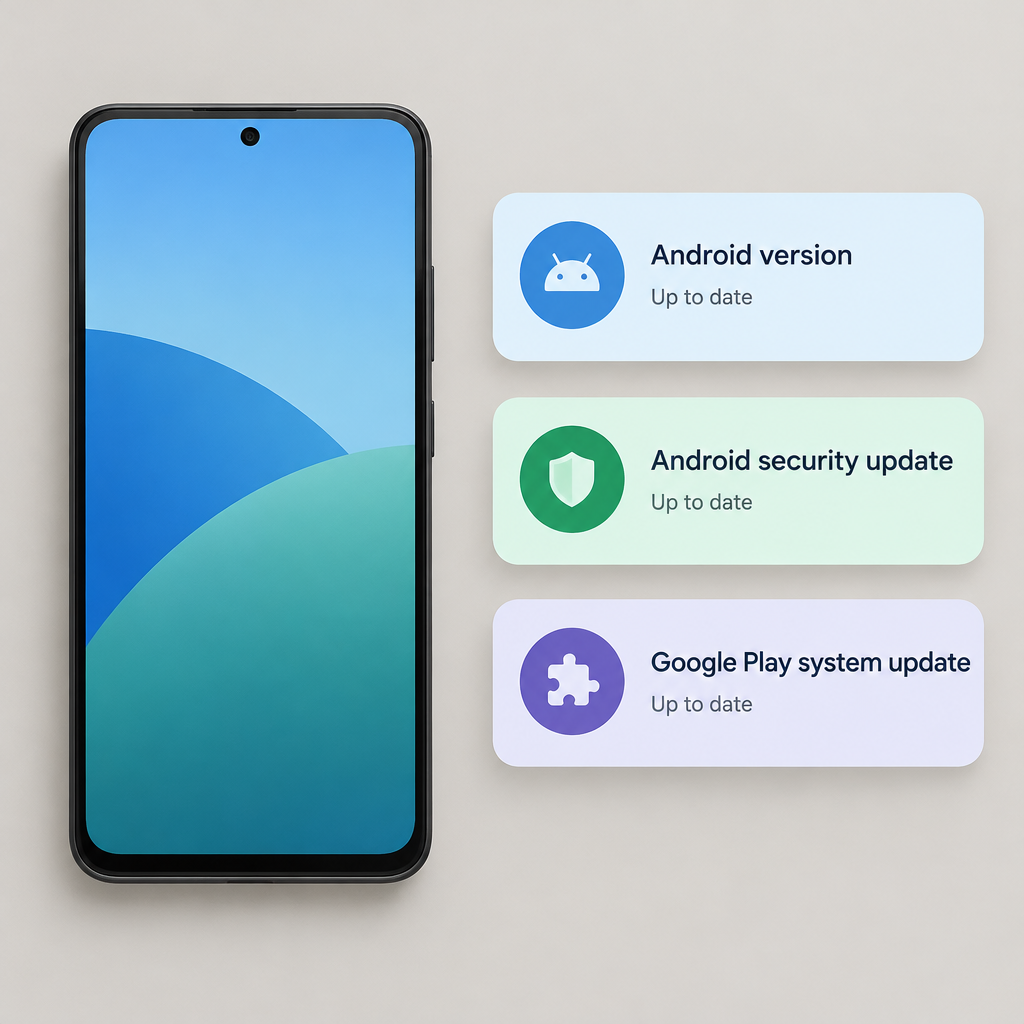
A Samsung Members post by user GunasamssYT on October 22, 2026 says a Galaxy S25 Ultra showed “January 2027” in Google Play System Update after a restart, with screenshots attached. That is a community report, not a Samsung staff statement or official acknowledgement, so it should be treated as a single firsthand observation rather than proof that every Android phone is affected or that the label means the same thing on all devices. [Samsung Members source](https://r1.community.samsung.com/t5/galaxy-s/january-2027-google-play-system-update/td-p/40045543)
Google lists four separate entries in Settings > About phone or About tablet > Android version: the OS version, Android security update, Google Play system update and build number. Menu names vary across devices. Check the values separately rather than treating the newest-looking date as a summary of everything installed. [Android Help](https://support.google.com/android/answer/7680439?hl=en)
Why the date alone should not drive a reset
A future-looking Play date alone does not establish a future OS release or security coverage through that month. This is an inference from the separate fields, not a diagnosis of the reported phone. A factory reset is disruptive, and none of the reviewed sources establishes it as a repair for this label.
Google’s current system-services release notes page shows different streams for Google Play services, Play Store, and WebView. In the October section, WebView v157 appears on October 22, while Play services 26.41 and Play Store 53.7 appear on October 19. On the page reviewed on October 24, there was no January 2027 entry explaining this label. That narrow check does not prove a bug or a fix; it only means the release-notes page checked on October 24 did not explain this January 2027 label. [Google product documentation](https://support.google.com/product-documentation/answer/14343500?hl=en)
Android’s security bulletin index shows the October 2026 bulletin was published October 5, with patch levels of 2026-10-01 and 2026-10-05. Google also distinguishes platform, kernel, and chipset bulletin coverage from device-specific bulletins, which is another reminder that one Play label is not a complete security verdict for every component on a phone. [AOSP bulletin overview](https://source.android.com/docs/security/bulletin/asb-overview) • [Android security bulletin index](https://source.android.com/docs/security/bulletin)
Record the fields and the symptoms
Save the four displayed values, plus the phone model and when you checked them. Separately record any failed installation, repeated crash, unexpected restart or security warning, with its exact wording. A support report saying only “my update is from the future” gives less to investigate than the model, build and a reproducible symptom. Compare with guidance for your own device rather than another phone’s screenshot.
Keep the next step proportionate
- If the date is the only concern, check official updates and manufacturer guidance; an odd label alone does not establish a device compromise.
- Do not install a purported “January 2027 patch” APK from an unofficial source.
- Avoid factory resets, rollbacks or clearing Google Play services as speculative fixes. The reviewed sources do not establish them as remedies for this report.
| Field | Question it helps answer |
|---|---|
| Android version | Which OS release is installed? |
| Android security update | What security date does the device report? |
| Google Play system update | What date does that separate update field report? |
| Build number | Which software build should support identify? |
[Google’s field list](https://support.google.com/android/answer/7680439?hl=en). These entries help identify the software; they do not independently test every component’s security.
Read the update fields
Use the device’s normal software updater and follow its instructions. Google recommends Wi-Fi and at least 75% charge; rollout timing depends on the device, manufacturer and carrier. If the date remains odd, preserve the record for support. If a genuine malfunction appears, report it promptly rather than assuming either that the label caused it or that a future date guarantees protection. [Android Help](https://support.google.com/android/answer/7680439?hl=en)
Google Android Help: check Android version and update fields
Google product documentation: system services release notes