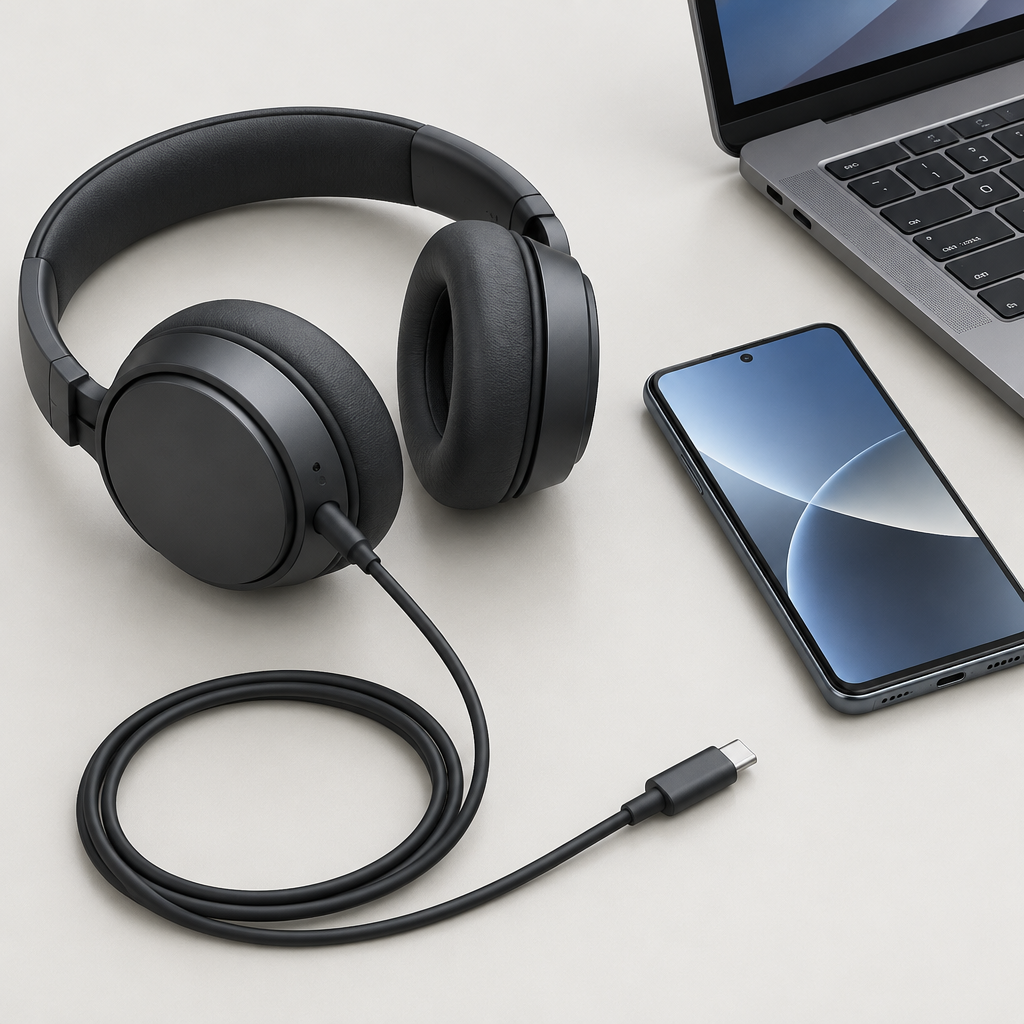
Sony MDR-3R: Test USB-C Playback and the Mic Separately
Sony has announced the MDR-3R headphones, and the first thing US shoppers should sort out is what USB-C can and cannot tell you. A USB-C plug is only the connector shape. Actual compatibility depends on the host device, operating system, and app support. Sony’s US product page says the MDR-3R is compatible with USB Audio Class 1.0 devices, and also warns that functions can vary by device, OS, or app.
Sony’s product information also describes an inline mic and remote, so it is worth testing those features separately from music or video playback. Do not assume that if audio works, the microphone and buttons will behave the same way in every phone, tablet, or laptop. If your specific Sony-supported phone needs a USB or OTG setting, use only the setting documented for that exact device.
A simple three-step check
- Connect the headphones to a compatible host and test playback first. For example, if a hypothetical laptop supports USB Audio Class 1.0, open a known audio file and confirm the laptop recognizes the headphones as an audio output device.
- Use a local recording or an app mic test to check the inline microphone separately. If the device offers a selectable USB headset input, choose it. Then compare that result with the same test after unplugging the headphones so the built-in mic does not create false confidence.
- Test the inline controls in the app you actually plan to use. Play, pause, and volume commands may work in one app and behave differently in another.
Sony Japan’s Nov. 6 press release is an announcement source and should be read separately from regional sales pages. Sony Japan also mentions a November 20 date for Japan only, so US buyers should not treat that as a US availability signal. For US-first readers, the safest approach is to focus on documented support and not on assumptions about timing or feature parity across regions.
A practical example: if a hypothetical Android phone plays audio through the MDR-3R but the mic does not appear in your calling app, that does not mean the headphones are defective. It may mean the app is not using the USB headset input, or the device needs a documented setting. Separate each test so you know exactly what works.
Sources
Sony Electronics US product page
Sony Japan Nov. 6 press release
Questions to ask before you buy
- Can your phone or laptop actually host USB Audio Class 1.0 output, and does that support include the app you plan to use for calls or media?
- If playback works but the mic or remote does not, have you tested those features separately in the intended app and checked whether your device needs a documented USB or OTG setting?