Razer announced the Hammerhead V3 Chroma on November 5, 2026 as wired USB-C gaming earbuds. One feature needs its own line in a buyer’s checklist: Razer describes THX Surround Sound 7.1 on PC through Synapse 4. That wording should stay attached to the platform and software requirement.
Separate the connector from the surround feature
The manufacturer’s product page lists active noise cancellation, an in-line controller and microphone, and a 90-degree USB-C connector for compatible devices. It separately describes activating THX Surround Sound 7.1 through Synapse 4 on PC. The connector description alone does not establish that this software feature follows the earbuds to every device.
Before choosing them for a particular setup, write down the exact device, the feature you need and the manufacturer requirement you have checked. If you intend to move between a computer and a handheld, keep those as two separate compatibility questions.
Make a three-row evaluation plan
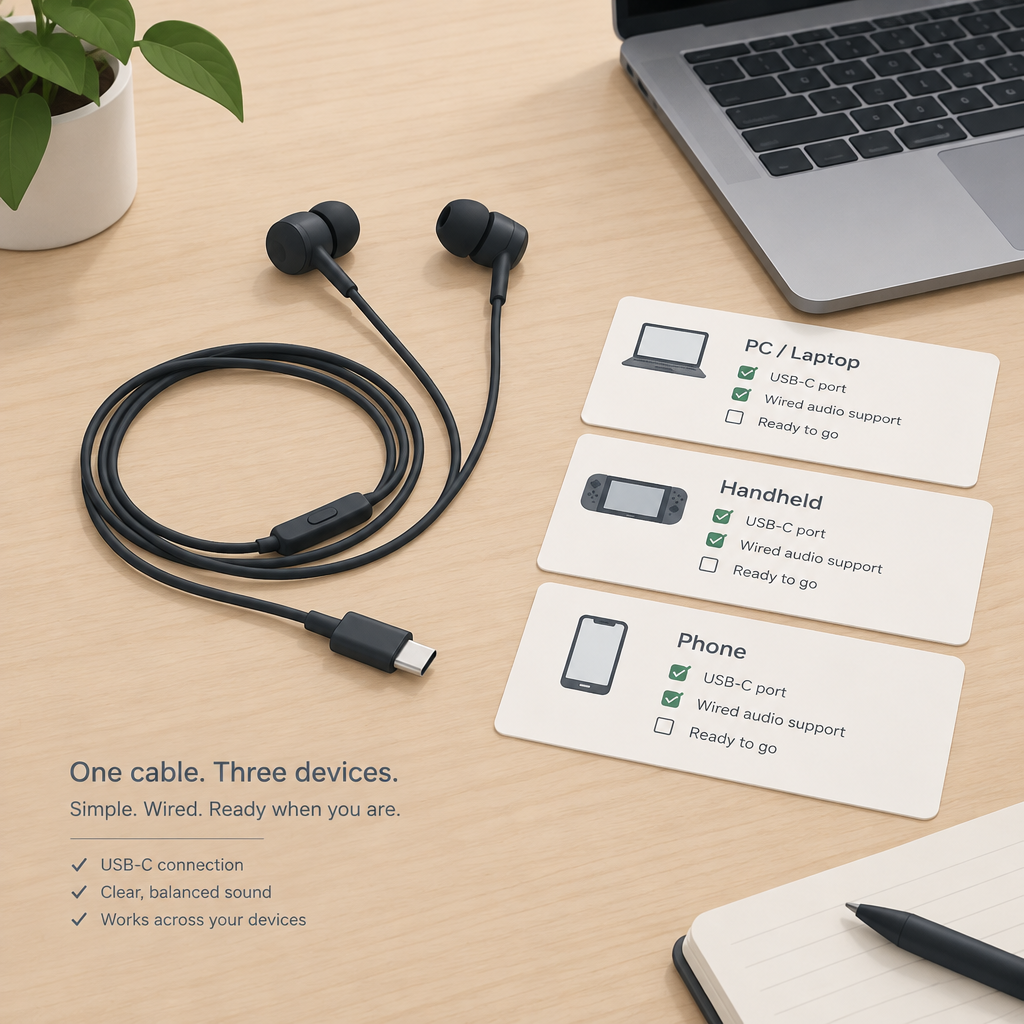
For a fictional example, imagine a buyer plans to use one pair with a PC, a handheld and a phone. Create three rows rather than one box marked compatible. The PC row asks whether the intended computer meets the current Synapse 4 requirements and whether the documented surround feature can be activated. The other two rows ask which audio, microphone and controller functions are supported on those exact devices.
Leave each untested result unresolved. A successful connection on the fictional phone would establish only what was actually observed there. It would not fill in the PC surround row, establish support for another handset or demonstrate that every control works.
Check fit and functions individually
- Confirm current support for the exact device and required software before buying for a must-have feature.
- For an authorized trial, record the device model, software version and connection used.
- Check playback, microphone selection and controller actions separately; retain each actual result.
- Assess the connector with the case and grip you normally use, without assuming the advertised shape establishes physical fit for every setup.
This plan separates an advertised capability, a documented requirement and an observed result. Keep those entries together if you later compare devices. No earbuds were purchased, connected or measured for this article, and no claim is made about real latency, noise reduction, sound quality or device-specific fit.