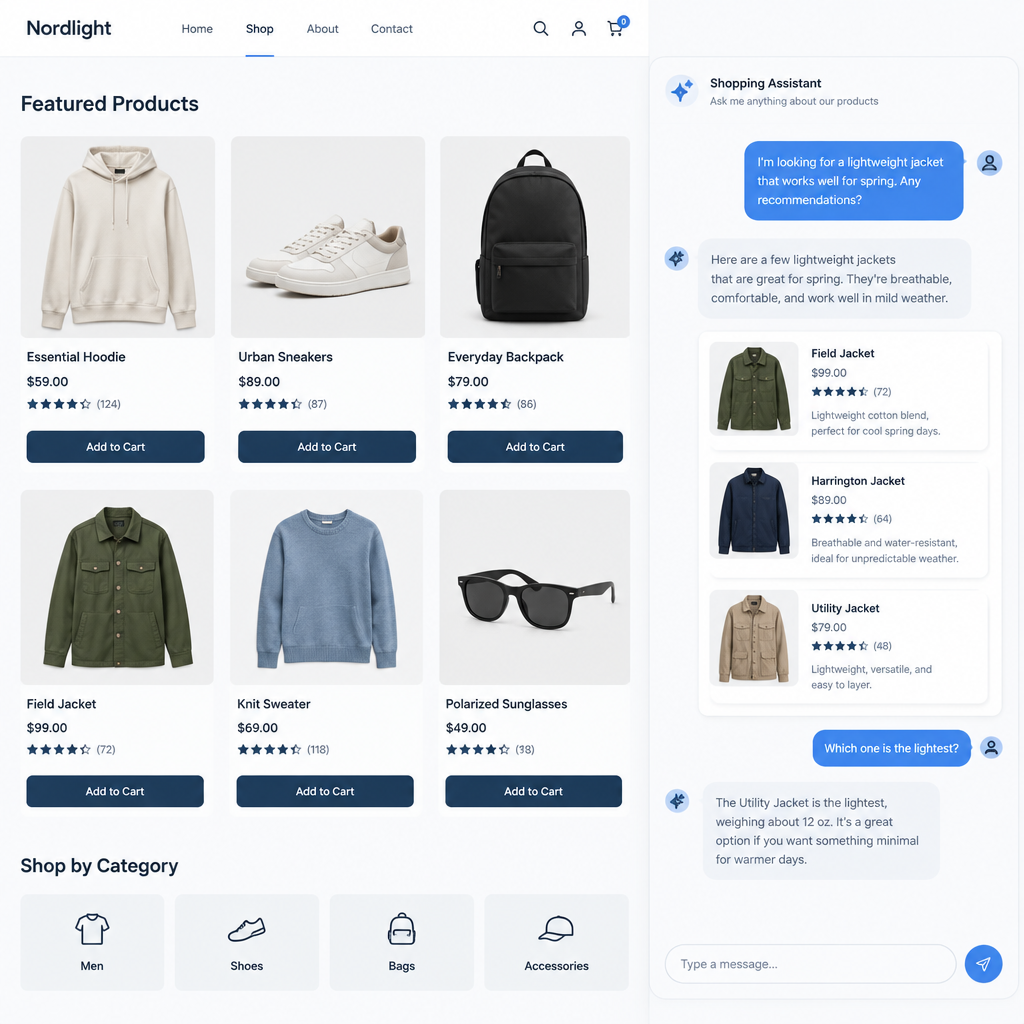
Firmly’s Ask Agent: Check Catalog Scope Before a Shopping Pilot
Firmly announced Ask Agent on November 5, 2026, as a conversational shopping feature for merchant sites with product discovery and checkout. For ecommerce teams, the key question is not only whether the feature can surface products, but which products appear, on which surfaces, and under what approval rules. The safest approach is a small, approved preview evaluation before any broader pilot.
Why catalog scope matters
Firmly’s broader merchant documentation for Firmly Connect describes options such as an entire catalog versus a curated catalog, separate destination opt-ins, and go-live approval. However, those settings should not be assumed to apply automatically to Ask Agent. The documentation also says there is no separate merchant sandbox, so teams should confirm the current configuration and preview path directly with Firmly before testing.
It is also important not to assume that all stores are eligible or that approval means every destination and every product will behave the same way. Approval is not verification of behavior. A limited preview can help validate expected visibility, but it may not reflect every destination or every downstream checkout condition.
A small approved preview evaluation
Start with a worksheet for three fictional products. If Firmly confirms an approved preview is available for your setup, use it to compare expected and observed product visibility. Keep the check read-only and stop before checkout.
- SKU-A100: approved and intended to appear in discovery results and product cards.
- SKU-B200: excluded from the catalog scope and should not appear on the surfaces where the exclusion applies.
- SKU-C300: approved but out of stock, if the current configuration exposes stock status, and should be shown as unavailable or omitted according to vendor rules.
Expected visibility by surface
Before the pilot, ask Firmly which surfaces Ask Agent currently supports in your account and how product inclusion is controlled. Record the expected visibility for each fictional SKU by surface, then compare that expectation with the approved preview. For example, a product may appear in a discovery card but not be eligible for checkout, or an out-of-stock item may be displayed differently depending on the configured rules.
- Discovery surface: confirm whether SKU-A100 appears, SKU-B200 is excluded, and SKU-C300 is hidden or marked unavailable.
- Product detail surface: confirm whether the allowed item is shown with correct name, price, and availability state.
- Checkout handoff: leave it untested in this visibility check.
What to verify with the vendor
Ask the vendor to confirm three things in writing: which catalog scope is active for Ask Agent, whether any destination-specific opt-ins are required, and whether preview coverage is representative of the current merchant configuration. If any answer is uncertain, treat that as a limitation and document it before proceeding to a wider pilot.
A preview can reveal a mismatch between the approved catalog and what shoppers see. If a surface was unavailable or its configuration was unclear, mark it untested before deciding whether to expand the pilot.
Firmly press release on Ask Agent