Amazon Shop Direct: Test Three Catalog Cases Before Connecting Your Catalog
Amazon’s November 4, 2026 Shop Direct Merchant Workspace announcement gives eligible merchants a free self-service portal, and Amazon’s documentation indicates availability in its U.S. store only. For brands evaluating the program, the key idea is to treat discovery, product availability inside the Workspace, and checkout as separate steps rather than one guaranteed outcome. Participating listings may appear in Amazon search and Alexa for Shopping, but appearance is not guaranteed, and merchants should not assume every eligible product will surface in the same way.
How discovery, Workspace availability, and checkout differ
A product can be present in the Workspace without being visible to customers, and a customer may discover a listing without completing checkout there. According to the documentation, eligible products may use Buy for Me; otherwise, customers are directed to the merchant website. Even when Amazon assists with discovery or checkout routing, the merchant still manages fulfillment, returns, and customer support.
That separation matters because teams sometimes assume that catalog sync, customer discovery, and purchase flow will move together. In practice, the safest approach is to verify each stage on its own and stop expanding if the feed and storefront disagree.
Start with three catalog cases: an in-stock item, a variant pair, and an out-of-stock item.
An editorial recommendation, not an Amazon requirement, is to pilot three distinct catalog cases before connecting a broader catalog: one in-stock product, one variant pair, and one out-of-stock item. Use this to compare what your feed says with what the public landing page shows.
- Product ID or variant identifier matches the feed and the storefront.
- Price and currency are consistent across the feed and landing page.
- Stock status is aligned for each item, including the out-of-stock case.
- The landing URL resolves to a public page that does not require placing an order to verify basic information.
- For the out-of-stock item, ensure the source data and landing page agree on unavailability; do not require the item to appear in discovery.
After submission, check the item’s active status in the Merchant Workspace separately from customer discovery. That distinction helps you avoid over-reading a single status indicator. If the feed shows one message and the storefront shows another, pause expansion until the mismatch is resolved.
Provider routes and the direct SP-API option
For teams using a provider route, Feedonomics was confirmed by its parent company Commerce.com as available in Amazon’s Shop Direct Merchant Workspace. The direct SP-API path is optional and, per the documentation, requires the approved Shop Direct role. If you pursue that route, follow the documented role and access requirements; do not rely on assumptions about eligibility or unsupported setup details.
What to watch before scaling
Do not assume sales uplift, exact indexing time, or fee outcomes from the program. Also avoid building plans around unsupported eligibility terms. The most useful early signal is consistency: if product IDs, prices, stock status, and landing pages remain aligned, you have a stronger case for expanding the catalog connection.
Sources
Amazon Shop Direct Merchant Workspace announcement
Amazon developer docs: Shop Direct
Commerce.com: Feedonomics now available in Amazon’s Shop Direct Merchant Workspace
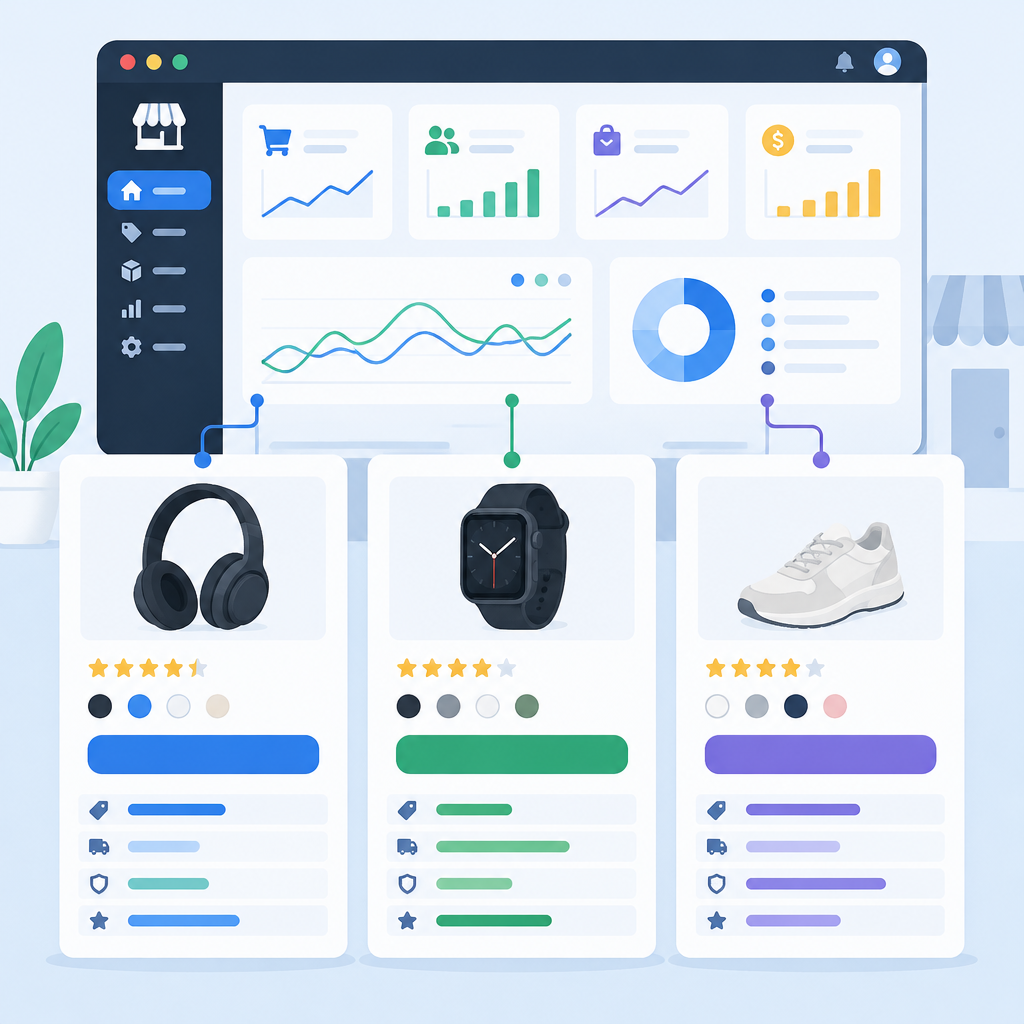
Illustration of three product cards connected to an ecommerce dashboard; not an Amazon interface screenshot.