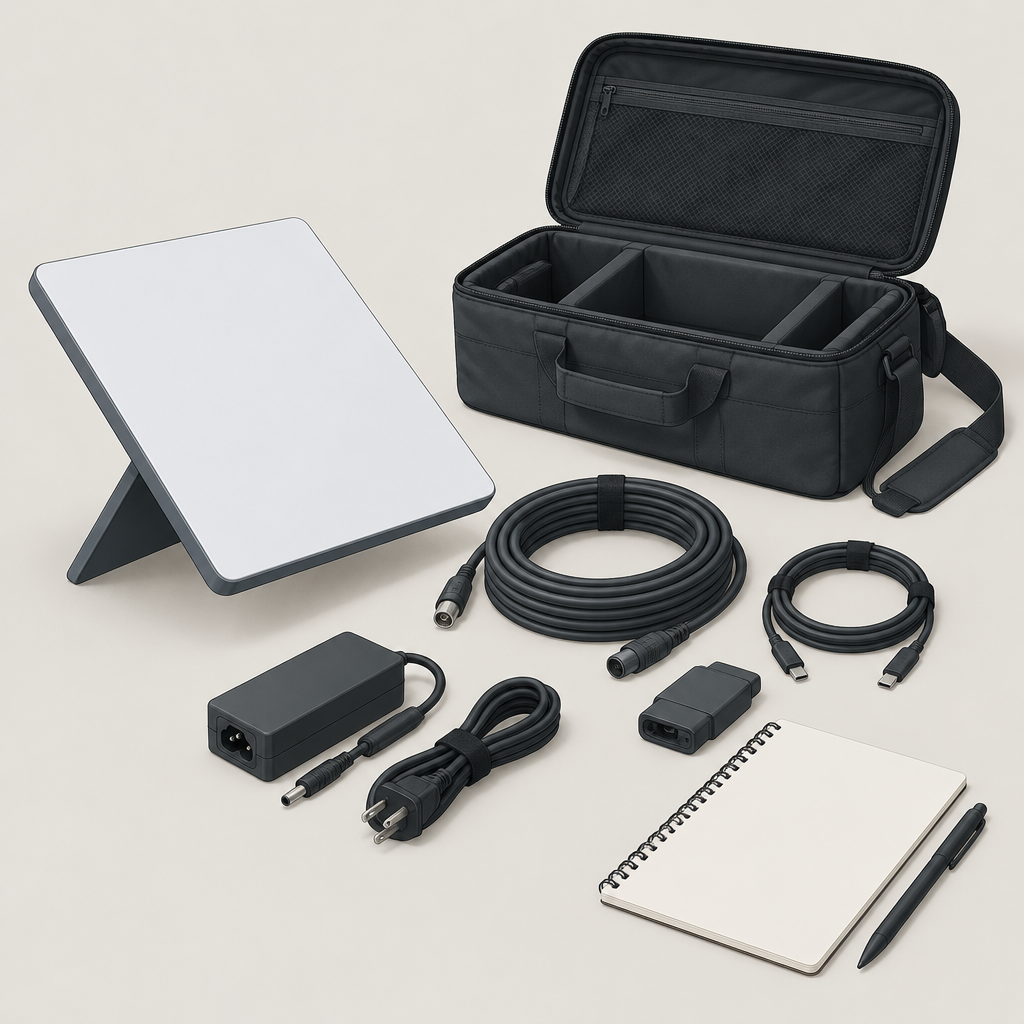
WaterField Designs announced the Starlink Mini Go Case on November 3, 2026. A useful detail is its power-cord pass-through: the company describes using the Starlink Mini outside the case while leaving its power supply and cables packed inside. That distinction matters when planning a portable workspace.
WaterField’s November 3 company-issued announcement
Two compartments serve different tasks
The release describes a padded compartment for transporting the Mini and a separate area for accessories. Stretch mesh pockets accommodate different combinations of power, mounting and networking equipment. The routed opening connects the packed accessories to the device outside the case; it is not a description of the Mini operating enclosed in its carrying compartment.
WaterField lists a $229 launch price and compatibility with the Mini with or without Starlink’s Travel Kit bumper and sleeve. These are manufacturer specifications. They do not establish that an individual buyer’s complete accessory collection fits together or that a particular destination has stock.
Read the design background in context
In its earlier design update, WaterField reported concerns from its own tests about heat and signal effects when using a Mini inside a case. It described developing an outside-the-case arrangement. That page still discusses prototype field testing, so use it as design background rather than a current shipping-status notice.
WaterField’s earlier design update
No thermal measurements, connection speeds or protective performance were independently tested for this article. The practical question here is how to organize a carrying kit and understand the arrangement the manufacturer describes.
Make a carry-and-setup checklist
- Carry: list the Mini and the exact accessories you plan to transport.
- Locate: note which items belong in the device compartment and accessory area.
- Deploy: identify what must come out before the planned workspace is ready.
- Connect: record the intended cable path and check it against the equipment instructions.
- Repack: include a check that the items needed for the next session are accounted for.
This checklist is an original planning exercise, not an official WaterField procedure. A packing photograph can help another person see what the list means. Keep the exact accessory names beside it rather than assuming that every battery, router or mount has the same shape.
Try a fictional remote-work session
Imagine a freelancer moving between home and a temporary workspace with a Mini, power equipment and an Ethernet cable. The bag may organize those items for the journey, but arriving with a packed kit is only one stage. The freelancer still needs to set out the device and follow the relevant equipment and service instructions.
Before buying a case, the freelancer can ask the supplier about the proposed accessory combination and request a layout demonstration. Record what was shown and what remains unconfirmed. This invented example does not verify reception, power compatibility, service eligibility or a working installation.
Treat the case as one part of the workspace plan. Confirm the equipment you own, the arrangement you need and the items you will unpack, then compare those requirements with the documented design. No purchase, delivery, device setup or live Starlink connection was tested for this guide.