Routeware Pulse: Check the Refresh Before Comparing Skipped Stops
Routeware’s November 9, 2026 launch puts a sharper spotlight on how waste and recycling teams read operational data. The company says Pulse Insights dashboards refresh daily from connected applications, while Pulse Intelligence answers questions about operational data in plain language. That is useful for supervisors who need quick visibility, but fast answers do not automatically prove the underlying records are current at the exact moment you are checking them.
That distinction matters when teams compare skipped-stop counts, missed-service exceptions, or route completion summaries. A dashboard that updates once per day can be accurate for its refresh window and still lag behind a live dispatch record. Likewise, a natural-language answer can reflect the same data source as the dashboard without telling you when that source last refreshed or whether the operational cutoff matches your local workflow.
Routeware’s related material on waste management analytics makes the broader point: analytics are most useful when teams know what they are tracking, how the data is defined, and what operational decisions the numbers support. In practice, that means asking not only what the count is, but also what time range it covers, which statuses are included, and which records are excluded by policy.
Do not mix up product timing
Routeware launched Pulse on November 9. Its announcement separately describes WorkflowsAI as planned for early adopters in early 2027.
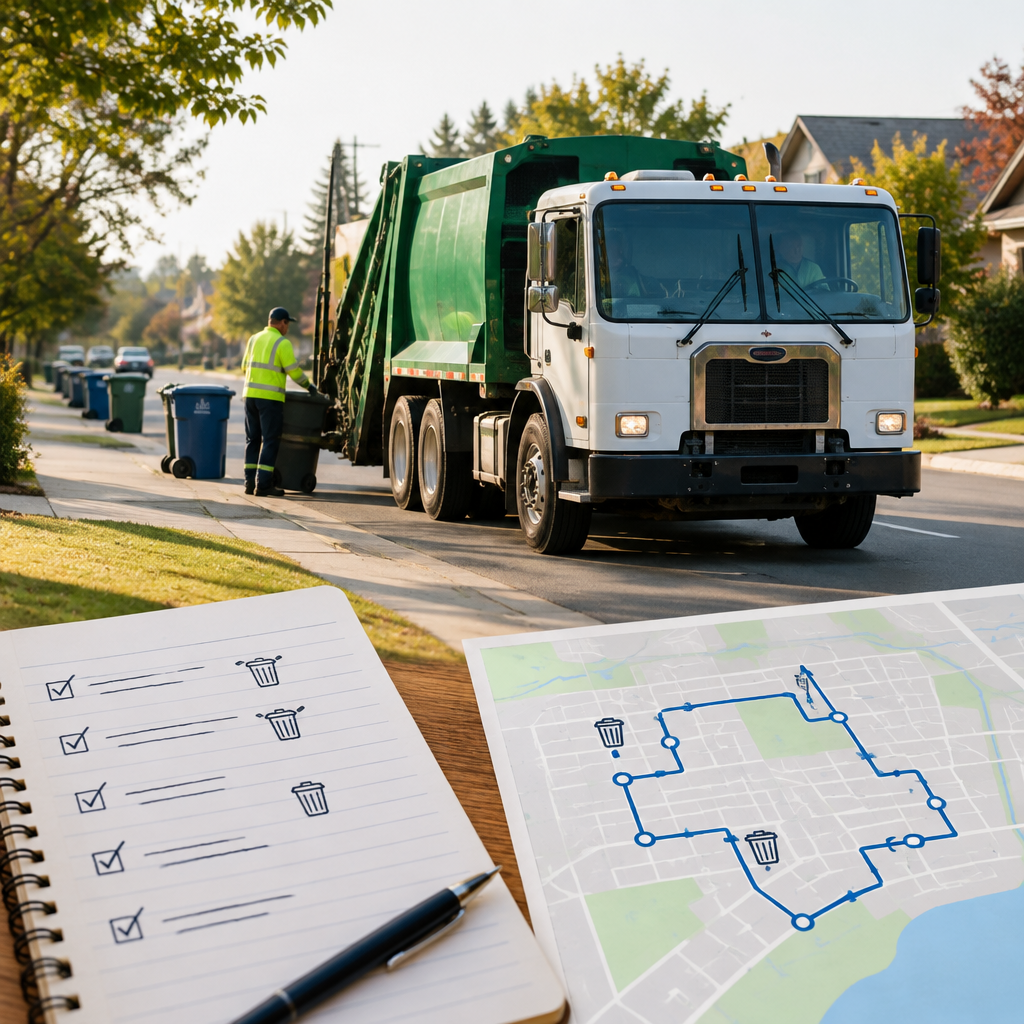
For operations teams, the safer approach is a small validation test in authorized sample data or demo data. Pick one completed route and one service day. Write down the service date, the timezone used for reporting, the exact definition of a skipped stop, and the last available refresh time. Then compare the dashboard view and any plain-language answer against the authorized dispatch record for the same route and day.
If your policy treats rescheduled stops, duplicate entries, or late status changes separately, keep them separate during the check. A stop that was later completed may not belong in the same bucket as a true skip. If the dashboard filters differ from the dispatch record, or if the cutoff time is not the same, pause the comparison until those rules are aligned. Otherwise, you may be measuring two different versions of the work.
That kind of disciplined review is not a criticism of the platform. It is a basic data-quality step that helps supervisors, dispatchers, and back-office users interpret what they are seeing before they act on it. In municipal operations, the question is rarely whether a tool can answer quickly. The more important question is whether the answer reflects the same operational definition you use on the street and in the office.
If the dashboard, the answer and the dispatch record disagree, log the discrepancy and check the refresh time and filters before treating the count as final.