How to Post on Social Media Using AI Voice Commands (2026 Guide)
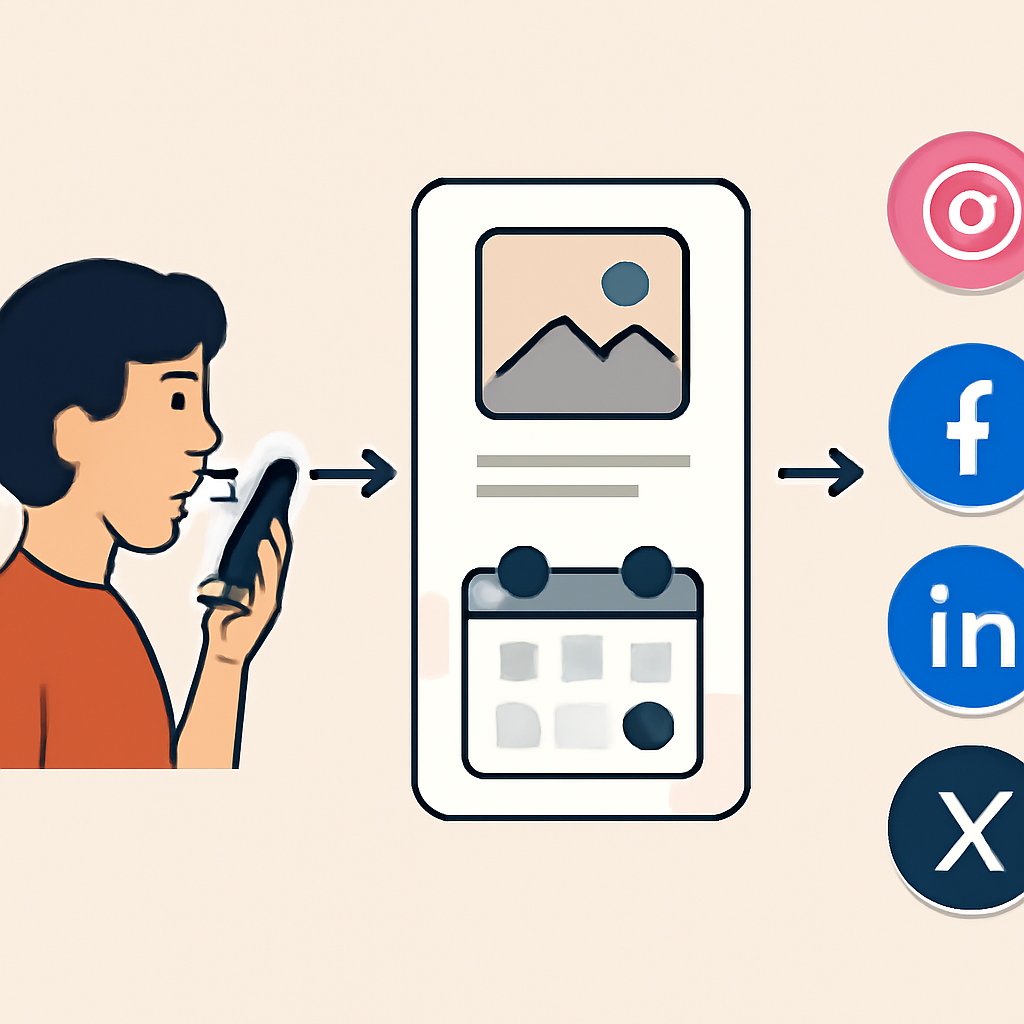
Short answer: yes, you can use your voice to speed up social posting, but the real workflow is usually a chain of separate steps. Voice capture turns your idea into text, AI can help rewrite that text, and a scheduler or the platform itself handles publishing when support exists. This page now avoids pretending that a text description is a working microphone or click-through app flow.
What this page really supports
Studio can present readable guides, a genuine quiz, comparison content, and source links. It cannot magically create a live microphone capture tool inside article text blocks unless the platform itself provides that component. So this article keeps the mobile-friendly flow, but it labels limitations clearly and does not claim unsupported mic capture is active here.
- You can read the workflow on mobile in a compact, scan-friendly format.
- You can use the built-in quiz to test the basics.
- You can compare platforms and tools without guessing what each step does.
- You should treat any voice-to-post demo as explanatory unless the platform provides a real interactive component.
Fast answer: the safest voice-to-post workflow
- Speak a short idea into your phone or dictation tool.
- Convert it to text using speech-to-text.
- Ask an AI writer to adapt it for the target platform.
- Review facts, names, tone, links, and hashtags.
- Publish manually or schedule through a tool that actually supports that platform and account type.
That is the practical version. There is no universal one-button system for every network, every account, and every permission setup. The exact result depends on the platform, the connected app, and whether direct publishing is allowed.
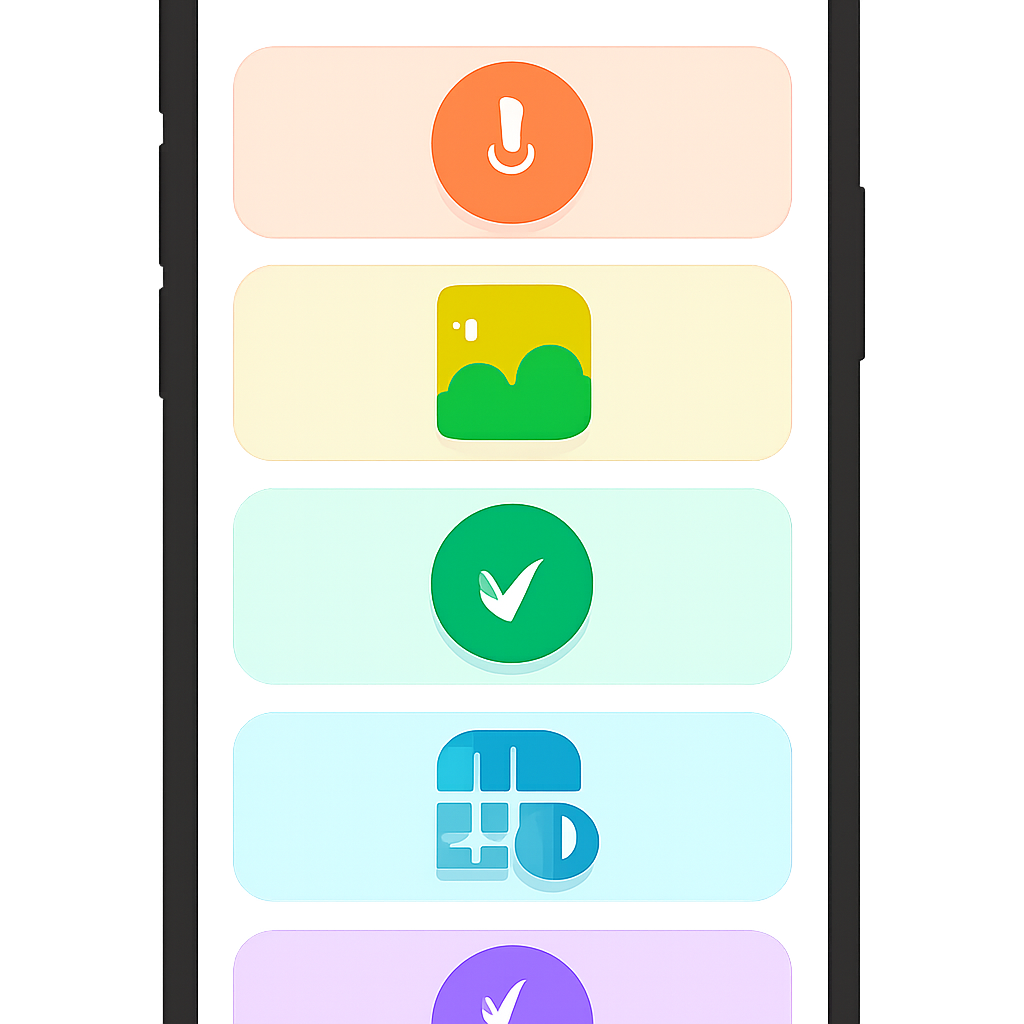
Mobile-first visual flow
- Voice note
- Transcript
- Draft
- Review
- Schedule or publish
Use this as a mental model, not as a promise of automatic execution. The value is speed and clarity, especially on a phone where typing long posts is slower and easier to overthink.
Tool selection quiz: which setup fits your goal?
Choose the best tool path by matching your main need to the right category. This is useful when you want a quick setup instead of trying every app.
- Need quick rewriting from spoken notes? Use an AI writing assistant.
- Need planning, approvals, and queueing? Use a social scheduler.
- Need to connect one app to another? Use an automation tool.
- Need simple posting with minimal setup? Use the platform's own composer when available.
- Need brand safety? Add a human review step before publishing.
Platform comparison: what each step actually does
This comparison separates capture, drafting, scheduling, and publishing so the terms do not get mixed together.
- Speech-to-text: converts spoken words into readable text. It does not publish anything by itself.
- AI drafting: rewrites, shortens, expands, or adapts the message for the platform.
- Scheduling: saves the post for later delivery at a chosen time.
- Direct publishing: posts live only when the tool, permissions, and account type support it.
- Manual publishing: the safest fallback when support is unclear.
How major platforms usually fit into this workflow
- Instagram: strong for visual posts and captions; direct publishing and scheduling depend on the connected tool and account setup.
- Facebook: commonly works well with page publishing and scheduling, but permissions still matter.
- LinkedIn: useful for professional updates; review matters because tone and accuracy carry more weight.
- X: good for short, fast updates; character limits make concise drafting especially helpful.
- Browser voice demo: useful for understanding transcription, but it is not a publishing tool by itself.
Direct answers to common questions
Can AI voice commands post directly to social media? Sometimes, but only through tools and permissions that actually support publishing. A voice demo alone does not publish anything.
Is speech-to-text the same as AI writing? No. Speech-to-text converts audio into text. AI writing improves or adapts that text.
Can I use this on a phone? Yes. In many cases, mobile is the fastest place to capture the idea and make a quick draft.
Will it work for every Instagram or Facebook account? No. Account type, permissions, and platform support vary.
Should I skip review and fully automate posts? No. Human review is strongly recommended for brand safety and accuracy.
Voice prompt examples you can reuse
- Draft a LinkedIn post from this idea: our team reduced support response time this month. Keep it professional and concise.
- Turn this into an Instagram caption with a friendly tone and three short bullet points.
- Rewrite this for X in under 280 characters. Keep it clear and direct.
- Create a Facebook post from this voice note and add a call to action at the end.
- Give me three versions: formal, conversational, and promotional.
What to label in a draft preview
- Local draft preview
- Transcribed text only
- Manual input fallback
- Not posted anywhere
- Review before publishing
These labels keep the experience honest. They also help readers understand that a preview is not the same as a live post or a connected automation workflow.
Official or useful source links
Check the current help pages before choosing a workflow. Platform support changes, and publishing rules can differ by account type and tool.
Quiz: Voice-to-Publish Basics
Use this quiz to check whether the workflow makes sense. It is a real Studio quiz component, not a pretend interaction inside prose.
- What converts spoken words to text?
- Can every AI assistant publish to all social platforms directly?
- What should happen before publishing?
- What schedules posts?
- What determines automatic publishing support?