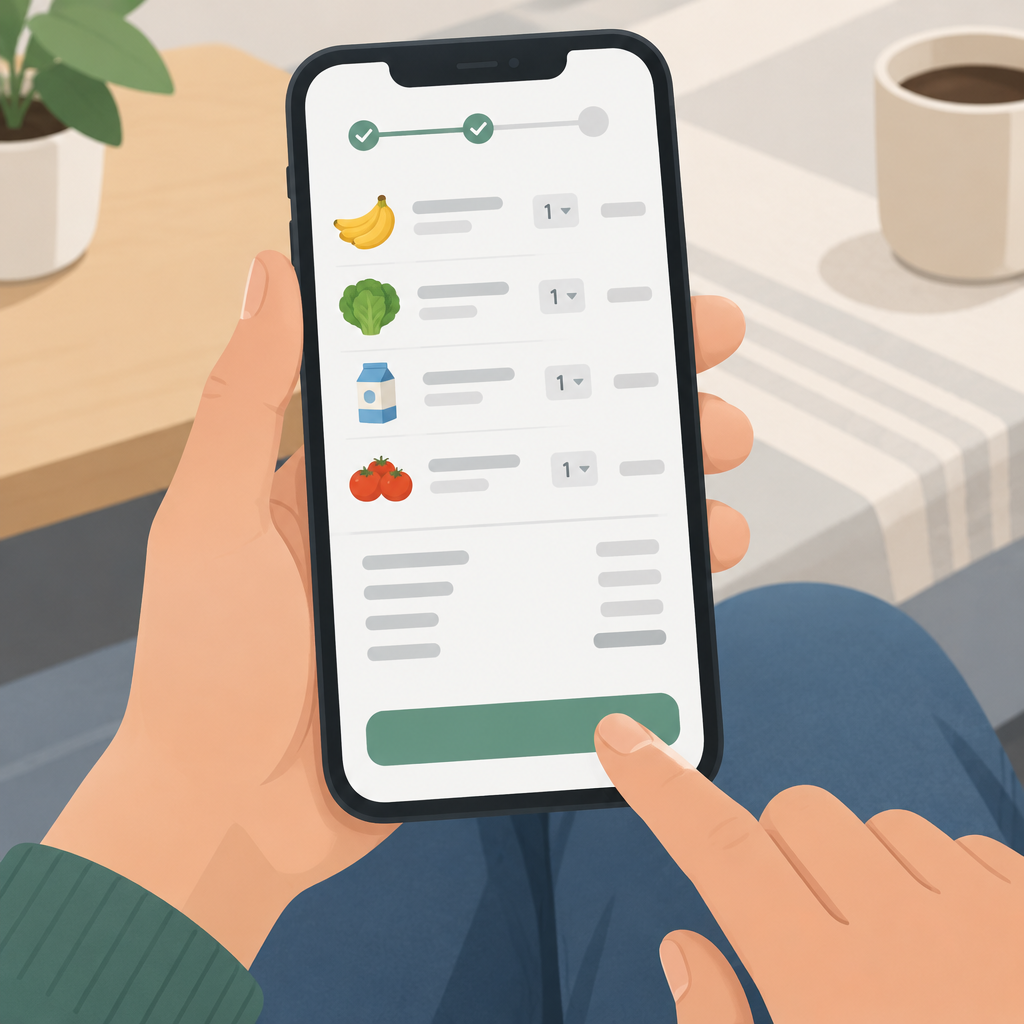
Start with the cart, then check the total
Gopuff announced its Grok Bot connector on November 11, 2026. According to Gopuff, shoppers can link their Gopuff account, browse available products, review a cart and approve checkout inside the conversation. The useful check is what happens between the request and approval: did the cart capture the item, pack size and count you meant?
If the connector is available to you, start with a short list and ask to review the cart. The example below uses made-up items and prices. You can follow the checklist without submitting an order.
Check each line before reviewing the total
- Compare the product name and package size with the request.
- Check whether the count refers to individual items or multipacks.
- Review the latest total and check which fees, taxes or discounts are shown.
- Check the delivery estimate and address shown before deciding whether to proceed.
Fictional cart review example
- Requested: two individual 12 fl oz cans of sparkling water. Fictional cart: two six-packs of 12 fl oz cans. The size matches; the count does not.
- Requested: one 20 oz loaf of whole grain bread. Fictional cart: one 20 oz loaf. Both size and count match.
- After correcting the water line, the fictional item subtotal is $12.50. A $2.99 delivery fee and $1.21 tax bring the example total to $16.70. These figures are made up, not Gopuff prices.
After correcting one line, review the refreshed cart from top to bottom. Check that the correction did not create a second line for the same item, and compare the latest total and delivery estimate with the earlier version. Treat the estimate as a planning aid, since timing and availability can depend on the delivery location.
Why this matters for ecommerce operations
For ecommerce teams, the multipack example is a simple acceptance test. A cart that displays quantity two can still contain twelve cans. Show the package and unit counts separately, and make it easy to see which line changed and why the total moved. Keep the order approval step clearly separate from cart edits.
Gopuff says the connector draws on the inventory, pricing, promotions and delivery windows used by its own app. That describes where the data comes from; it does not guarantee the same selection or timing for every address. If any line or charge is unclear, stop at cart review.
Sources