Google Workspace MCP: Check Which OAuth Client Your Agent Uses
Google’s release notes say Workspace MCP servers began rejecting requests from unmarked OAuth clients on November 11, 2026. Clients left unmarked by November 12 remain non-agentic. To use MCP with a replacement, create an OAuth client marked as agentic and update the app to use it. Non-agent integrations that only use Workspace REST APIs are unaffected.
Why the client inventory matters
A Gmail integration might use MCP for an agent and the Gmail REST API for a scheduled report. The useful first step is to identify the OAuth client each path actually uses. An app name alone won’t tell you whether the two paths share a client.
The safest approach is to inventory the OAuth client for each path before changing anything. Confirm the client used by the agentic Gmail MCP flow, and confirm the client used by the REST reporting task. If the REST-only path is not agentic, leave that non-agent client alone. Then have an authorized project owner review the separate agent client in Google Auth Platform > Clients so the marked MCP client can be approved intentionally rather than inherited by accident.
A hypothetical Gmail split
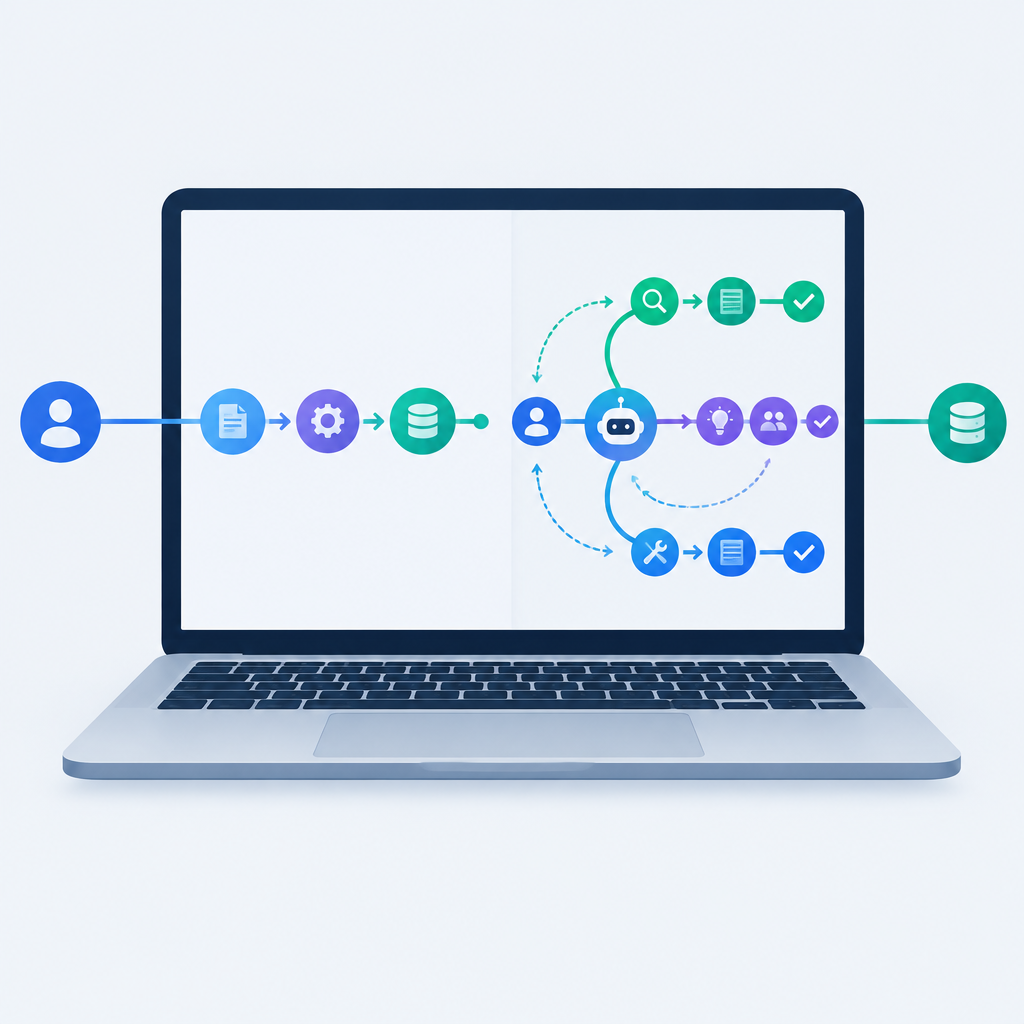
Imagine a team that built one Gmail app with two connection paths. The reporting task uses a long-standing OAuth client that only calls REST endpoints. The agentic path, however, connects through Gmail MCP and now needs a client marked as agentic. If both paths still point to the same unmarked client, separate them rather than changing the REST-only flow.
If both paths share a client, Google recommends keeping that client for the non-agent feature and creating a separate one for the agent. Have the authorized project owner review the option “Use this client for an AI-powered agent” in Google Auth Platform > Clients. Route only the MCP path to the approved agent client.
Review, then compare one authorized read-only check
After approved changes, compare the two paths with one authorized read-only test on each side. Use the agent path to verify MCP access and the REST path to verify reporting access, but do not expand scopes, bypass approvals, or add secrets for convenience. The goal is to confirm that each path is still bound to the correct client and still authorized for only the intended access.
Google also notes that MCP preview availability varies by service, so the exact rollout may differ depending on which Workspace product you are using. Before planning a migration, check the official release notes and configuration guide for the current service-specific status and the recommended setup.
- Check which OAuth client the MCP path uses.
- Check which OAuth client the REST-only path uses.
- Leave the non-agent client unchanged if it is truly REST-only.
- Have an authorized project owner review the separate agent client in Google Auth Platform > Clients.
- Use one authorized read-only check per path after approved changes.
Sources
Google Workspace release notes
Configure MCP servers for Google Workspace