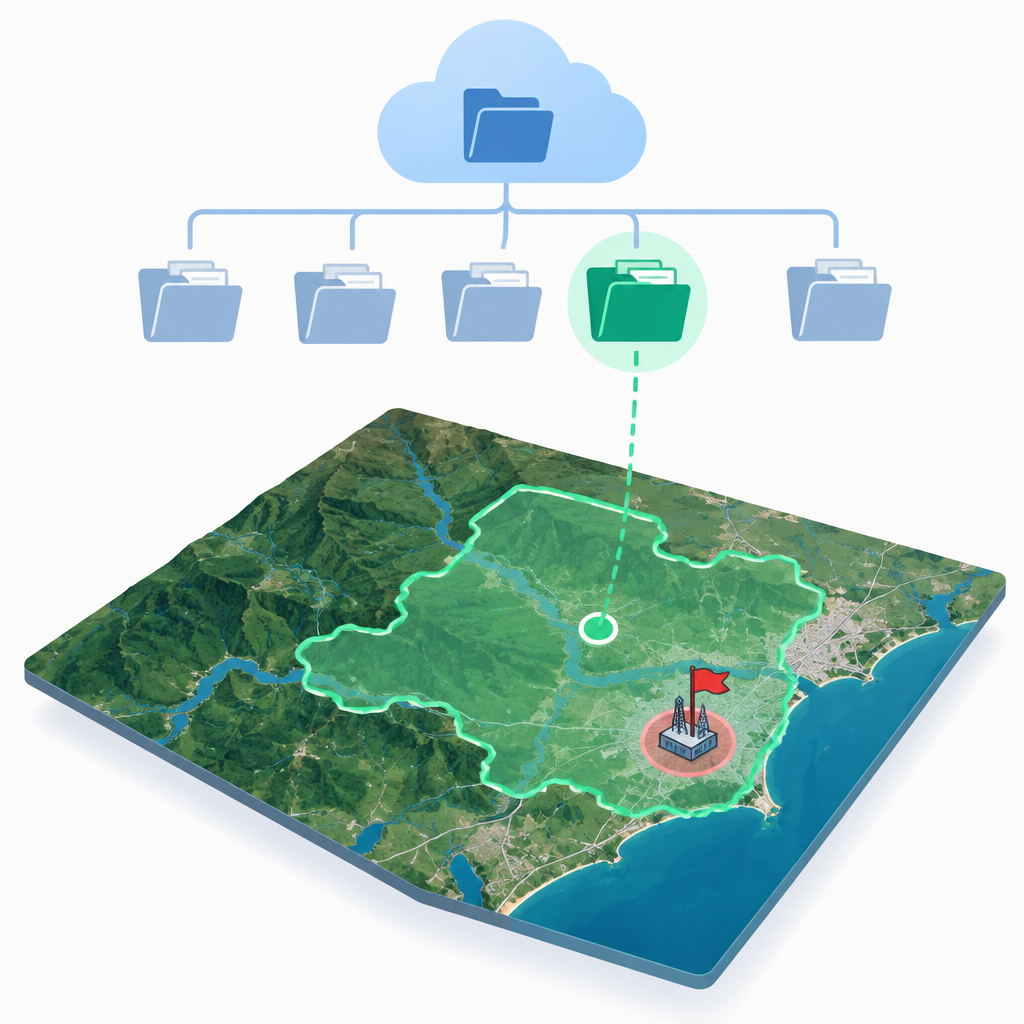
Start with one proposed restriction
On November 16, 2026, Google Cloud announced an updated Data Boundary experience. It describes a monitor mode that lets teams look for violations on existing workloads before turning on enforcement. A finding gives you something to investigate: which resource triggered the control, and was that resource supposed to be in scope?
Start with one approved test project that contains only synthetic data. Confirm that the framework covers the service you want to review and that you are in monitor mode. For a hypothetical example, consider a location restriction that would allow resources only in a set of regions your team has chosen. The dry run flags a test resource outside that set.
Look up the flagged resource in your inventory without changing it. Check its project, region, and owner. Record the control, what the inventory showed, and when the finding was observed. If the location still differs from the proposed restriction, ask the owner whether the resource is a dependency, needs an exception review, or was included in the wrong scope.
An empty report tells you only that no findings were surfaced in the scope and period you reviewed. It does not establish workload compliance, and monitor mode does not enforce the control. Take the verified finding and any unanswered questions to a separate change review before enabling enforcement.
Sources
Google Cloud blog: Inside the new data boundary experience
Assured Workloads product page
Framework reference documentation