Opus IVS is showing DriveSafe NXT at SEMA 2026 in Las Vegas, November 3–6. Its product page describes a 13-inch collision scan tool with access to asTech Remote Services through asTech Connect. For a shop comparing tools, a useful demonstration starts with one question: can the right person find the report and attach it to the right job?
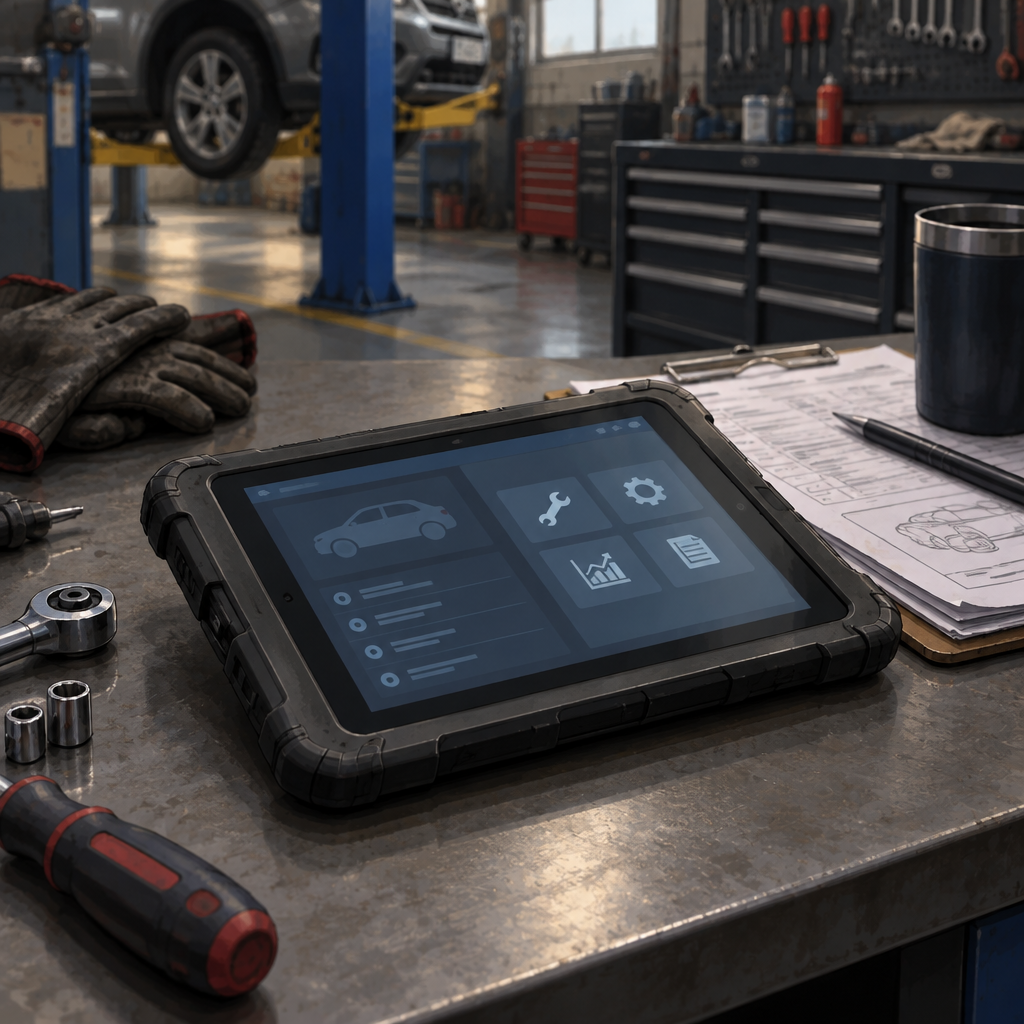
DriveSafe NXT product and workflow details
Follow a request beyond the tablet
Opus IVS says technicians can request remote services and retrieve reports on the device. It also describes invoice and report syncing through a CCC integration. Ask the demonstrator to show both steps separately. A report displayed on the tablet does not, by itself, establish that it reached your shop system or that your current account can use the integration.
Use a fictional demo job rather than a customer record. Ask the presenter to identify the request, show where its status appears and retrieve the resulting report. Then check whether someone working from the shop’s job record can find that same report and recognize which request produced it. If the integration is unavailable in the demo, note that as an unverified step.
Separate access from the purchase terms
Ask the supplier to itemize the device, software access and remote services in writing. Record which functions are included for the proposed account, which carry separate charges, and what service hours or coverage apply. The showcase and product pages describe features; they do not establish the terms for a particular shop.
A useful comparison sheet has three rows: submit the request, retrieve the report, and match it to the job. For each row, record who owns the step and what the demo actually showed. That gives the buying team evidence it can compare across tools without assuming a faster scan, a successful repair or lower costs. No device or shop integration was tested for this article.