A faster connection does not automatically mean a larger data bill. For an audio-only AI conversation, the useful question is how much your app transfers and how your phone behaves during that session. Data consumption, battery drain and responsiveness are separate measurements.
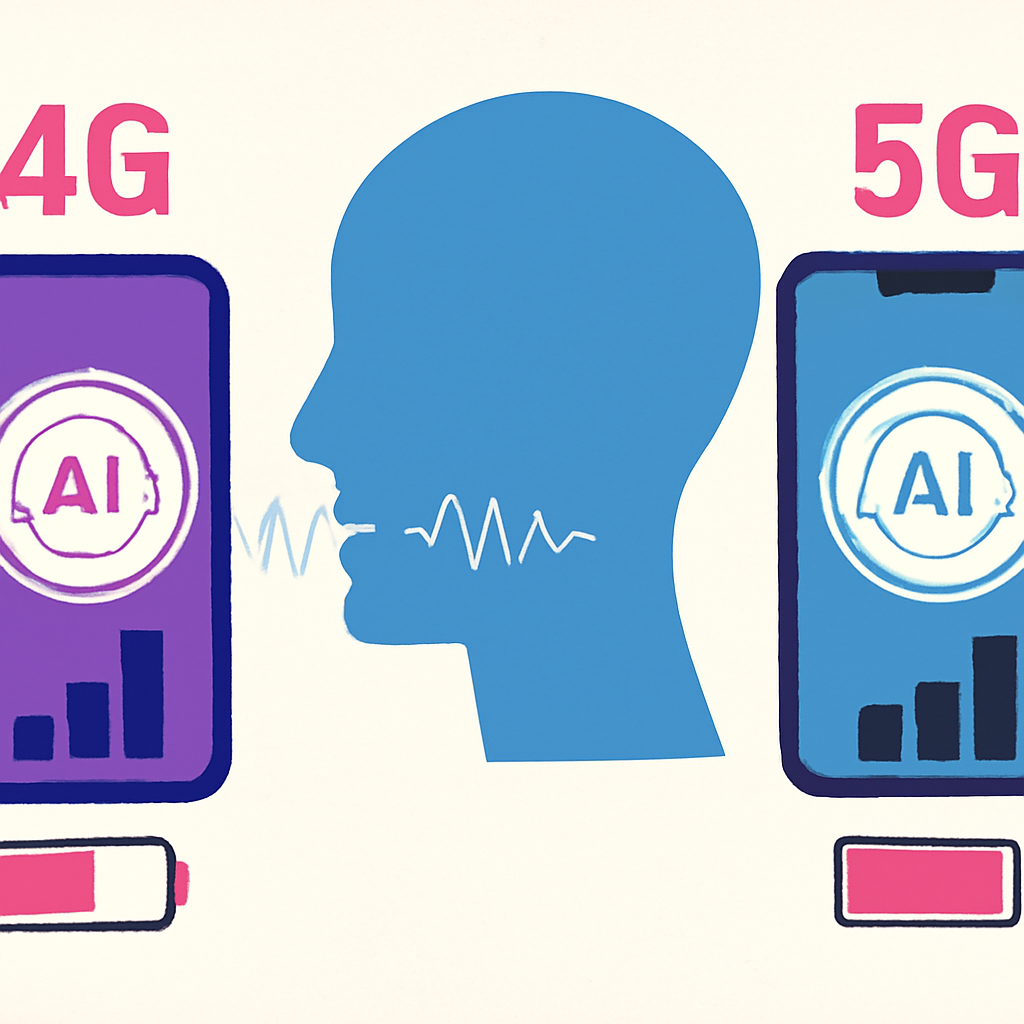
We have not run a controlled 4G-versus-5G benchmark for this article. The method below helps you measure your own phone; no measured results are claimed.
What actually changes between 4G and 5G?
Think of three separate meters: bytes, battery and conversation quality. Bytes measure information transferred. Battery reflects the phone's total energy use. Conversation quality includes interruptions and response delays. Holding the transferred content constant, sending it faster does not inherently multiply its size. However, an app can change quality or features, and the operating system may permit extra background activity. An audio-only session also differs from one that shares a camera feed.
Apple documents this distinction in its iPhone 5G settings. The "Allow More Data on 5G" option can enable higher-data app experiences and system tasks. That setting is not proof that every AI voice app will transfer more data.
Why battery needs its own measurement
A weak signal, display brightness, speaker volume, Bluetooth accessories, background downloads and a warm phone can influence the result. You cannot attribute the whole battery change to the radio connection alone.
On supported iPhones, Apple says 5G Auto can switch to LTE when 5G offers no noticeable benefit, while 5G On may reduce battery life. Those are device-specific settings, not evidence that 4G always wins. Automatic switching also makes a casual 5G test harder to interpret.
A fair 30-minute comparison
Use your own device and a neutral conversation, such as discussing a fictional holiday itinerary. No personal messages or other people's information are needed.
- Prepare the phone. Finish app updates beforehand. Choose the same location and carrier, turn off Wi-Fi and hotspot sharing, and keep brightness and audio output unchanged. Start each run at a comparable battery level and temperature, with the charger disconnected.
- Keep the app consistent. Record its name and version. Use audio only, with camera and screen sharing disabled. Keep roughly the same balance of speaking and listening.
- Record the starting counters. Write down the app's cellular-data total and the phone's battery percentage.
- Run the conversation for 30 minutes. Note signal changes, interruptions, extra features and noticeable warming.
- Record the ending counters. Use the same settings page and units. If the phone refreshes statistics slowly, allow the reading to settle.
- Repeat under the other network mode. Where available, compare LTE-only with the chosen 5G setting. Do not change carrier or location at the same time.
- Complete at least three runs per mode, alternating their order and letting the phone cool between sessions.
Where to find the numbers
On Android, settings differ by manufacturer and software version. Search Settings for app data usage or mobile data usage and select the AI app. Google's Pixel data guide explains device counters and notes that carrier accounting can differ.
Samsung also documents Galaxy data-usage controls, though menu names may vary by model and software version.
On iPhone, open Settings, then Cellular or Mobile Data, and locate the app's usage. This can be a cumulative counter, so record the difference between readings rather than treating the displayed total as one conversation.
Read whole-phone battery percentage from the status display or Control Center. Battery settings provide context about app activity, but an app’s share of battery usage is not the same as the phone’s percentage-point drop. If the percentage does not visibly change during a short run, that does not mean the app used no energy.
Record the exact network preference you selected. Automatic switching can prevent a strict comparison between radio modes, and a status-bar icon does not prove that one mode remained active throughout the call. If the phone cannot hold a mode, label the observations as a comparison of network preferences rather than isolated 4G and 5G benchmarks.
Calculate without inventing precision
Session data = ending app-data counter minus starting app-data counter. Data per minute = session data divided by session duration. Battery percentage points used = starting battery percentage minus ending battery percentage. Keep the data units consistent. Battery percentage is a coarse gauge, not a laboratory energy meter. Avoid converting these observations into precise milliamp-hour claims.
Network preference: LTE-only / selected 5G mode Planned duration: 30 minutes App data used: Not measured Battery percentage-point drop: Not measured Signal, temperature and interruptions: Not measured
How to interpret the result
Compare the median and range of repeated runs, alongside interruptions. If the results overlap substantially, there may be no useful difference in your conditions. A small apparent battery advantage is less useful if conversations repeatedly disconnect.
If data usage seems unexpectedly high, check for camera sharing, background downloads or a cumulative-counter mistake. If battery drain rises, compare screen brightness, signal and temperature before blaming 5G. These observations describe your phone, app, carrier and test conditions. They should not be presented as a universal benchmark.
Quick answers
- Does 5G automatically use more AI voice data? No fixed multiplier follows from network speed alone; app behavior and enabled features matter.
- Which mode should I use? Choose the connection that reliably supports your conversation, then compare actual usage if data or battery is a concern.
- What is the most useful takeaway? Measure bytes, battery and interruptions separately. A faster network label cannot answer all three questions.
Sources and testing notes
This article offers a practical measurement method, not measured findings. Manufacturer documentation supports the device-setting explanations below. App behavior, carrier coverage and software versions can change; record those details alongside your observations.
Apple: Use 5G with your iPhone