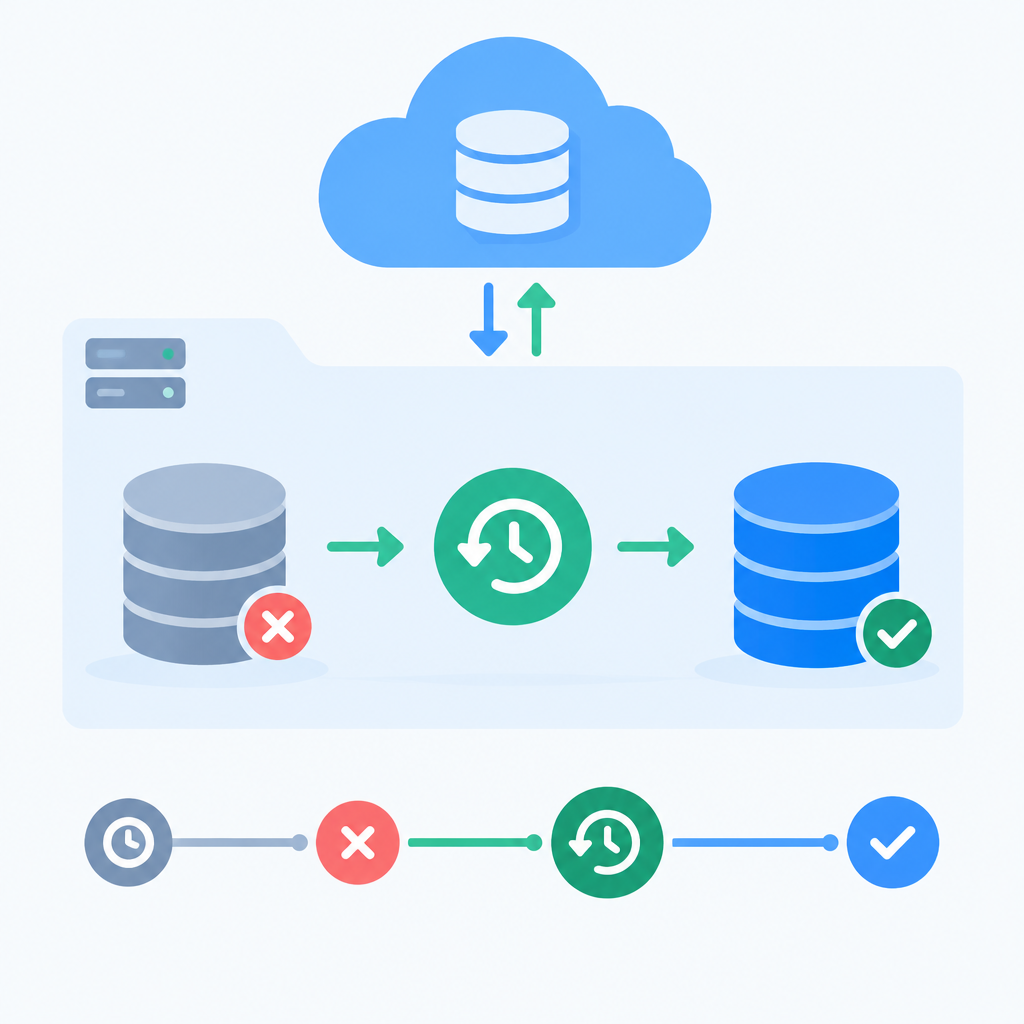
CoreWeave announced general availability of its managed PostgreSQL service on November 11, 2026. The September 30 documentation still describes limited access and per-cluster enablement. Before scheduling a rehearsal, confirm that CoreWeave Database is enabled for your target CoreWeave Kubernetes Service (CKS) cluster and that your team can create and query an isolated restore target.
Use a staging-only point-in-time restore
Use a staging source database with synthetic data and restore into a separate database. Keep the restored copy disconnected from production applications. Pick a recovery time within the source database’s backup retention window.
Commit a marker row named A in the staging source. Record a UTC recovery timestamp after A has committed, then commit marker B later. Confirm that both rows are visible in the source before requesting the restore. Query the restored copy: A should be present and B should be absent. Time the interval from submitting the restore request to the first successful query that checks both markers.
What to confirm before the test
- CoreWeave Database is enabled for the target CKS cluster.
- You have a staging environment and a separate restore target.
- Record the selected UTC timestamp and check that it falls between the two commits.
- Record the restore target and marker results. If both markers appear, or neither does, check the chosen timestamp and target before marking the drill as passed.
Why this matters
A passing rehearsal confirms one recovery point and one path to a queryable database. It does not establish how long a larger restore or an application cutover will take.
Sources
CoreWeave Database documentation